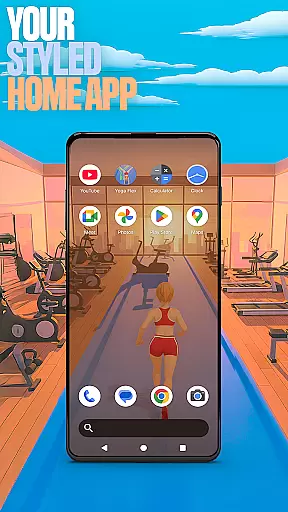

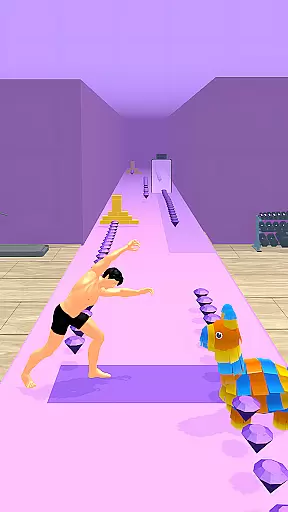
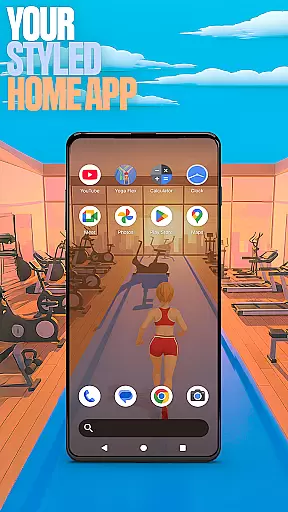

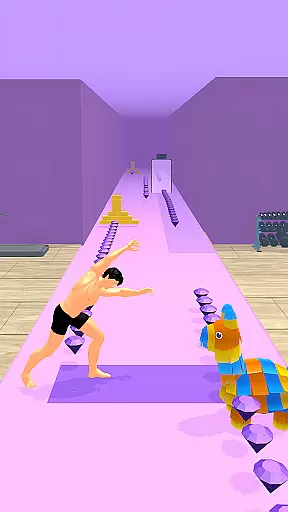
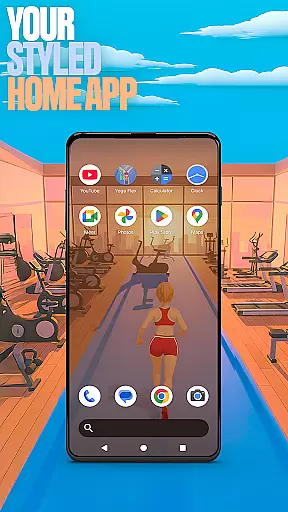

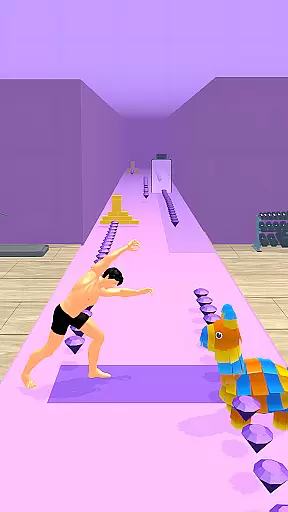
Yoga Flex Home App is a dynamic personalization tool designed to transform your smartphone's home screen into a personalized hub. This app allows users to customize their device interface with unique game-style wallpapers inspired by the Yoga Flex game, intuitive gestures for navigation, and custom icon shapes that add a touch of individuality.
Beyond aesthetics, the app offers practical features such as the ability to hide private apps and adjust accent colors to create a truly bespoke experience. Whether you're looking to enhance your daily workflow or simply want a more engaging interface, Yoga Flex Home App provides the tools to make your device truly yours.
By selecting this app as your default launcher, you can enjoy a fresh and exciting user experience every time you unlock your phone. The flexibility to revert to your previous setup ensures you can experiment with confidence, knowing your original configuration is just a few taps away.
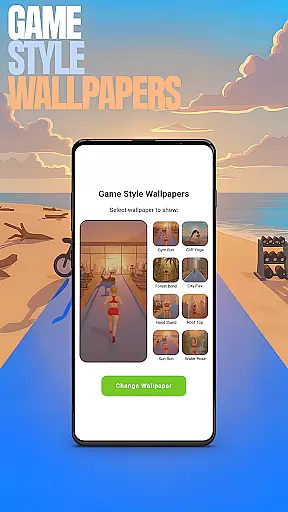
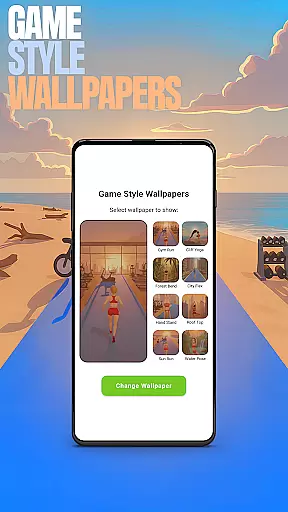
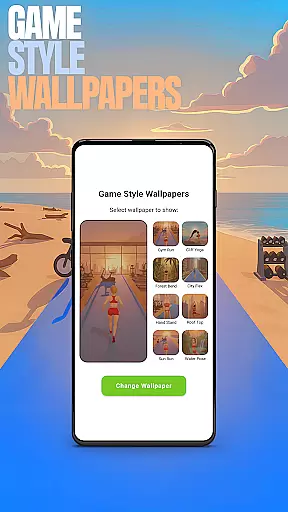
One of the standout features of Yoga Flex Home App is its Game Style Wallpapers, which lets users apply vibrant, themed backgrounds to their home screens. This feature not only enhances visual appeal but also ties in with the app's integrated game, creating a cohesive digital environment.
The Custom Gestures functionality streamlines device interaction by allowing users to define specific swipe or tap actions that trigger predefined outcomes, such as opening apps or accessing settings. This customization extends to the ability to hide apps, giving users control over their privacy and screen real estate.
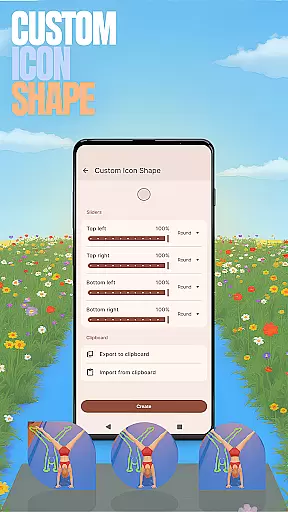
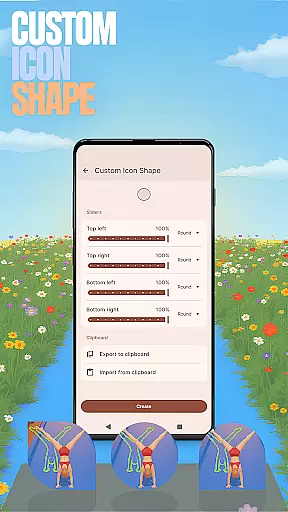
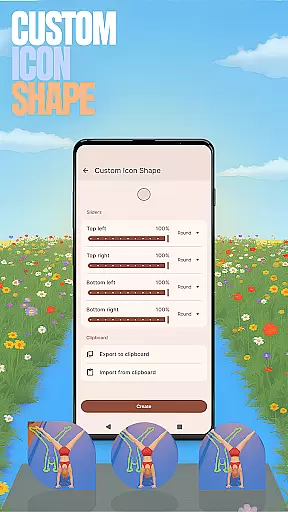
Additionally, the Custom Icon Shape and Accent Color options enable further personalization, letting users tweak the appearance of their icons and color schemes. These features collectively ensure that each user's home screen is not only functional but also a reflection of their personal style and preferences.
Customization is at the heart of the Yoga Flex Home App, offering users a wide array of options to tailor their device's interface. With features like Game Style Wallpapers, Custom Icon Shapes, and Accent Color settings, personalizing your home screen becomes an engaging experience. These elements allow you to express individuality while enhancing usability through creative design.
The app provides intuitive controls for modifying your home screen aesthetics. By simply long-pressing on an empty area, users can access various customization features. Whether itu2019s selecting unique wallpapers inspired by yoga poses or choosing from different icon shapes, each option is crafted to give a distinct look and feel that resonates with personal preferences.
Moreover, the ability to create custom gestures adds another layer of personal touch. You can set up swipes or taps that correspond to specific actions, such as opening apps or accessing settings quickly. This not only streamlines navigation but also makes daily interactions more efficient and enjoyable, ensuring your device truly feels like yours.
Theme compatibility in the Yoga Flex Home App ensures that all personalized adjustments work seamlessly together. The app supports diverse themes which integrate smoothly with its features, maintaining visual consistency across the board. Users can switch between themes without worrying about losing their customized settings, providing both flexibility and peace of mind.
By allowing full control over accent colors and icon designs, the app guarantees that every theme aligns perfectly with user preferences. Presets are available for those who prefer ready-made styles, while advanced options let you craft a unique appearance. This versatility ensures that whether you opt for vibrant hues or subtle tones, your choices will always complement each other harmoniously.
Furthermore, when switching back to a previous launcher, the integrity of your original setup remains intact. This means you can experiment freely with new themes knowing that reverting to old ones won't disrupt your established configurations. Such reliability enhances user confidence in exploring different customization possibilities within the Yoga Flex Home App.
User-friendly interface
Highly customizable options
Unique game integration
Enhanced privacy controls
Vibrant thematic designs
Limited to Android devices
May overwhelm new users
Some features require setup
Potential performance issues
Default layout changes needed

Customizable Glass widgets. Over 360+ stunning widgets and more!
 4.70
4.70
Make your phone look simple & luxury, like iDevice
4.60
Gun Chase - Let the chase begin.
4.80
Shimeji adds cute animated characters to your screen, lively and fun.
4.70
Romantic Kiss Stickers App. Start romantic messaging now!
4.30
Customize your home screen with stunning themes, blur, widgets & icons.
4.60
Vibrant Adaptive Icons with Material You and Enhanced Monet Colors.
4.50
300+ Beautifully crafted widgets inspired by OneUI.
4.60
200+ Material Inspired Widgets
4.50
Nothing Icon pack with more than 3750+ highly crafted icons.
4.70
Glass style colourful icons with a One UI look and feel
4.60
Bring adorable pets to life on your screen. Playful, interactive and full of fun
4.60
Over 28,000 high quality icons to bring color & homogeneity to your phone.
4.60
Ninja Turtles Cowabunga SE watch face for Wear OS
4.50
Transform your phone with Launcher iOS 26 - Smooth & elegant iOS experience
4.50 4.50
4.50
Your home screen, just the way you like it.
4.30
Transform your phone with stunning video wallpapers and a unique, personal touch
3.80
Struggling to find apps? Use this app to locate and open any app on your phone!
2.20


User Reviews