
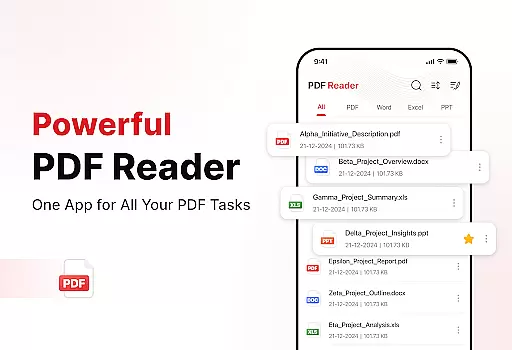
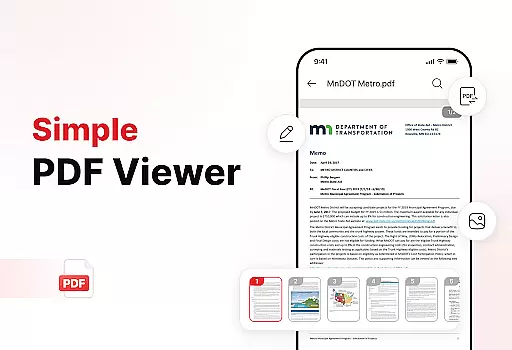
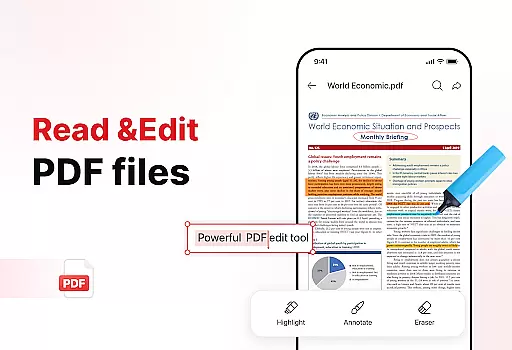
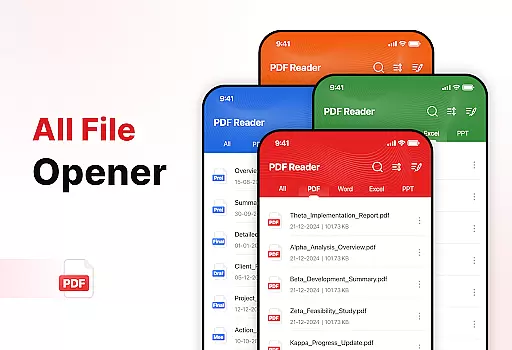
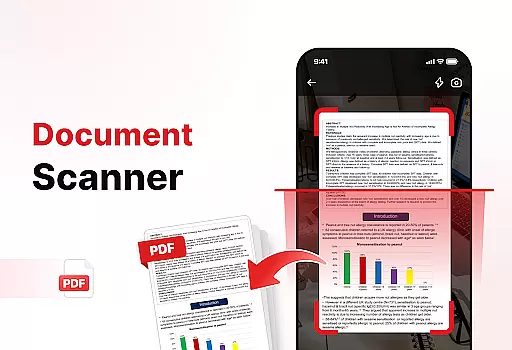
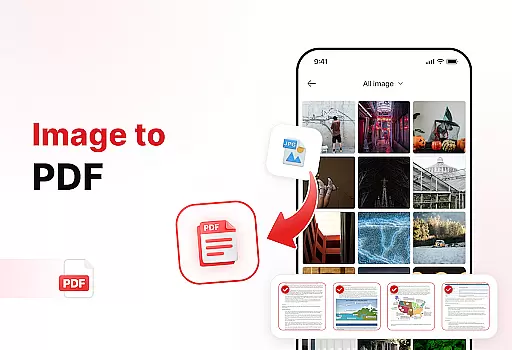
PDF Reader - Edit & View is a comprehensive document management solution designed to simplify how you handle, organize, and convert files. This productivity app offers versatile PDF reading capabilities, allowing users to open, read, and navigate through PDFs of any size with ease. The intuitive interface supports multiple file formats including XLS, DOCX, and PPT, making it an essential tool for students, professionals, and anyone who frequently works with documents.
In addition to its core reading functionality, the app features powerful document conversion tools. Users can scan physical documents and convert them into high-quality PDFs, or transform images and screenshots into professional PDF files. With advanced productivity tools like file sorting, bookmarking, and effortless sharing options, this app ensures your digital workspace remains organized and efficient. Whether you need to sign PDFs, search for specific files, or manage storage space, PDF Reader - Edit & View provides all necessary tools in one convenient package.
PDF Reader - Edit & View stands out with its extensive feature set tailored for maximum productivity. The app's versatile PDF reader allows seamless navigation through documents of any size, with smooth zooming capabilities and highlighting functions for important information. Its multi-format support extends beyond PDFs to include common document types like XLS, DOCX, and PPT, providing users with a unified solution for all their document handling needs.
The app's powerful document converter enables users to digitize physical documents through its document scanning feature, while the image-to-PDF function helps create professional-looking PDFs from various visual content. Productivity-enhancing features include advanced file sorting options, bookmark management for quick access, and integrated file search functionality. Users can also add electronic signatures to PDFs, making it ideal for business purposes. With its emphasis on both functionality and user experience, this app streamlines document management while maintaining an intuitive interface that saves users time and effort.
Task management is a critical aspect of productivity applications, and PDF Reader - Edit & View excels in this area. The app offers a comprehensive suite of tools designed to help users efficiently handle their document-related tasks.
The app allows users to organize files with advanced sorting options such as by name, date, or size. This feature ensures that users can maintain an orderly digital workspace, which is essential for quick access and efficient workflow.
Moreover, the inclusion of bookmarks and file search capabilities means users can swiftly locate and retrieve specific documents. This functionality not only saves time but also enhances the overall user experience by streamlining navigation through potentially vast document libraries.
By integrating these core task management features, PDF Reader - Edit & View empowers users to take control of their documents, making it an indispensable tool for anyone looking to boost their productivity.
In today's interconnected world, reliable cross-device synchronization is vital for maintaining workflow continuity. PDF Reader - Edit & View addresses this need by ensuring that users can seamlessly access their documents across multiple devices.
Whether you're switching from your phone to a tablet or desktop, the app provides consistent and up-to-date document availability. This means you can start editing a document on one device and continue right where you left off on another without missing a beat.
The reliability of this synchronization is crucial for professionals and students who rely on timely access to their files. With real-time updates and cloud integration, users are assured that their most recent changes are always at their fingertips, regardless of the device they choose to use.
This level of synchronization reliability not only simplifies document management but also supports a flexible and dynamic work environment, making PDF Reader - Edit & View an essential app for modern productivity needs.
User-friendly interface
Multi-format support
Powerful conversion tools
Advanced organization features
Effortless sharing options
Limited free features
Occasional performance lag
Subscription required
Ads in free version
Large file size

Native client for Forgejo and Gitea
 5.00
5.00
Create study competitions, track your hours, and stay consistent with friends
4.5
Mega cloud explorer plugin for Solid Explorer
3.80
Professional calendar app for Google Calendar, MS Outlook & Exchange
4.20
Smart PDF reader & editor to view, organize and manage PDF documents easily.
3.70
Mind Map and brainstorm, note taking and idea collection
4.80
Remotely view listen control and record cameras.
3.70
Fill, sign & send docs, forms, agreements & contracts via electronic signature.
4.50
Share files & memories safely. Keep your photos and videos secure.
4.40
Great calculator for Android named one of USA TODAY's "25 Essential Apps".
4.90
We're working to become the best machining app on the market! www.cncdirt.com
4.80
Direct Chat without saving contacts & Dual WA Account on Single Device
4.70
Calendar 2023 widget for Android. Appointment scheduler, planner, and reminder
4.60
Lightweight PDF, Word, Excel reader.
4.60
Subscribe to Webcal & .ics calendars and keep them up-to-date!
4.50
CalenGoo is a very flexible and feature-rich calendar app
4.40
Experience real multitasking on your Android!
4.00
A Revolutionary All-in-One Artificial Intelligence Tools
3.80
Auto-shutoff Alarm with Sunrise, Sunset & Fixed Options.
3.50


User Reviews