
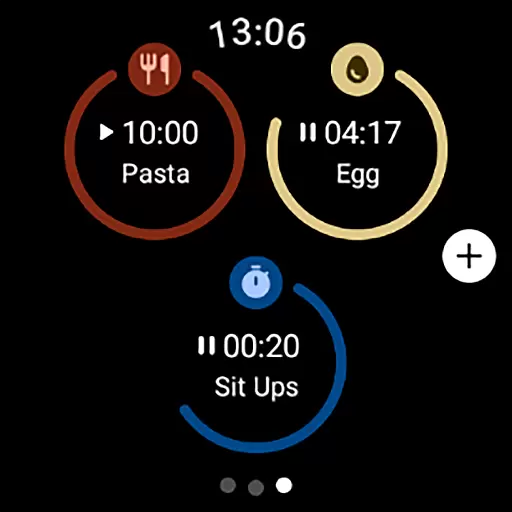
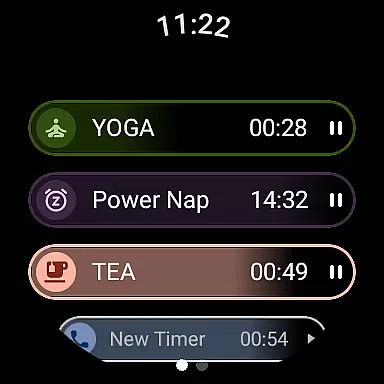
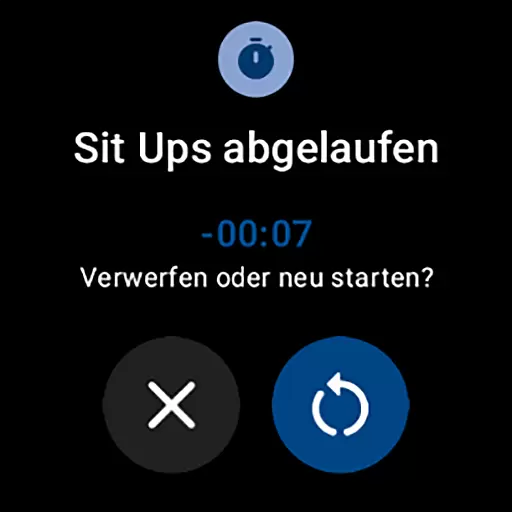
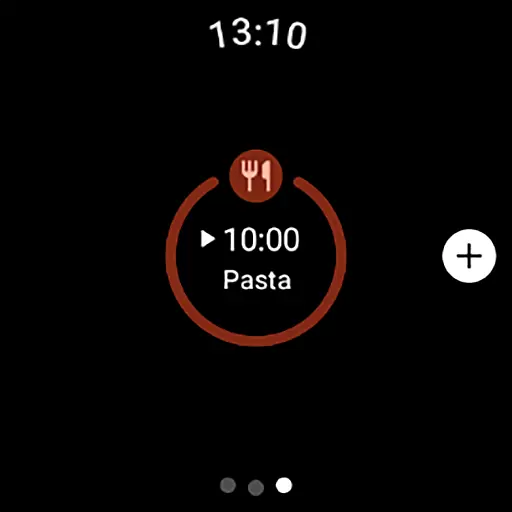
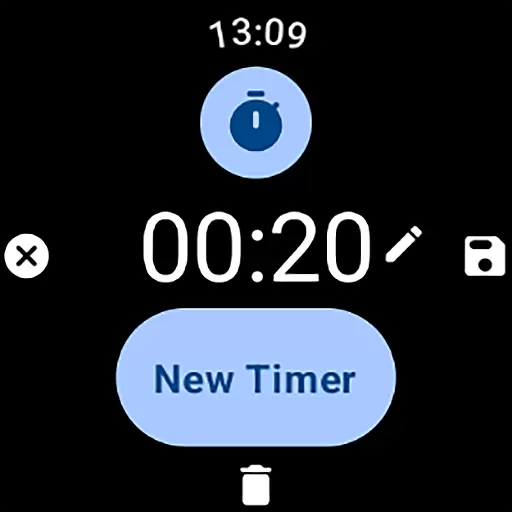
MultiTimerPro for Wear OS is a powerful productivity tool designed to help users manage their time with precision. This app allows you to run multiple timers simultaneously, making it perfect for multitasking scenarios such as cooking, exercising, or work sprints. With the newly added Tile feature, accessing your favorite timers has never been easier.
The app's intuitive interface ensures seamless navigation while offering customization options for naming, setting durations, and choosing icons and colors for each timer. Whether you're a busy professional or a home cook, MultiTimerPro helps streamline your daily routines by providing an efficient way to keep track of time across various activities.
MultiTimerPro stands out with its ability to handle multiple timers at once, a feature missing in most stock apps. The app provides an intuitive user interface that makes creating and managing timers effortless. You can customize each timer with unique names, durations, icons, and colors, ensuring they fit your specific needs perfectly.
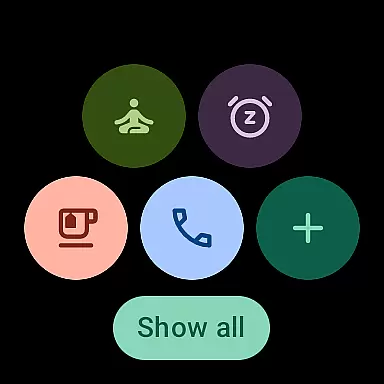
Additionally, MultiTimerPro offers sound notifications so you'll never miss an alert. The newly introduced Tile functionality lets you quickly access your favorite timers directly from your Wear OS device's home screen. These features collectively enhance productivity and ensure you stay on top of all your timed tasks without any hassle.
Effective task management is crucial for productivity, and MultiTimerPro excels in this area by offering advanced multi-timer functionality. This feature allows users to create and run multiple timers simultaneously, making it perfect for managing various tasks throughout the day.
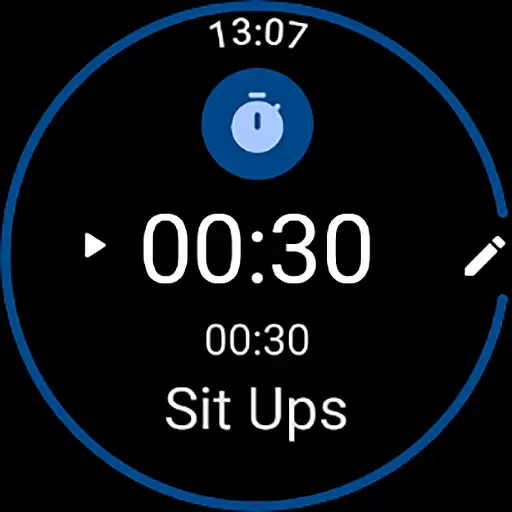
The app's interface is designed for ease of use, enabling seamless creation and editing of timers directly from your Wear OS device. Each timer can be customized with specific names, durations, icons, and colors, ensuring that every task is clearly defined and easily identifiable at a glance.
MultiTimerPro goes beyond basic timing functions by integrating sound notifications, which alert users when their timers are up. This ensures that you never miss an important moment or deadline, whether you're cooking, exercising, or working on projects.
By providing these comprehensive task management capabilities, MultiTimerPro transforms how users handle time-sensitive activities, allowing them to multitask efficiently and stay organized without missing a beat.
Cross-device synchronization is essential for maintaining consistency across different platforms, and MultiTimerPro delivers reliable performance in this aspect. The app ensures that all your timers are accurately synced between your Wear OS smartwatch and other devices, providing a seamless experience no matter where you access your timers.
With the newly added Tile feature, users can now directly access their favorite timers right from their smartwatch's home screen. This instant access enhances convenience and saves time, as you don't need to navigate through multiple menus to start or check your timers.
MultiTimerPro also supports real-time updates, meaning any changes made to your timers on one device will immediately reflect on others. This reliability ensures that you always have the most current information at hand, whether you're adjusting timers on your phone or smartwatch.
By focusing on robust cross-device synchronization, MultiTimerPro empowers users to manage their time effectively across different devices, enhancing overall productivity and convenience.
User-friendly interface
Multiple timers support
Customizable timer settings
Sound notification alerts
Quick-access Tile feature
Limited to Wear OS
Premium version required
No cross-platform sync
Occasional bugs reported
Learning curve for new users

Secure, fast, open-source, VNC and SSH Remote Desktop for Windows, Linux and Mac
 4.70
4.70
Total remote control for your Android device, PC and cloud services (IFTTT)!
4.20
Send files, sync SMS, notifications & clipboard across devices via local network
4.40
A lightweight JSON & XML files creator, editor and viewer (Premium Version)
4.40
Secure, fast, open-source, Remote Desktop Client for Windows and Linux with SSH
4.60
Multilingual translator for text, voice, and image translation!
4.90
All document reader, all in one file viewer read PDF, DOCX, XLS, PPT, TXT files.
4.60
Create and edit presentations with Google Slides, part of Google Workspace.
4.00
Tally and goal counter for Wear OS & mobile
4.50
Direct Chat without saving contacts & Dual WA Account on Single Device
4.70
Stay on top of your to-dos with Google Tasks, part of Google Workspace.
4.60
To do list widget with a notebook organizer, checklist, simple shopping list
4.60
Experience Reading - Night Mode for Documents
4.40
A customizable calendar for your Wear OS watch
4.20
Cloud storage, automatic phone backup, and more.
4.10
A Revolutionary All-in-One Artificial Intelligence Tools
3.80
ID.me Authenticator is a simple and free Two Factor Authentication solution
3.50
Simple and reliable communication between inmates, friends and family
3.20
Experience and share your SolidWorks designs on your Android® phone and tablet.
2.50


User Reviews