

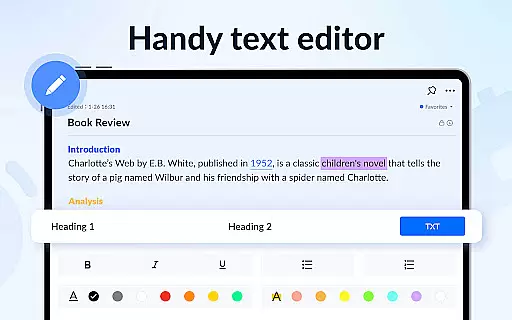
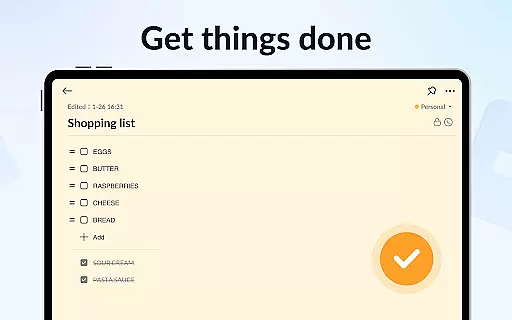
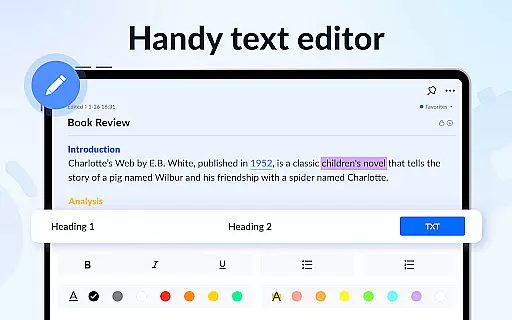
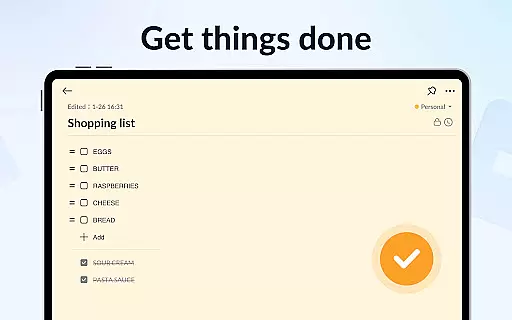
Notein - Notepad, Notes, Lists is a versatile productivity app designed for effortless note-taking and task management. This free notepad app offers multiple note-taking modes including text and checklist formats, automatic saving, and an intuitive interface that mimics the simplicity of pen and paper.
With features like calendar integration, reminders, sticky notes widgets, color-coded organization, password protection, and cloud backup, Notein ensures your notes are secure, organized, and accessible across devices. Whether you need to jot down quick ideas, manage school or meeting notes, or organize tasks with to-do lists, this app streamlines your workflow while keeping everything at your fingertips.
Ideal for students, professionals, and anyone seeking better organization, Notein transforms how you capture and manage information, helping you stay on top of your schedule without missing important details.
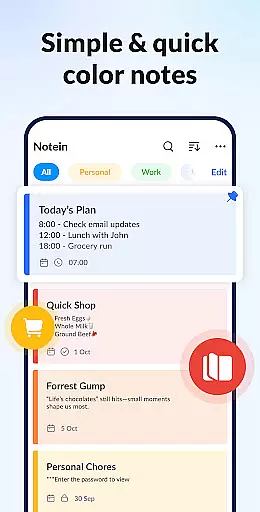
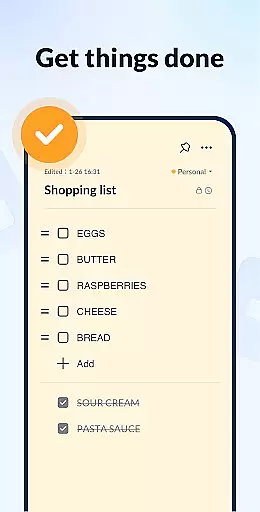
Notein stands out with its comprehensive set of features tailored for efficient note-taking. The app provides two primary note-taking modes: text mode for traditional note writing and checklist mode for creating actionable to-do lists. As you type, notes are automatically saved, ensuring no thought or task is lost.
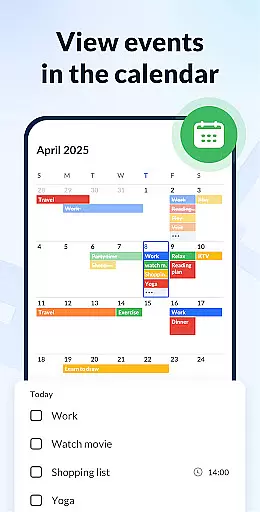
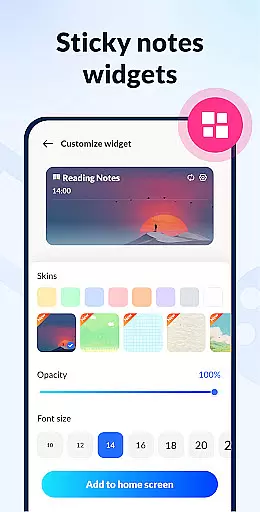
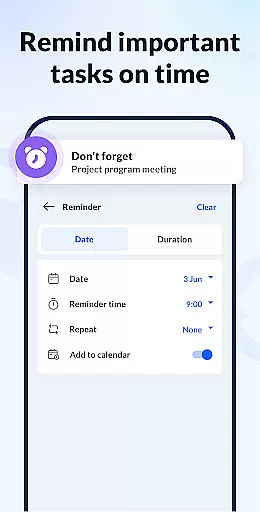
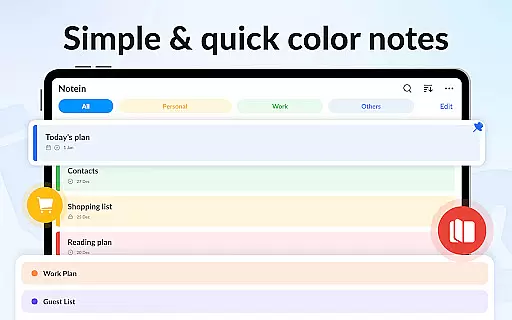
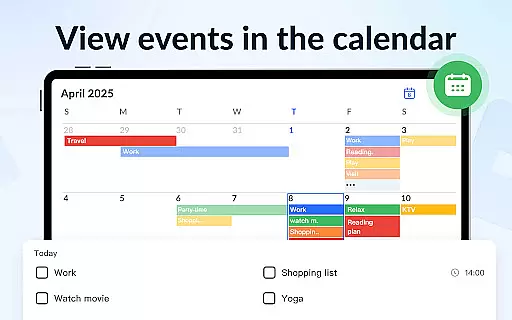
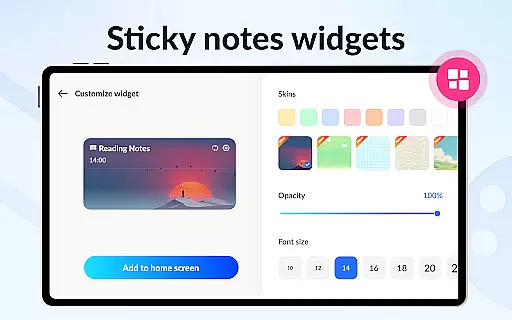
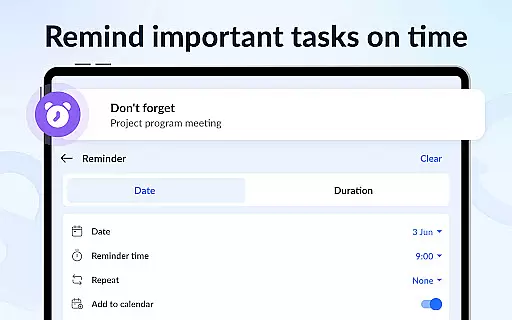
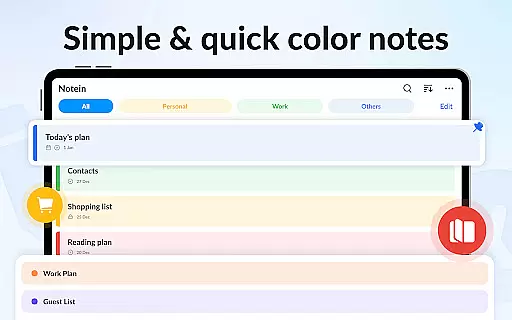
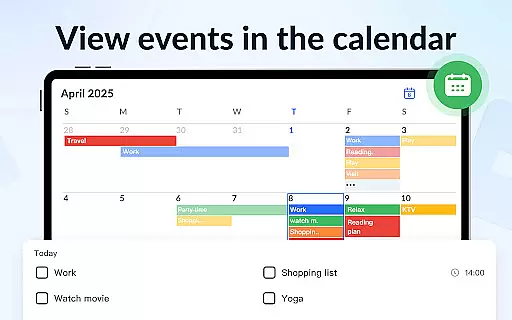
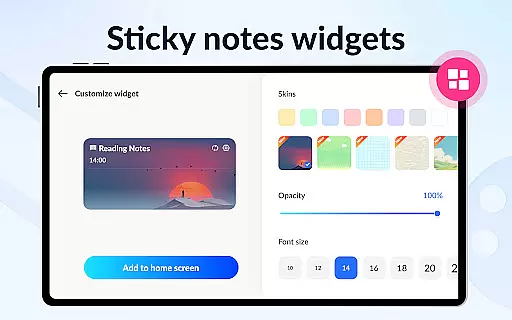
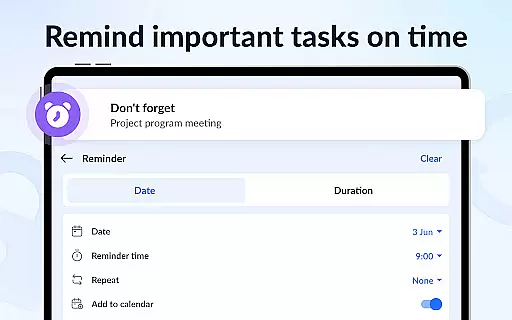
One of the app's key strengths is its ability to integrate notes into a calendar view, allowing users to associate tasks with specific dates and times. Reminders ensure timely notifications, while sticky notes widgets placed on the home screen offer instant access to frequently used notes. Additionally, the option to manage notes by color simplifies categorization and retrieval.
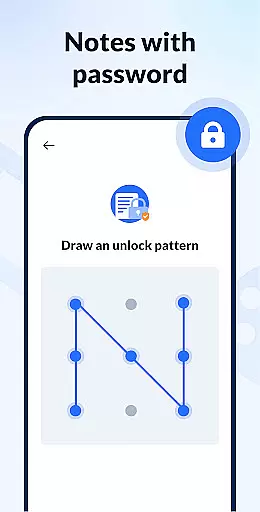
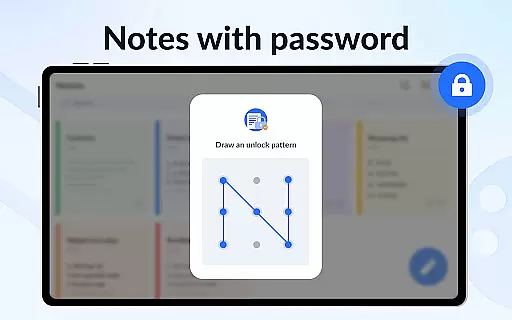
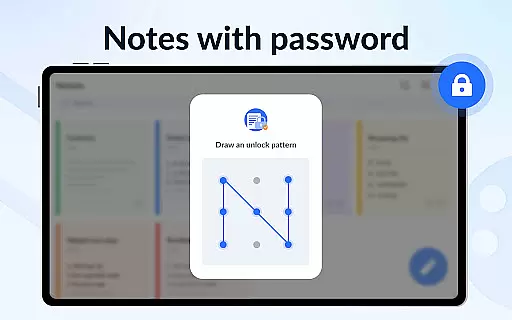
Security is prioritized through password protection, safeguarding sensitive information. Cloud backup further enhances reliability by storing all data securely online. With support for sharing via various platforms and display options such as list, grid, and detail views, Notein delivers a robust solution for both personal and collaborative productivity needs.
Effective task management is essential for productivity applications, serving as the backbone for organizing and executing tasks efficiently. Notein - Notepad, Notes, Lists excels in this area by offering versatile modes for note-taking, which doubles as task management. The app provides text mode for general notes and checklist mode for task-specific entries, ensuring users can manage various types of information with ease.
The application automatically saves entries, allowing users to focus on their tasks without worrying about data loss. With features like the ability to pin important notes, set reminders, and organize notes through a calendar view, Notein enhances the user's capacity to keep track of deadlines and prioritize tasks effectively.
Additionally, the app supports sorting and filtering notes by color and time, which aids in quickly identifying and accessing relevant tasks. This functionality not only streamlines task management but also contributes to a more organized and stress-free workflow, making it an invaluable tool for both personal and professional use.
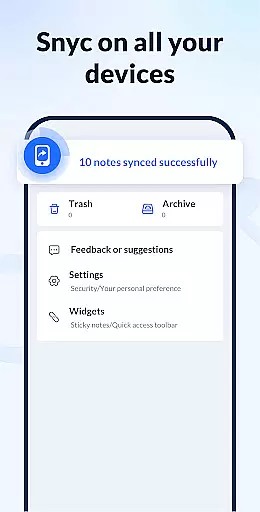
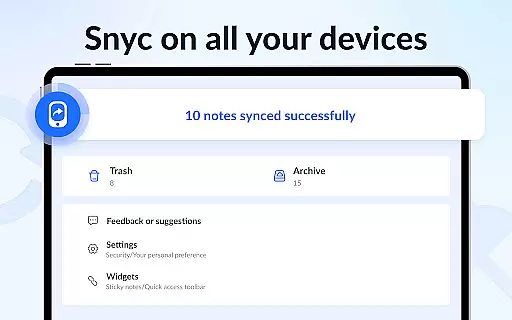
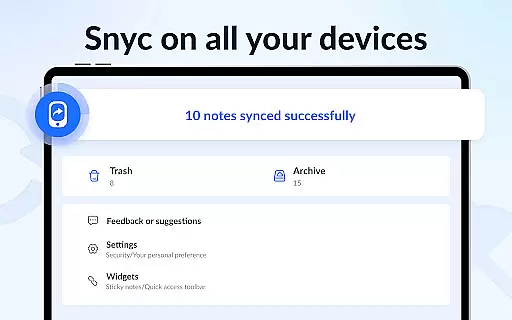
In today's interconnected world, reliable cross-device synchronization is a critical feature for any productivity app. Notein ensures that your notes are consistently updated across all your devices, providing peace of mind and seamless access to your information regardless of the device you're using. This means you can start a note on your phone during the commute and finish it on your tablet at home without missing a beat.
The app's cloud backup and restore functionality guarantees that all your notes and lists are securely stored and easily retrievable, even if you switch devices or experience data loss. This level of reliability empowers users to depend on Notein for their daily organizational needs, knowing their data is safe and always up-to-date.
Moreover, the sticky notes widget further enhances synchronization by displaying your most important notes directly on your home screen, accessible from any synced device. This immediate access to critical information ensures that users can stay productive and responsive, no matter where they are or which device they choose to use.
User-friendly interface
Automatic note saving
Color-coded organization
Calendar and reminder integration
Secure password protection
Limited advanced formatting
No real-time collaboration
Occasional sync delays
Basic free version
Few customization options

Take control of your clipboard with Clipper!
 3.90
3.90
⏰ Finally a timer app which can run multiple timers simultaneously on your watch
3.90
ID.me Authenticator is a simple and free Two Factor Authentication solution
3.50
Code on-the-go with VScode for Android. Edit,debug and collaborate from mobile!!
3.10
A beautiful digital clock with autostart and many other functions
4.70
Share files & memories safely. Keep your photos and videos secure.
4.40
Scan paperwork into PDF/JPG, generate your own e-signature and send fax or email
4.70
Daily processing of PDF documents.
4.40
Seamlessly read, manage, and organize all your PDF files solution in one place
4.40
Native client for Forgejo and Gitea
5.00
Secure, fast, open-source, VNC and SSH Remote Desktop for Windows, Linux and Mac
4.70
QuickBooks Workforce lets teams view pay info and track time in one place.
4.70
The Pro Version of Android's tiniest Notepad app. Just 0.3MB but feature-packed!
4.60
Secure, fast, open-source, Remote Desktop Client for Windows and Linux with SSH
4.60
Fill, sign & send docs, forms, agreements & contracts via electronic signature.
4.50
Docker, Kubernetes management over Portainer Mobile
4.40
Wake up & get tasks done! Add alarms & reminders on the Clock Launcher.
4.00
The ultimate file manager for rooted devices. The original and still the best.
4.00
The upgraded version of Name Wheel with AI and the power to add your own wheels.
4.2


User Reviews