
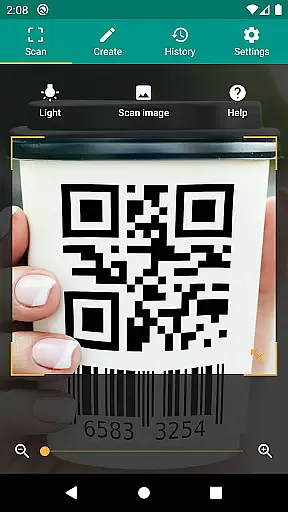
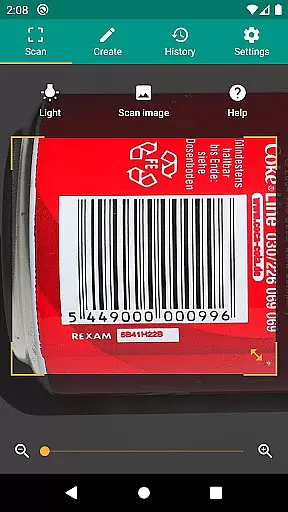
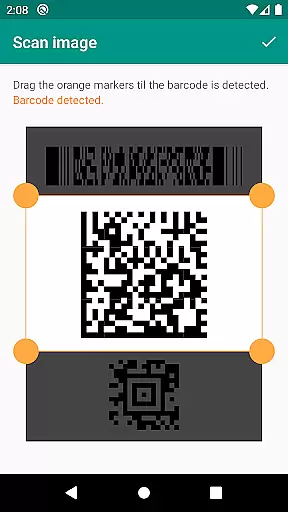
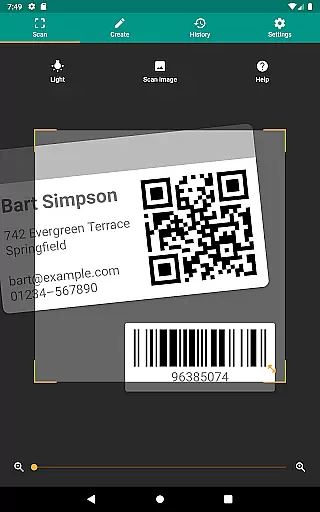
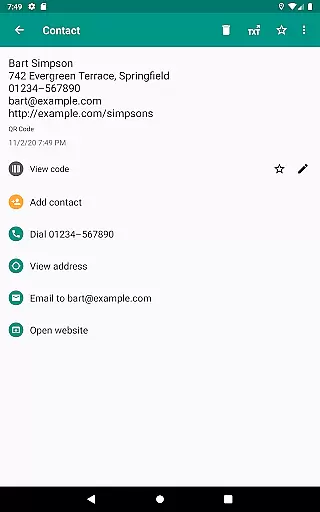
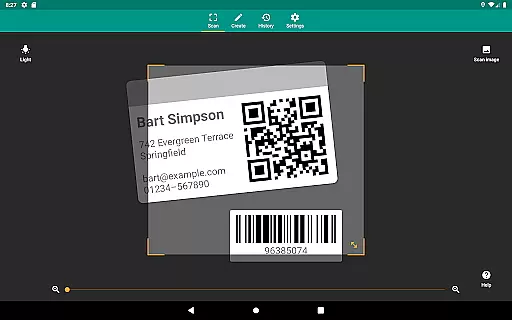
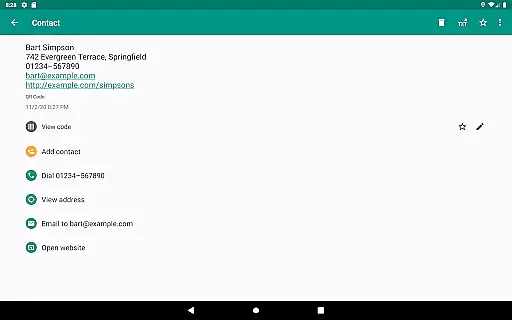
QR & Barcode Scanner is a versatile productivity tool designed to streamline your daily tasks through advanced scanning technology. This application supports all common barcode formats, including QR, Data Matrix, Aztec, UPC, EAN, and Code 39, making it an essential utility for both personal and professional use.
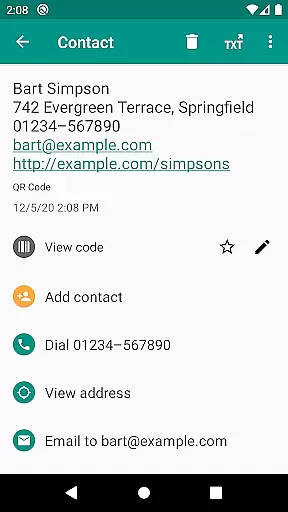
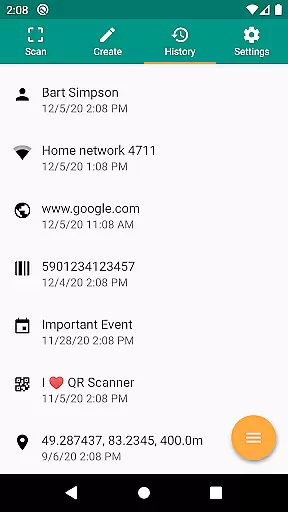
Beyond basic scanning, the app provides relevant actions based on the scanned content. Users can open URLs, connect to WiFi hotspots, add calendar events, read VCards, and find product information from popular services like Amazon and eBay. The built-in security features, powered by Google Safe Browsing, ensure safe and fast link handling.
Whether you're managing inventory, implementing quality assurance, or simply organizing personal data, this app offers practical solutions such as CSV export, annotations, and unlimited scan history. Its modern design and minimal permission requirements make it a reliable choice for Android users seeking efficiency and security in their workflow.
QR & Barcode Scanner stands out with its comprehensive feature set tailored for productivity enthusiasts. The app's ability to scan from images as well as directly through the camera provides flexibility in various scenarios. With added functionalities like flashlight and zoom, users can reliably scan codes even in challenging lighting conditions or from a distance.
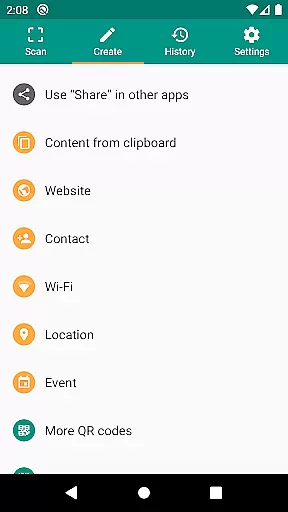
The application goes beyond scanning by offering creative tools such as a built-in QR code generator. This allows users to share website links, contact information, and other data by generating scannable QR codes. Custom search options enable specific information retrieval from preferred websites, enhancing the user's control over their scanning experience.
Advanced features like CSV export and cloud integration make this app indispensable for small business owners and professionals. By exporting scan history to Excel or saving it to cloud storage services like Google Drive, users can efficiently manage product inventories, track scanned items, and maintain organized records. These capabilities, combined with annotation tools, create a powerful productivity suite within a single application.
QR & Barcode Scanner excels in core task management by offering a comprehensive suite of tools for scanning and managing various types of codes. The app supports all common barcode formats, including QR, Data Matrix, Aztec, UPC, EAN, Code 39, and many more.
Users can perform relevant actions based on the scanned data, such as opening URLs, connecting to WiFi hotspots, adding calendar events, reading VCards, and finding product and price information. This versatility ensures that users can manage different tasks efficiently without needing multiple apps.
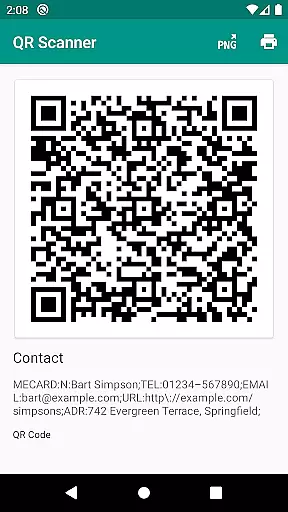
The app also features a built-in QR code generator, allowing users to share arbitrary data such as website links by displaying them on their screen as a QR code. This functionality is particularly useful for businesses and individuals who need to exchange information quickly and securely.
With CSV export and annotation capabilities, users can manage unlimited history and export it as a CSV file. This feature is beneficial for importing data into Excel or saving it to cloud storage services like Google Drive, making it easier to manage product inventory or implement quality assurance processes.
QR & Barcode Scanner ensures reliable cross-device synchronization, which is crucial for users who work across multiple devices. The app allows users to scan images without giving access to their device storage, maintaining privacy while ensuring seamless data transfer.
Even sharing contact data as a QR code does not require access to the address book, enhancing security and user trust. This minimal permission approach ensures that users' personal information remains protected while still providing robust functionality.
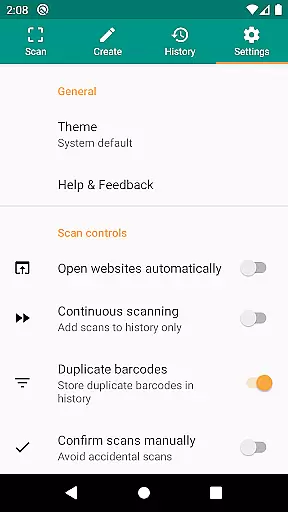
The app's ability to detect codes within picture files or scan directly using the camera adds another layer of convenience. Users can activate the flashlight for reliable scans in dark environments and use pinch-to-zoom to read barcodes from far distances, ensuring consistent performance across different scenarios.
Custom search options enable users to get specific information by adding custom websites into the barcode search, such as their favorite shopping website. This personalized approach enhances the user experience by tailoring the app's functionality to individual needs, thereby improving overall satisfaction and productivity.
Supports multiple barcode formats
Fast and accurate scanning
Secure link handling
Flexible scan options
User-friendly interface
Limited iOS compatibility
No offline mode
Occasional ads
Requires internet
Premium feature costs

The Pro Version of Android's tiniest Notepad app. Just 0.3MB but feature-packed!
 4.60
4.60
A simple, portable logger for POTA, SOTA, Field Day, and more
4.3
Secure, fast, open-source, Remote Desktop Client for Windows and Linux with SSH
4.60
CalenGoo is a very flexible and feature-rich calendar app
4.40
Stay on top of your to-dos with Google Tasks, part of Google Workspace.
4.60
The AI assistant that thinks with you - write, code, and solve complex tasks
4.60
Create and edit presentations with Google Slides, part of Google Workspace.
4.00
AT&T Internet customers can use this app to personalize their Wi-Fi network.
4.40
QuickEdit is a fast, stable and full featured text and code editor.
4.20
Great calculator for Android named one of USA TODAY's "25 Essential Apps".
4.90
Mind Map and brainstorm, note taking and idea collection
4.80
Protect and view your important info on your phone and tablet with eWallet®
4.80
Simple notepad & memo. Take notes, to-do list, shopping list with reminders.
4.80
A beautiful digital clock with autostart and many other functions
4.70
Send files, sync SMS, notifications & clipboard across devices via local network
4.40
Take control of your clipboard with Clipper!
3.90
Mega cloud explorer plugin for Solid Explorer
3.80
Make your handwriting beautiful, even more than pen on paper.
3.60
Create study competitions, track your hours, and stay consistent with friends
4.1


User Reviews