

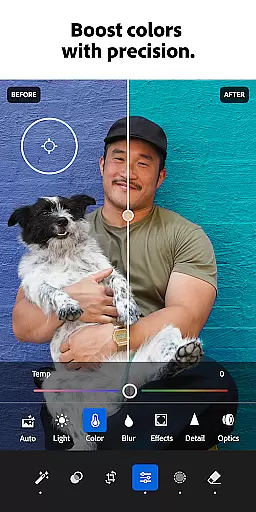


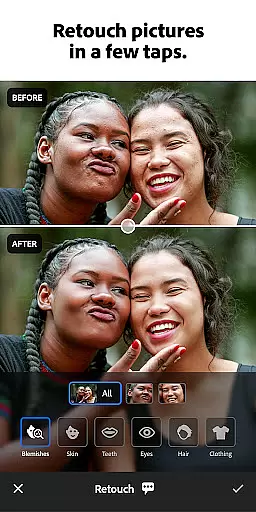



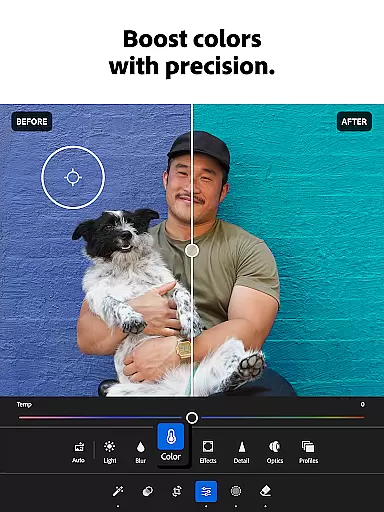

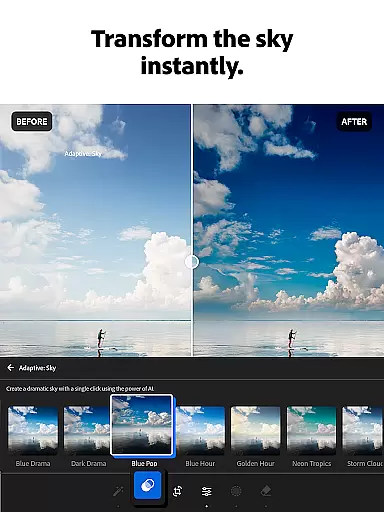
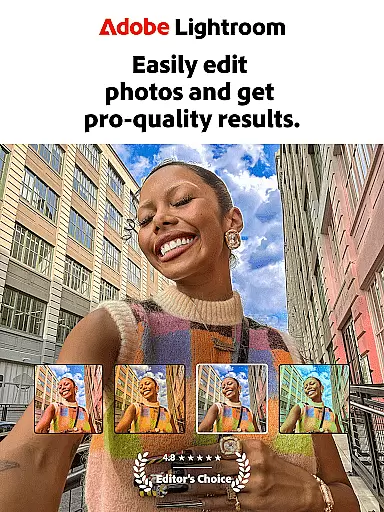
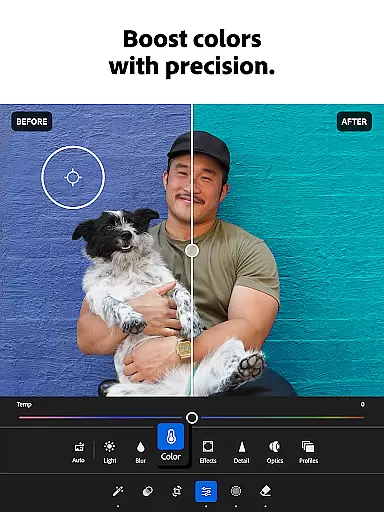
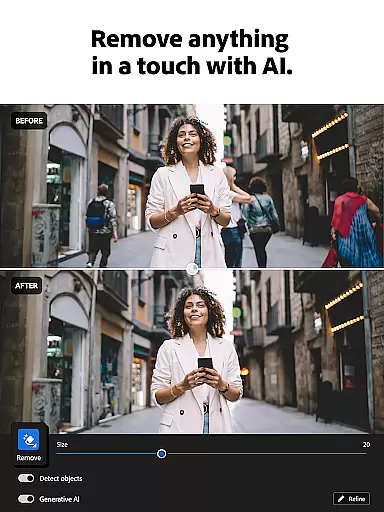

Adobe Lightroom is a comprehensive photo and video editor designed to help users create shareworthy images with ease. This mobile application offers powerful editing tools that cater to both beginners and professionals, allowing users to retouch photos, enhance quality, and even edit videos directly from their smartphones. With features like one-tap enhancements, adaptive presets, and advanced light control, Lightroom ensures every photo looks its best.
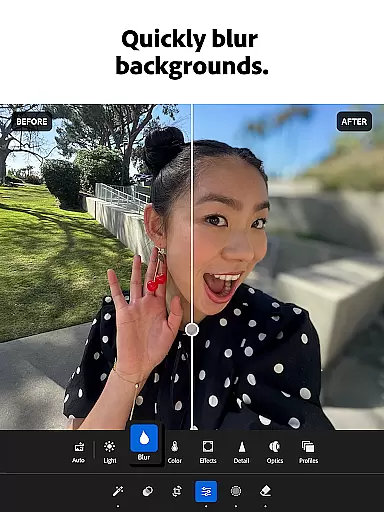
The app also provides creative flexibility through its professional-grade tools such as background blur, object removal, and color grading. Users can experiment with different styles and presets shared by a global community of photo enthusiasts. Whether you're perfecting a sunset shot or refining family portraits, Lightroom's intuitive interface and AI-powered suggestions make photo editing accessible to everyone.
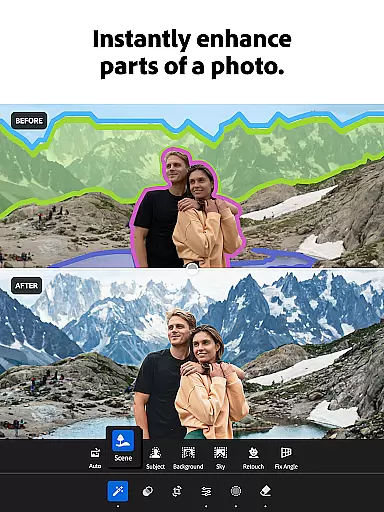
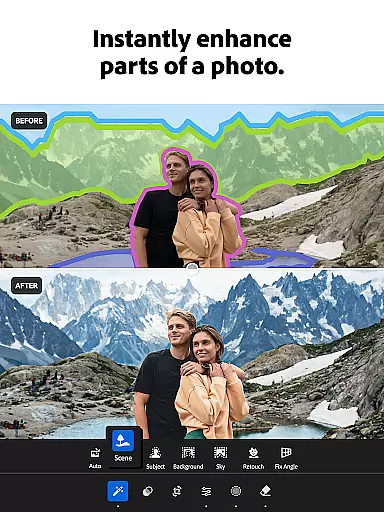
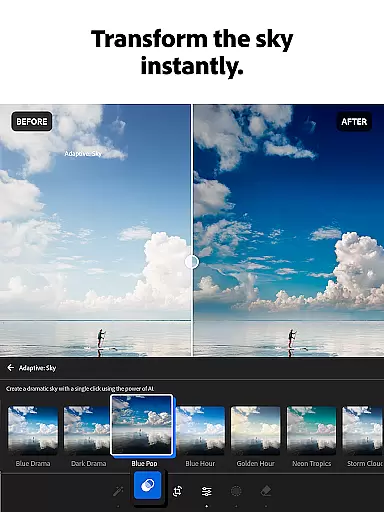
Lightroom stands out with its robust set of features tailored for photo enthusiasts. The app includes Quick Actions and Adaptive Presets that allow users to enhance photo quality instantly. These presets cover a wide range of styles, from bold edits to subtle adjustments, ensuring there's something for every aesthetic preference. Additionally, the app supports video editing, enabling users to apply similar light, color, and preset adjustments to their video content.
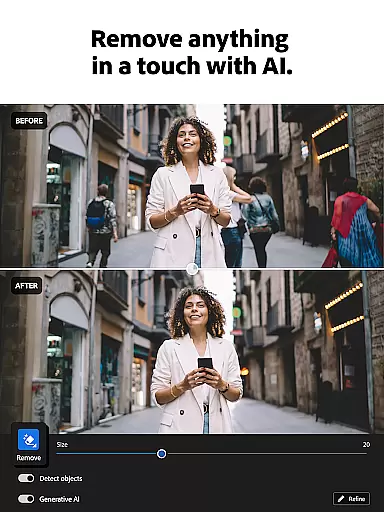
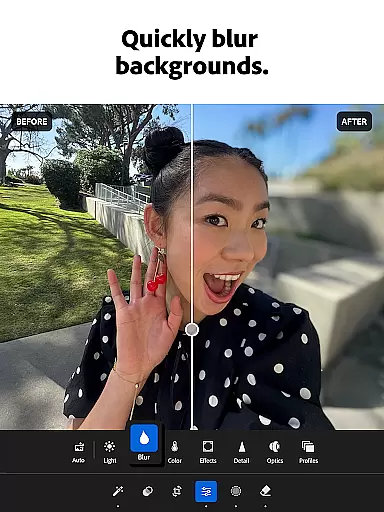
One of the key highlights is the ability to remove distractions and blur backgrounds effortlessly. The Generative Remove tool lets users erase unwanted objects or people from photos seamlessly. Moreover, batch editing capabilities allow for consistent adjustments across multiple images, saving time and effort. With AI-powered editing suggestions and advanced controls for exposure, highlights, shadows, and more, Lightroom empowers users to achieve professional results without prior experience.
Real-time capture and preview functionality is essential for ensuring that every photo or video taken meets the desired quality standards. With Adobe Lightroom, users can see changes applied to their images instantly, allowing them to make informed decisions about exposure, lighting, and composition before capturing the final shot.
This feature provides a live view of adjustments, enabling photographers to tweak settings such as brightness, contrast, and color balance on-the-fly. The immediacy of feedback empowers creators to experiment with different looks and styles without delay, streamlining the creative process.
For those who value precision in their work, having an accurate representation of how edits will appear in the final output is invaluable. It saves time by reducing the need for post-processing corrections and ensures that each image reflects the photographer's vision accurately.
Ultimately, real-time capture and preview enhance productivity and creativity, giving users confidence that their captured moments will be preserved exactly as intended, ready to share with the world.
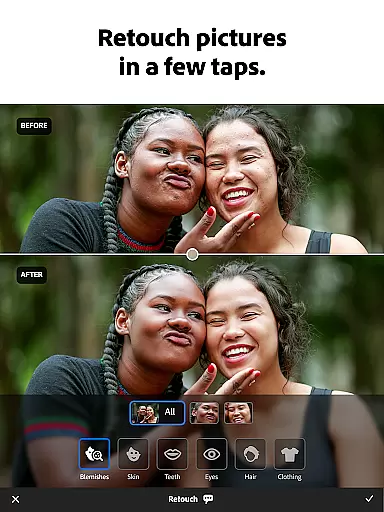
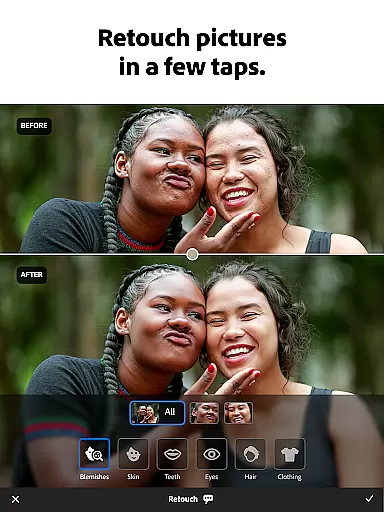
AI beauty and enhancement features have revolutionized digital photo editing by offering natural-looking improvements without manual intervention. Adobe Lightroom leverages advanced algorithms to automatically suggest enhancements that preserve the authenticity of subjects while elevating overall image quality.
These AI-driven tools analyze facial features, skin tones, and other elements within a photograph to apply subtle refinements. Users benefit from professionally-styled portraits with minimal effort, achieving results that look genuine rather than overly processed.
The emphasis on naturalness ensures that enhancements complement the original photo, maintaining its character and mood. This approach appeals to both amateur photographers seeking quick fixes and professionals looking for efficient ways to deliver high-quality edits.
By integrating AI beauty enhancements seamlessly into the editing workflow, Lightroom enables users to produce stunning visuals consistently, enhancing their storytelling capabilities while respecting the integrity of their subjects.
User-friendly interface
Powerful editing tools
Wide range of presets
AI-powered suggestions
Batch editing feature
Subscription required
Advanced tools may overwhelm beginners
Limited free features
Occasional performance issues
Large app size

A collection of tools and reference tables for DPs, ACs, DITs and Operators.
 4.70
4.70
An interval timer to automate photo taking process for timelapse
2.90
Create AI Photos, Improve and restore quality of blurry, old or damaged pics.
4.20
Light-weight Media Gallery app for Android made with Jetpack Compose
4.60
Photo editor & gallery. Crop pictures & edit photos offline, no wifi!
4.50
Future baby face generator: AI kids generator, kid face! What my baby look like?
4.40
Collage your moments in one tap: 1000+ layouts, filters, stickers, and texts.
4.90
Fit multiple photos on one post. Create carousels & scroll layouts for Instagram
4.50
Welcome to ProShot, the most powerful camera app on Android.
4.20
AI Photo Editor with 100+ Filters, Effects! Remove BG, Retouch & Photo Enhancer.
4.80
Gallery show photo, video, slideshow, is perfect 3D effect private photo albums.
4.80
The original Rarevision VHS look seen everywhere!
4.70
Movie camera, supports pro recording settings for filming. Try it and be amazed!
4.50
Search, tag and rate your way to an organized image gallery
4.40
AI portrait generator and polaroid AI selfie, fun AI generated AI photo creator!
4.30
Shooting photos and records video easily and efficient with professional Camera
4.30
USB Storage Access for Photos, Videos, Music and Documents
3.80
Perfect photos with body shaping, BG changer and object remover.
3.70
HD Photo gallery and photo manager to edit, hide private photos, videos & albums
4.4


User Reviews