
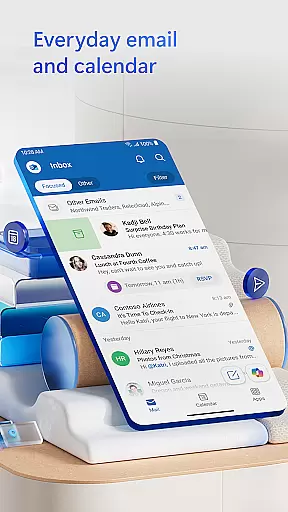
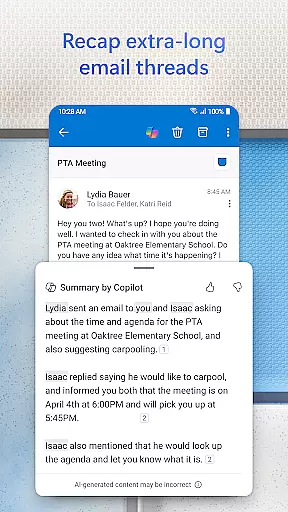
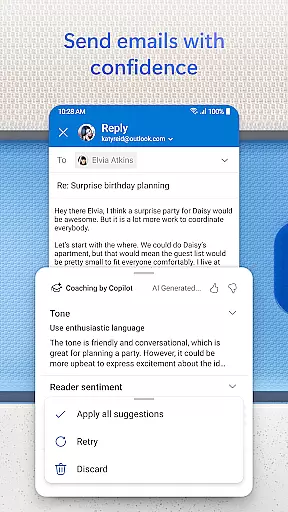
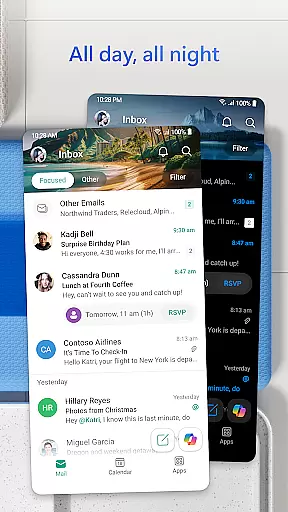
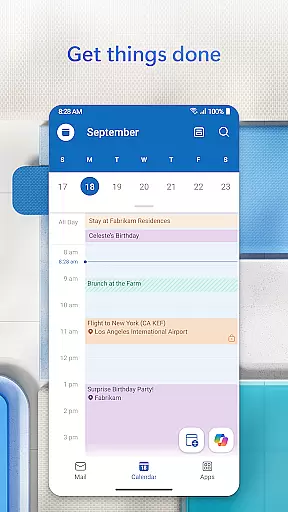

Microsoft Outlook is a comprehensive email and calendar app designed to streamline your busy life. It consolidates your emails, files, and calendar into one secure platform, ensuring you stay productive regardless of the source of incoming messages. The app intelligently organizes your inbox by filtering emails into Focused and Other categories, allowing you to prioritize important communications easily.
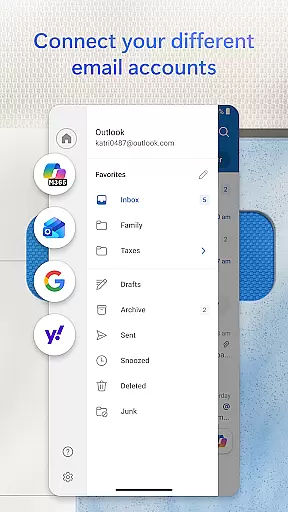
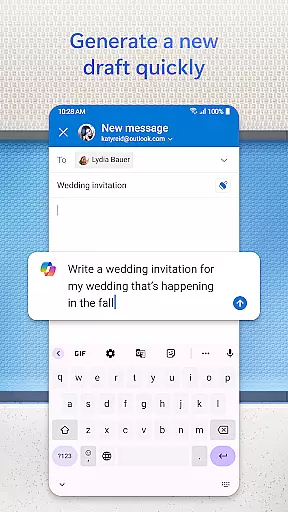
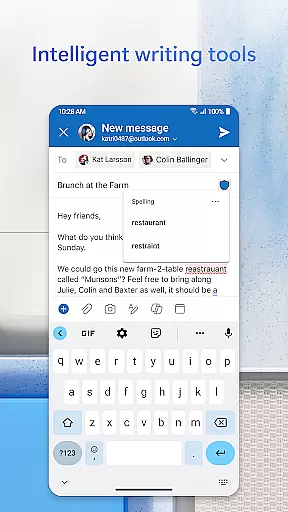
Outlook offers flexibility by supporting multiple account types including Microsoft Exchange, Gmail, Yahoo Mail, and iCloud. This versatility enables users to manage personal and professional communications seamlessly. With built-in intelligent editing tools, you can craft polished emails with ease. Additionally, the app allows direct access to Word, Excel, and PowerPoint documents from your inbox, enhancing workflow efficiency.
Microsoft Outlook stands out with its robust feature set tailored for productivity and organization. One key feature is the ability to view multiple calendars simultaneously, helping you coordinate your schedule effectively. Swipe gestures provide quick actions such as deleting, archiving, or snoozing emails, cutting through daily clutter efficiently.
The app includes advanced security measures to protect against phishing and spam, ensuring your communications remain safe. Integration with video calling platforms like Teams, Skype, and Zoom facilitates seamless meeting participation on the go. Moreover, Outlook's intelligent inbox management groups similar emails and conversations, making it easier to track ongoing discussions and tasks.
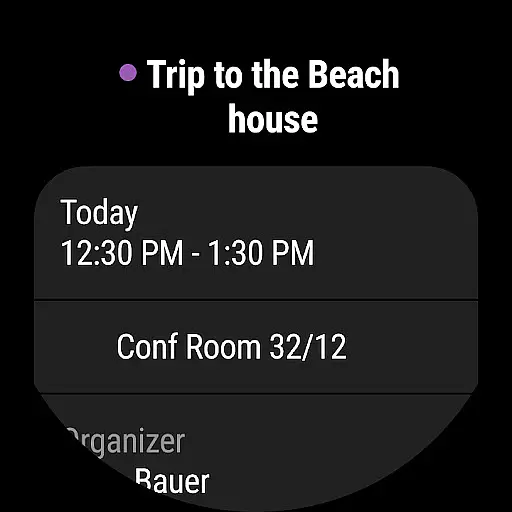
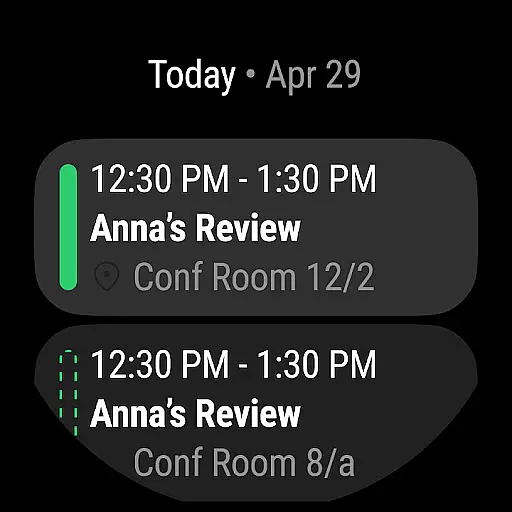
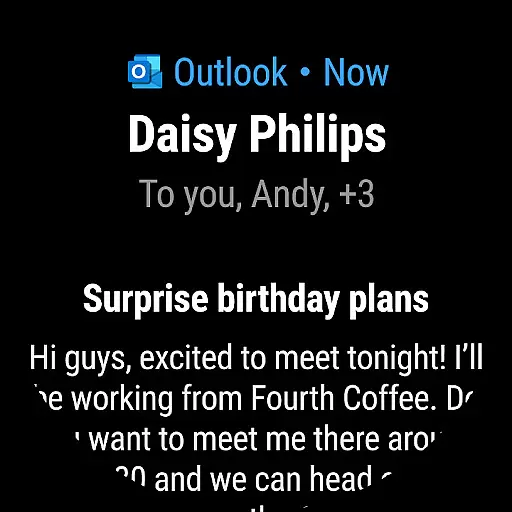
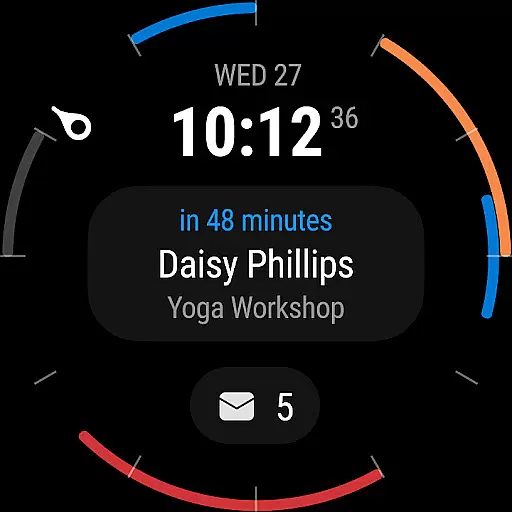
Companion app integration is a crucial feature for users who rely on wearable devices to manage their daily tasks and communications. Microsoft Outlook offers seamless synchronization between its mobile app and Wear OS, ensuring that users can access essential information directly from their smartwatch.
The integration allows users to receive real-time notifications for new emails, calendar events, and meeting reminders. This ensures that busy professionals never miss an important update, even when they are away from their phone or computer. The companion app provides a simplified interface optimized for smaller screens, making it easy to scan through messages and accept meeting invites with minimal effort.
Microsoft has implemented advanced data compression techniques to ensure smooth data transfer between devices while minimizing battery consumption. This technical achievement demonstrates the company's commitment to delivering both functionality and efficiency in their wearable solutions.
Users benefit from having their most critical information always accessible, enabling them to make quick decisions on the go. Whether it's glancing at a meeting reminder during a busy workday or checking an important email notification while commuting, this integration significantly enhances productivity for modern professionals.
Device compatibility is a fundamental aspect of any successful wearable application. Microsoft Outlook demonstrates exceptional versatility by supporting a wide range of devices running Wear OS, ensuring that users can maintain consistent access to their communication tools regardless of their chosen hardware.
The application maintains high performance standards across different device specifications, from premium smartwatches to more budget-friendly options. This broad compatibility is achieved through optimized coding practices and regular updates that address emerging device models and operating system versions. The development team has implemented adaptive UI elements that automatically adjust to various screen sizes and resolutions.
Microsoft's approach to compatibility extends beyond mere technical requirements. They have incorporated features that leverage specific hardware capabilities of different devices, such as heart rate sensors for stress management during busy work periods or GPS integration for location-based reminders. These thoughtful additions demonstrate a deep understanding of how professionals interact with their wearable devices throughout the day.
By maintaining robust compatibility with the entire Wear OS ecosystem, Microsoft ensures that users can choose their preferred devices without compromising access to their essential communication tools. This flexibility empowers users to build their ideal wearable setup while maintaining seamless connection to their professional lives.
User-friendly interface
Robust security features
Seamless account integration
Efficient calendar management
Intelligent email organization
Limited offline functionality
Occasional sync issues
Advanced features require subscription
Heavy on storage
Complex setup for beginners

"PER27 Galaxy Digital" is a digital Wear OS watch face designed by PERSONA
 4.10
4.10
Wear Os Watch Face - Animated Snow Effect & Christmas Lights
4.3
Christmas - Festive - Christmas Village - Winter - Christmas lights
5.00
an Analog Watch Face for winter season with freeze winter background for Wear OS
4.5
3 Complications. All shadow on/off. 30 Themes color palette...
4.5
Your second brain for organizing your life: to-do, calendar, reminder.
4.70
Retro digital watch face with customizable colors and a unique lighting effect
4.60
A realistic hybrid watch face with many customization options.
4.60
Spam call blocker and caller ID for automatic call protection!
4.40
Christmas Theme Watch Face for Wear Os
5.00
Beautiful, colorful and practical watch face. For Wear OS devices.
5.00
Highly customizable hybrid watch face for Wear OS, perfect for everyday use.
4.60
Simple, helpful messaging by Google
4.60
Deck out your Wear OS Watch face with a beautifully decorated pine wreath!
4.50
Connect to your Bluelink equipped Hyundai vehicle from your smartphone.
4.50
Let's celebrate Thanksgiving - Wear Os watch face
4.20
The #1 source of faces for your smartwatch!
4.00
Wear Os Watch Face - Animated Snow - Sesonal for Christmas & Winter
4.3
A watch face that fuses motorsport precision with contemporary smartwatch design
4.2


User Reviews