
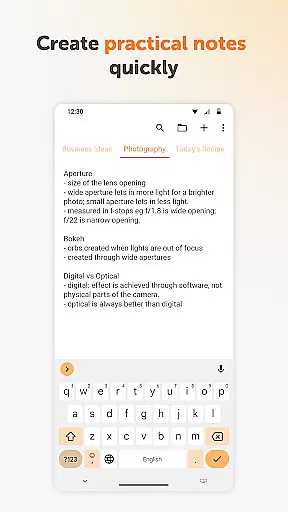
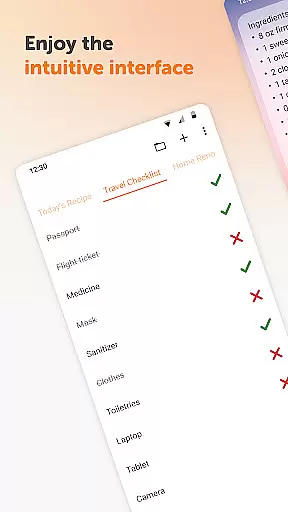
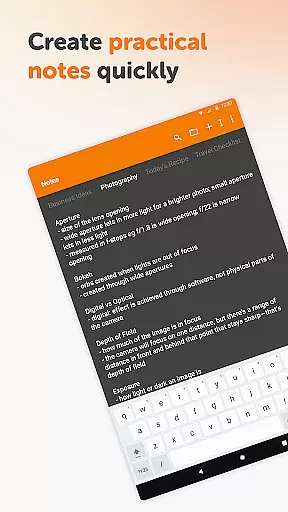
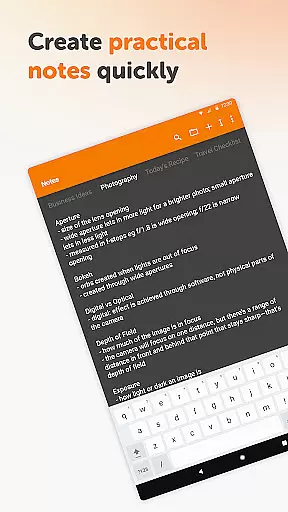
Simple Notes Pro is a productivity-focused note-taking application designed to help users quickly capture ideas, create shopping lists, and manage daily tasks. The app emphasizes simplicity and efficiency, offering an intuitive interface that allows users to start taking notes immediately without any complex setup. With its user-friendly design, Simple Notes Pro serves as a reliable personal notebook for remembering important information on the go.
Apart from basic note-taking, this app provides advanced features such as autosave functionality, support for multiple independent plain text notes, and customizable resizable widgets. These tools ensure that users can organize their thoughts and manage their schedules effectively. Whether you need a quick reminder for groceries or a detailed planner for meetings, Simple Notes Pro offers a seamless experience with its ad-free, open-source platform.
One of the standout features of Simple Notes Pro is its ability to autosave notes, ensuring that users never lose their valuable content due to accidental closures or errors. This feature alone makes it a dependable choice for anyone who needs a reliable digital notepad. Additionally, the app supports the creation of multiple plain text notes, allowing users to categorize their thoughts and lists efficiently.
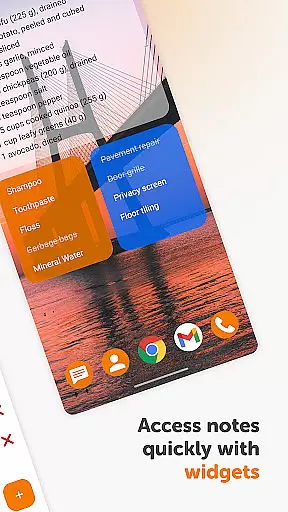
Another significant advantage is the customizable and resizable widget, which provides quick access to your notes and lists directly from the home screen. This enhances productivity by reducing the time needed to navigate through the app. Furthermore, Simple Notes Pro offers a dark theme by default, providing a comfortable viewing experience in various lighting conditions. Its open-source nature ensures transparency, while the absence of ads and unnecessary permissions guarantees a secure and uninterrupted user experience.
Task management is a cornerstone of productivity applications, and Simple Notes Pro excels in this area. The app provides users with an intuitive platform to create, manage, and organize tasks efficiently.
With features such as quick note-taking, checklist creation, and the ability to generate multiple independent plain text notes, it ensures that no idea or duty is left behind. Its autosave functionality guarantees that all your inputs are securely stored without the risk of accidental loss.
Users benefit from a customizable and resizable widget that offers swift access to their lists and notes. This seamless integration into daily workflows enhances productivity by reducing the time needed to manage tasks.
The simplicity and reliability of Simple Notes Pro make it an invaluable tool for anyone looking to streamline their daily agenda while maintaining focus on what truly matters.
Cross-device synchronization is vital for users who operate across multiple platforms. Simple Notes Pro addresses this need by ensuring reliable and consistent data availability wherever you go.
Although Simple Notes Pro operates without internet access, prioritizing user privacy and data security, it still maintains stability and consistency in note-keeping. This offline functionality assures that your notes are always available, even without a network connection.
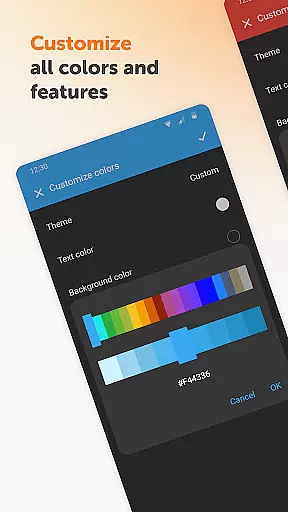
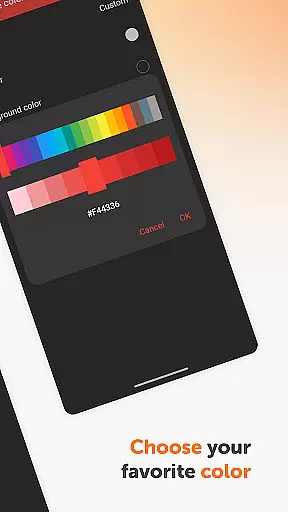
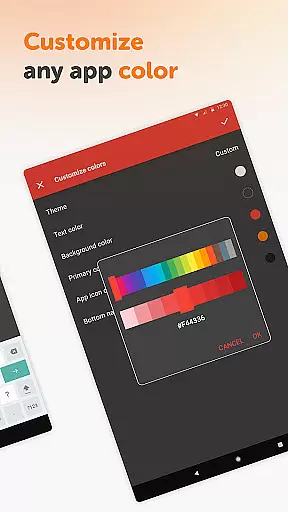
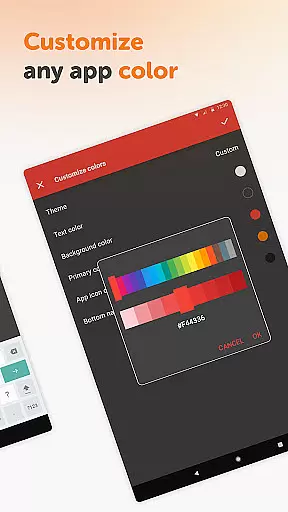
The app's open-source nature allows for transparency and trust, providing peace of mind when it comes to the safety and integrity of your information. Customizable colors and material design enhance the user experience, making it visually appealing and easy to use.
By focusing on core functionalities without unnecessary ads or permissions, Simple Notes Pro delivers a dependable cross-device experience that supports efficient personal and professional organization.
User-friendly interface
Autosave functionality
Customizable widgets
No ads or unnecessary permissions
Open-source platform
Limited formatting options
No cloud sync feature
Basic UI design
Offline-only access
Few advanced features

A simple, portable logger for POTA, SOTA, Field Day, and more
 4.0
4.0
Device's storage information in a simple and clear graphical form (infographics)
4.10
Make apps & sites with natural language prompts
4.10
Cloud storage, automatic phone backup, and more.
4.10
Create and edit presentations with Google Slides, part of Google Workspace.
4.00
Code on-the-go with VScode for Android. Edit,debug and collaborate from mobile!!
3.10
Access, manage and transfer files on Android, PC, Mac, NAS and cloud storages.
4.30
Intelligent AI Assistant
4.10
Note taking, handwriting, record audio, PDF annotation, planner & journal
4.20
Protect and view your important info on your phone and tablet with eWallet®
4.80
App Lock with fingerprint, password: Lock apps & hide photos with lock screens
4.60
Fill, sign & send docs, forms, agreements & contracts via electronic signature.
4.50
A customizable calendar for your Wear OS watch
4.20
The ultimate file manager for rooted devices. The original and still the best.
4.00
Access your phone's notifications, calls, apps, photos & texts on your PC
3.90
All in one sketching tool. Technical and General drawing. Online Maps support.
3.70
Remotely view listen control and record cameras.
3.70
Simple and reliable communication between inmates, friends and family
3.20
Experience and share your SolidWorks designs on your Android® phone and tablet.
2.50


User Reviews