
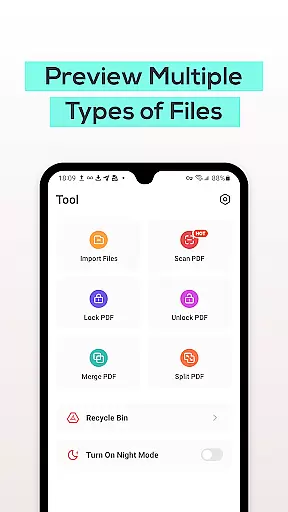
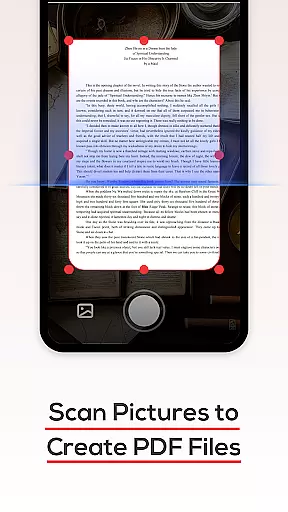
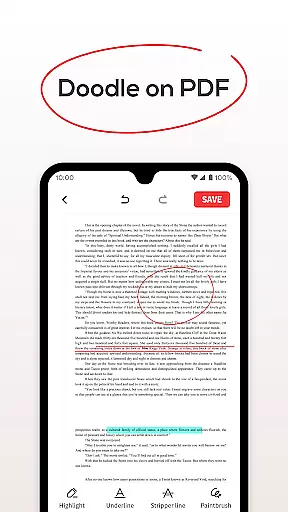
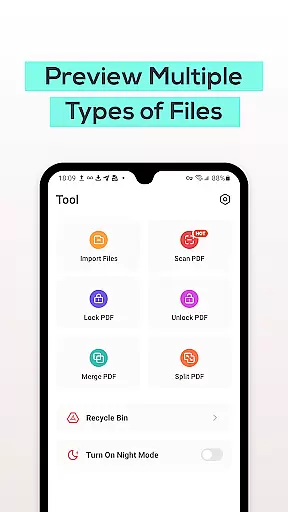
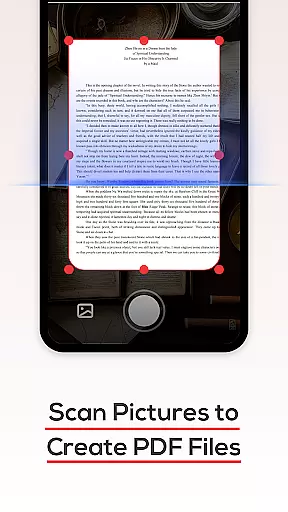
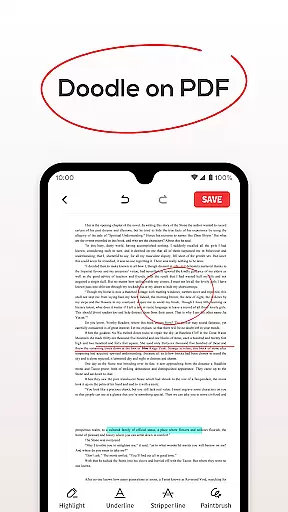
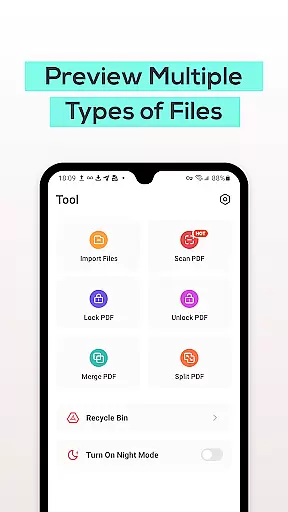
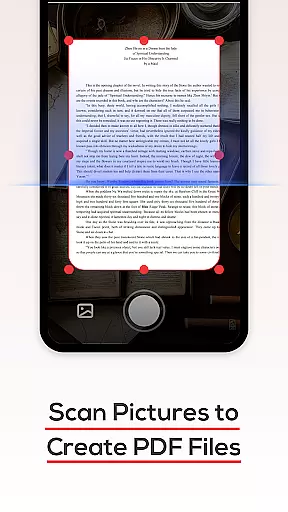
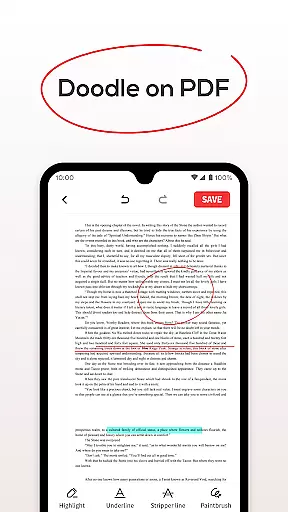
PDF File Reader is a powerful productivity tool designed to help users efficiently manage PDF files on their mobile devices. With its comprehensive set of features, this app allows you to view, edit, and organize PDF documents with ease. The application supports not only basic viewing functions but also advanced operations such as text highlighting and underlining.
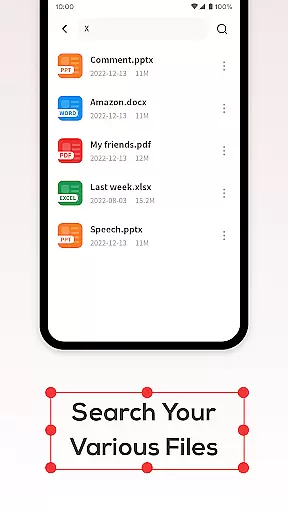
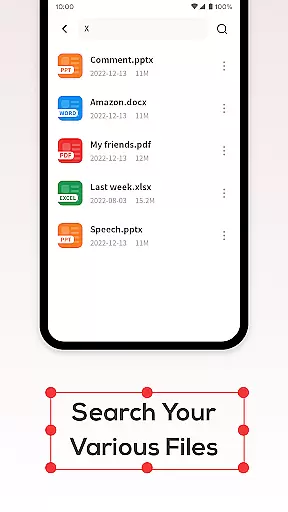
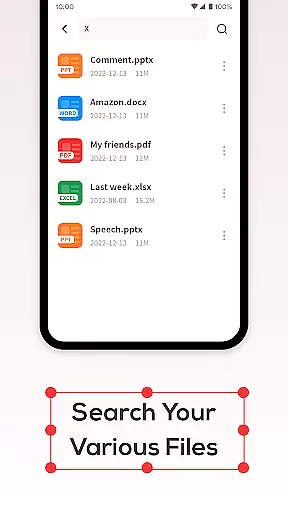
Beyond document viewing, PDF File Reader offers practical tools like a built-in search function for quickly locating files and a Recycle Bin feature that temporarily stores deleted items for up to seven days. Whether you're a student managing lecture notes or a professional handling work reports, this app streamlines your workflow by providing essential PDF management capabilities in one convenient package.
One of the standout features of PDF File Reader is its ability to handle various document formats including Word, PowerPoint, and Excel files, making it a versatile tool for all your document needs. The app provides an intuitive interface where users can perform simple editing tasks such as adding highlights and underlines directly within PDFs.
In addition to its core functionalities, the app includes a robust file search system that ensures you can find your documents quickly without any hassle. Another notable feature is the integrated Recycle Bin, which adds a layer of safety by allowing users to restore accidentally deleted files within a seven-day period. These thoughtful additions make PDF File Reader not just a viewer but a complete document management solution.
In the realm of productivity, managing tasks efficiently is paramount. PDF File Reader excels in core task management by offering a suite of features tailored to streamline document handling. This application allows users to not only view PDF files but also interact with them through simple yet effective operations.
Users can add highlight fills and underlines to text within PDFs, making it easier to emphasize important information or take notes directly on documents. Such functionalities are crucial for individuals who need to review and annotate documents regularly, ensuring that key points are easily identifiable upon revisiting the files.
The app's ability to quickly search for PDF documents enhances its utility as a task management tool. By reducing the time spent locating specific files, users can focus more on the content and tasks at hand, thus improving overall efficiency and productivity.
For professionals and students alike, having reliable cross-device synchronization is essential for maintaining workflow continuity. PDF File Reader addresses this need by providing a seamless experience across different devices, allowing users to access their documents anytime, anywhere.
While the current feature set includes viewing options for Word, PPT, and Excel files, the emphasis on synchronization ensures that these capabilities are not limited to a single device. Users can start working on one device and continue on another without missing a beat, thanks to the consistent performance and availability of their files.
Moreover, the inclusion of a Recycle Bin feature adds an extra layer of security. When files are deleted, they can be moved to the Recycle Bin, which retains them for seven days before automatic deletion. This provides a safety net against accidental deletions and contributes to a reliable cross-device experience, knowing that your documents are protected and retrievable when needed.
User-friendly interface
Advanced PDF editing
Multi-format support
Quick file search
Recycle Bin functionality
Limited free features
No cloud integration
Occasional bugs
Ads in free version
Heavy on storage

Create study competitions, track your hours, and stay consistent with friends
 4.3
4.3
Protect and view your important info on your phone and tablet with eWallet®
4.80
Absolutely the best CNC machinist speed and feed calculator around. fswizard.com
4.60
⏰ Finally a timer app which can run multiple timers simultaneously on your watch
3.90
All in One PDF Reader: Manage, Read and Edit your Documents
4.20
PDF scanner & converter for files, photos, lottery, QR codes. One swipe away!
4.50
Functional QR scanner and barcode reader that requires little storage space.
4.60
Docker, Kubernetes management over Portainer Mobile
4.40
Okta MFA
4.70
Understand anything with a personalized AI research assistant
4.80
Secure, fast, open-source, VNC and SSH Remote Desktop for Windows, Linux and Mac
4.70
All document reader, all in one file viewer read PDF, DOCX, XLS, PPT, TXT files.
4.60
Tally and goal counter for Wear OS & mobile
4.50
A lightweight JSON & XML files creator, editor and viewer (Premium Version)
4.40 4.20
4.20
Todo reminder
4.10
Cloud storage, automatic phone backup, and more.
4.10
* block pre-roll ads, pop-up and forced redirect ads * Samsung certification app
4.00
ID.me Authenticator is a simple and free Two Factor Authentication solution
3.50


User Reviews