
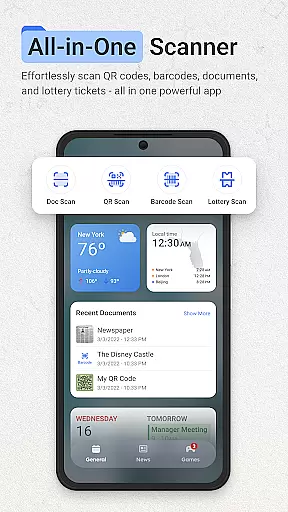
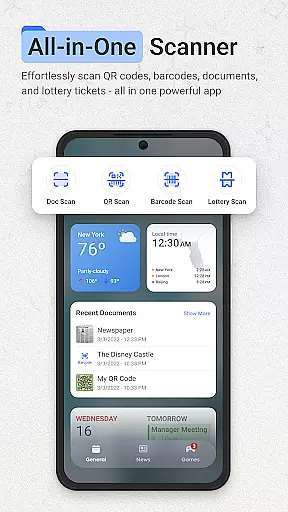
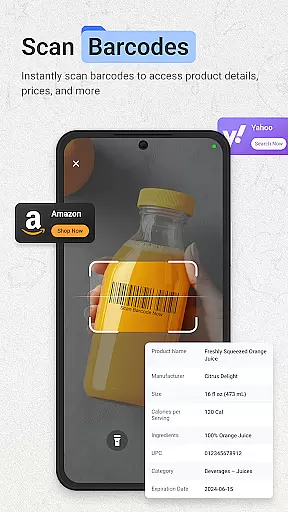
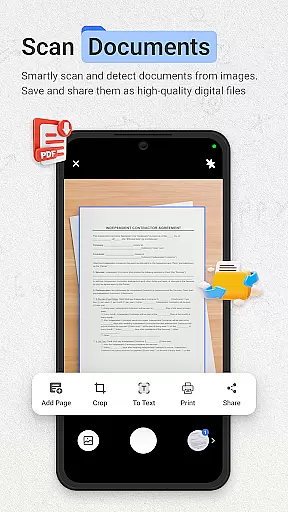
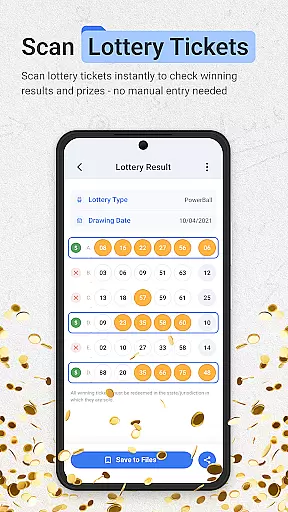
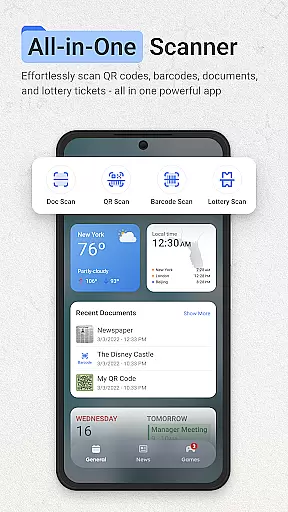
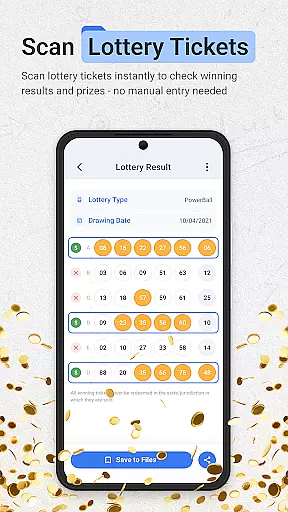
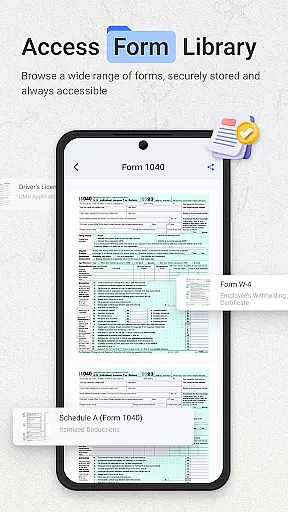
ScanNow Home revolutionizes productivity by integrating advanced scanning tools directly into your home screen experience. This innovative launcher combines essential document, barcode, and lottery ticket scanning with a clean, customizable interface.
The app's standout feature is its seamless integration of multiple scanning functions. Users can instantly digitize documents with auto-edge detection, scan barcodes for price comparisons, and validate lottery tickets - all without opening separate apps. The launcher design includes smart app categorization, adaptive icons, and dark mode support.
Ideal for professionals and everyday users alike, ScanNow Home transforms your Android device into a powerful productivity tool. With Yahoo search integration and optimized performance, it offers both convenience and efficiency in a single package.
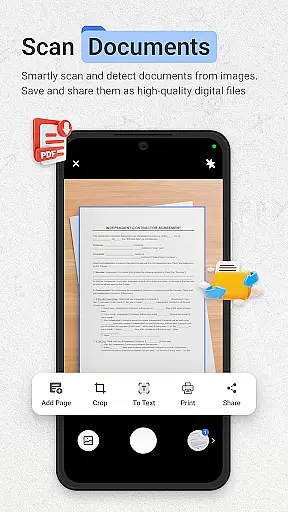
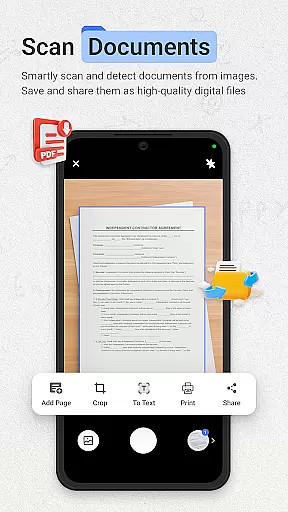
ScanNow Home distinguishes itself through its comprehensive feature set that goes beyond basic scanning capabilities. The document scanner offers advanced processing with perspective correction, multi-page support, and image enhancement for professional-quality results.
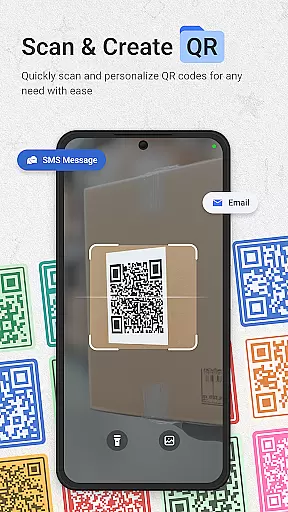
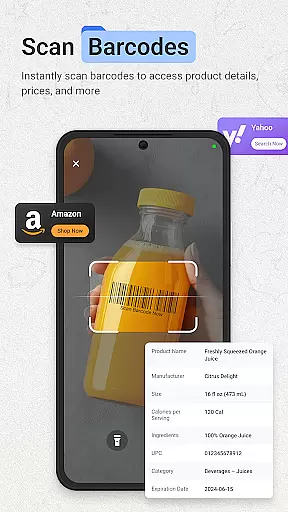
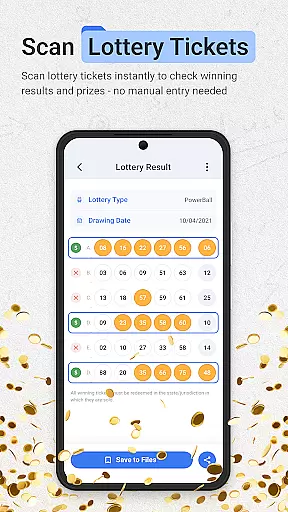
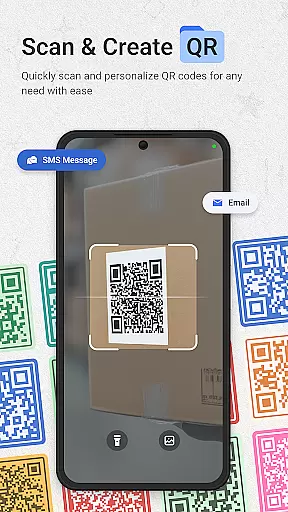
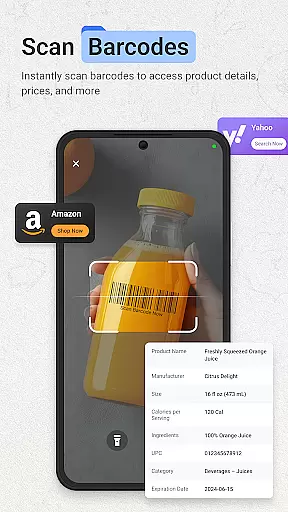
Barcode and QR code functionality includes instant scanning of major formats, price comparison tools, and URL browsing capabilities. The lottery validator supports various games, tracks playing history, and provides winning notifications. These features are complemented by practical utilities like scan history and export options.
Performance enhancements include improved low-light scanning, battery optimization, and faster processing speeds. The recent updates have addressed previous limitations, resulting in a more reliable and efficient user experience across Android devices running version 8.0 and above.
ScanNow Home revolutionizes productivity by integrating essential scanning tools directly into your home screen experience, allowing users to manage tasks efficiently. The app provides instant access to powerful document, barcode, and lottery ticket scanning features, streamlining daily workflows.
The document scanner offers auto-edge detection, perspective correction, and advanced image enhancement, ensuring crystal-clear results for digitized documents, receipts, and notes. With batch scanning and multi-page support, users can handle multiple tasks seamlessly, exporting their scans to PDF, JPG, or searchable text formats as needed.
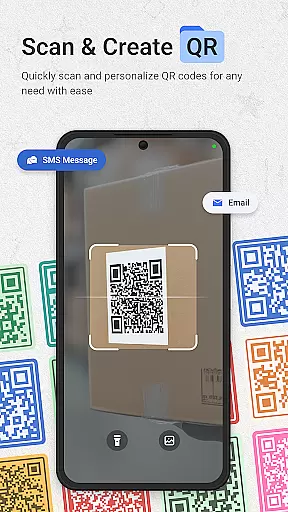
For barcode and QR code scanning, the app delivers lightning-fast performance across all major formats. Users can compare product prices, browse URLs, and maintain a scan history with search functionality. This feature enhances task management by providing quick access to product information and web links, making everyday activities more efficient.
One of ScanNow Home's standout features is its reliable cross-device synchronization, which ensures that all scanned documents, barcodes, and lottery tickets are consistently updated across devices. This functionality is crucial for users who rely on multiple devices for their personal and professional tasks.
The app supports real-time updates, meaning any document or scan saved on one device will automatically appear on others linked to the same account. This seamless synchronization allows users to start a task on their phone and continue on a tablet or another Android device without missing a beat.
In addition to document and barcode scanning, ScanNow Home includes a lottery ticket validator that syncs data across devices. Users can save tickets, track playing history, and receive winning notifications no matter which device they use. This comprehensive approach to synchronization ensures that users never lose critical information and can access their data whenever needed.
Instant access to scanning tools
Multi-functional productivity suite
Clean customizable interface
Advanced document processing
Comprehensive barcode support
Some features require in-app purchases
Specific to Android 8.0+
Requires Yahoo search
Storage permissions needed
Camera access mandatory

QuickBooks Workforce lets teams view pay info and track time in one place.
 4.70
4.70
Experience Reading - Night Mode for Documents
4.40
All in one sketching tool. Technical and General drawing. Online Maps support.
3.70
Wake up & get tasks done! Add alarms & reminders on the Clock Launcher.
4.00
ID.me Authenticator is a simple and free Two Factor Authentication solution
3.50
All document reader, all in one file viewer read PDF, DOCX, XLS, PPT, TXT files.
4.60
Quickly and easily keep track of your work shifts
4.70
Ultimate Virtual AI Character for immersive Roleplay Chat. Perfect Companion
3.90
Browse and view your photos and videos from the phone with photo & video hide.
4.10
Android Wallet Password Manager
4.80
Absolutely the best CNC machinist speed and feed calculator around. fswizard.com
4.60
App Lock with fingerprint, password: Lock apps & hide photos with lock screens
4.60
Planet Free VPN - The best Fast Unlimited and Secure VPN Without Logs
4.50
This small app MUST BE INSTALLED after purchase, else license won't work
4.40
Unlock AutoNotification
4.00
Take control of your clipboard with Clipper!
3.90
A Revolutionary All-in-One Artificial Intelligence Tools
3.80
Easiest event planning, volunteer signups & parent teacher conference scheduling
2.20
A simple, portable logger for POTA, SOTA, Field Day, and more
4.2


User Reviews