
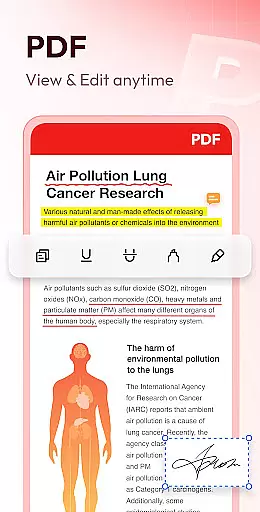
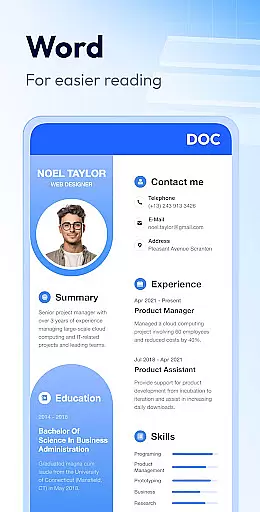
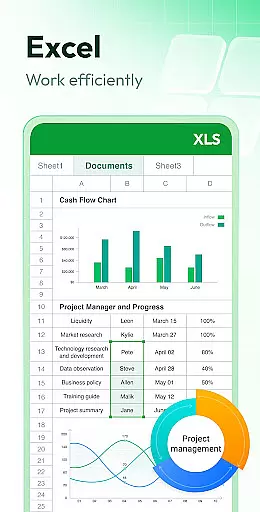
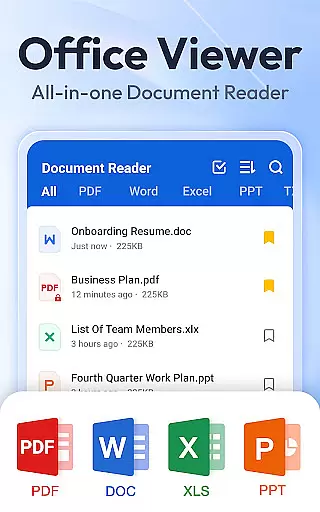
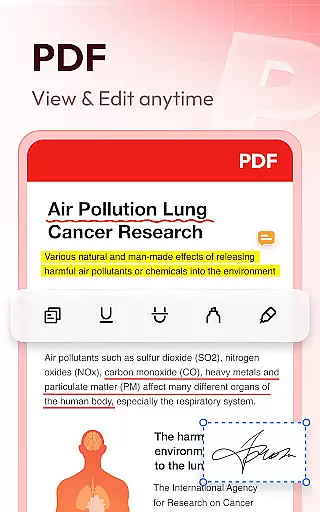
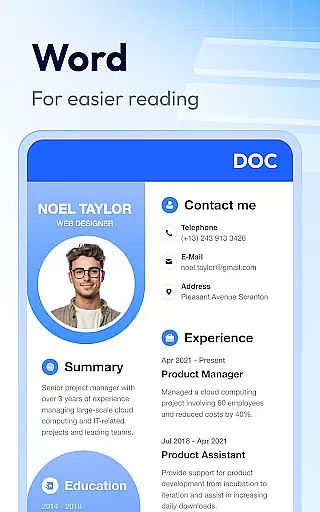
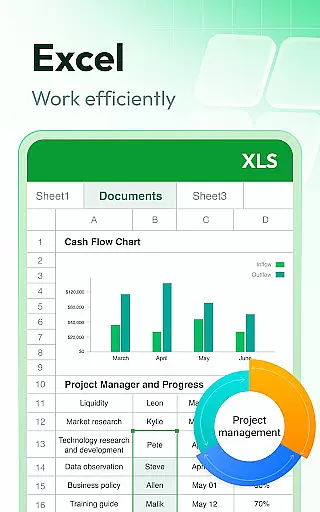
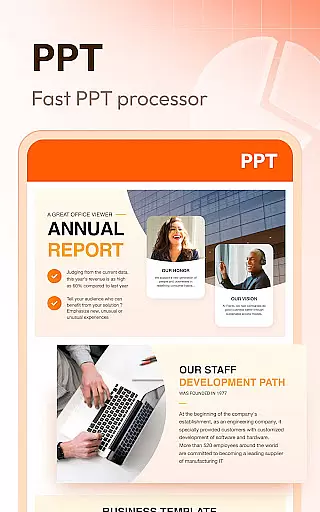
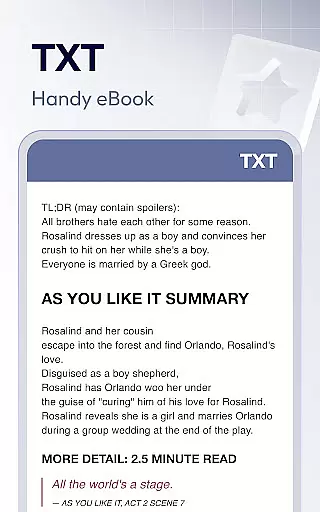
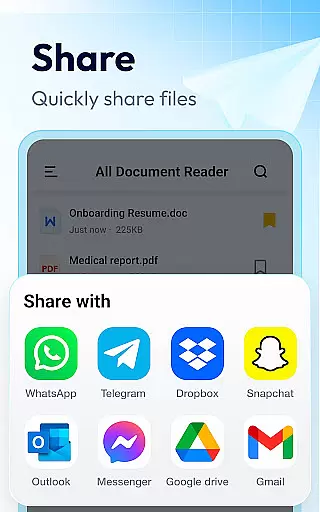
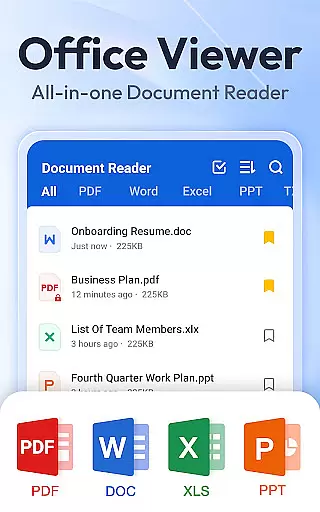
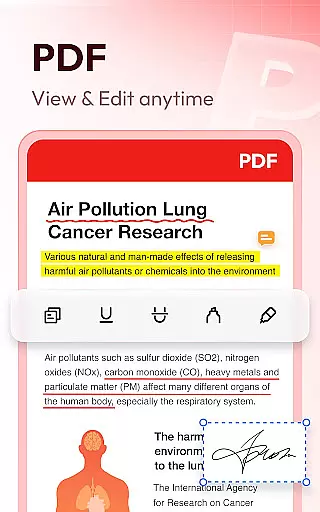
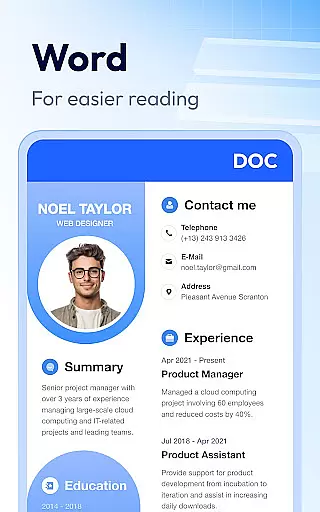
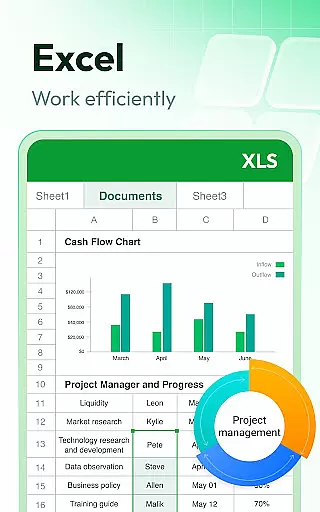
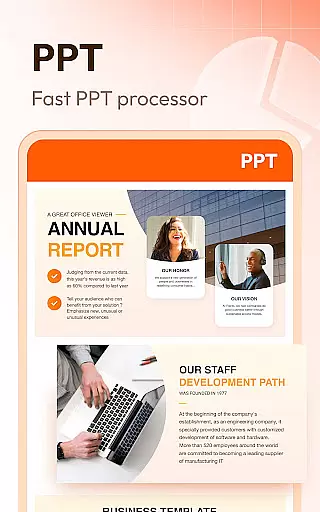
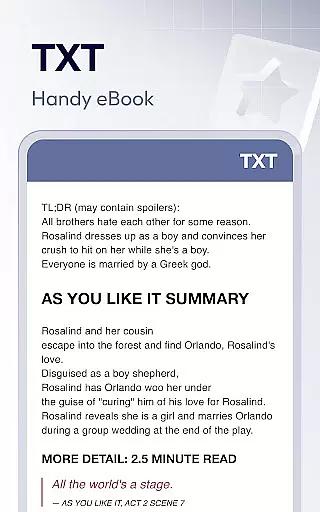
Document Reader & PDF Editor is a versatile productivity tool designed to streamline document management across various formats. This all-in-one solution supports PDF, Word, Excel, PPT, and TXT files, offering users the ability to read, organize, and manage documents efficiently. The app's compatibility with all office formats makes it an essential utility for professionals and students alike.
The application stands out with its user-friendly interface that presents files in well-organized folders, enabling quick search and easy access. Whether you need to open Word documents, read PDFs, or manage multiple file types in one place, Document Reader provides a seamless experience. Its offline functionality ensures you can work without internet constraints, while features like bookmarking and one-click document opening enhance productivity.
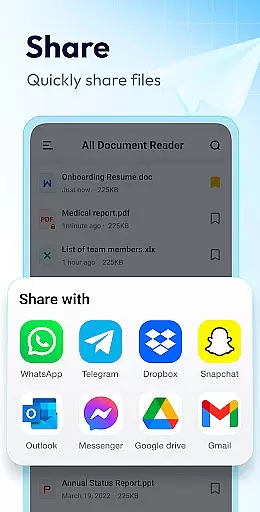
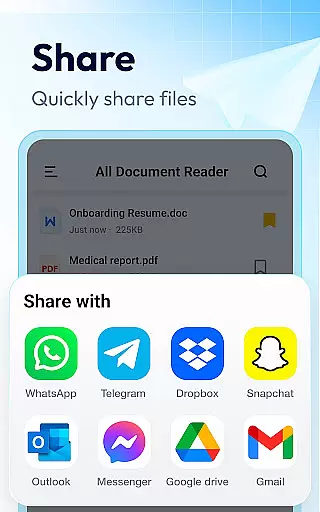
Ideal for anyone who handles multiple document types, this app serves as a PDF reader, Word/Excel viewer, and PPT viewer combined. The ability to zoom, switch reading modes, and print/share documents makes it particularly valuable for mobile professionals who require flexible document handling on the go.
Document Reader & PDF Editor distinguishes itself through a comprehensive feature set that addresses various document management needs. The app's core functionality includes robust PDF reading capabilities with page navigation, zoom controls, and printing options. Users can seamlessly switch between landscape and portrait modes while maintaining high-definition quality, ensuring optimal readability across different devices.
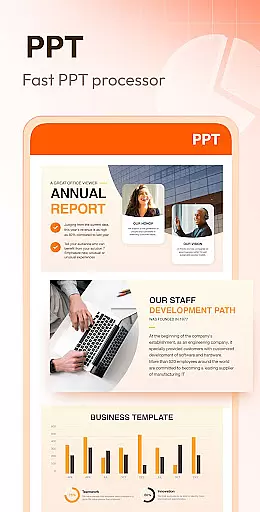
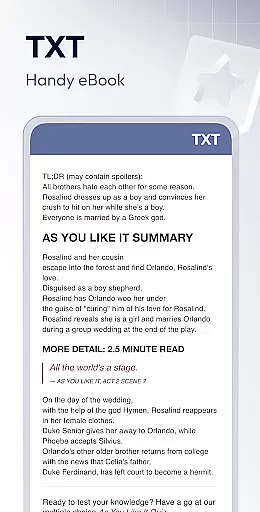
Beyond basic viewing, the application offers advanced document management features. The Word reader component provides efficient file sorting options by path, size, name, and modification date. Excel and text file viewing maintains this level of sophistication, allowing users to quickly locate specific data within spreadsheets. The PPT viewer ensures stable performance with fast loading times and clear presentation quality.
Additional notable features include offline document access, bookmarking for quick retrieval, and simple file organization. These capabilities are further enhanced by upcoming functionalities such as image-to-PDF conversion, document editing tools, and support for additional formats like RAR and ZIP files. The planned night mode and text search features will provide even greater flexibility for users working in various environments.
At the heart of Document Reader & PDF Editor lies its robust core task management system, designed to streamline document handling across various formats. This productivity tool doesn't just stop at reading PDFs; it extends its capabilities to Word, Excel, PPT, and TXT files, ensuring that all your office file management needs are met in one place.
The application supports an extensive range of formats including PDF, DOC, DOCX, XLS, XLXS, PPT, TXT, PNG, JPG, RTF, and more. With simple and clear file lists, users can effortlessly search and manage their documents. The bookmark feature allows for quick access to frequently used files, enhancing efficiency and workflow.
Document Reader & PDF Editor stands out by providing a seamless experience without the need for internet connectivity, allowing users to read and manage documents offline. Whether you're switching between landscape and portrait modes or jumping directly to specific pages, this app offers intuitive controls that cater to both casual readers and professionals alike.
Cross-device synchronization is crucial for users who operate on multiple platforms throughout their day. Document Reader & PDF Editor excels in this area by ensuring reliable and consistent access to your documents regardless of the device you're using. This means you can start editing a PDF on your phone during your commute and continue right where you left off on your tablet or computer once you reach your destination.
The app's compatibility spans across various office formats, making it a versatile companion for all your document management needs. With features like zooming in and out while reading, direct page jumps, and easy printing and sharing options, it ensures that your experience remains smooth and uninterrupted.
Moreover, Document Reader & PDF Editor provides peace of mind with its stable performance and high-definition quality when viewing files such as PPTs and images. Its ability to maintain consistency across devices not only boosts productivity but also enhances user satisfaction by delivering a dependable service that keeps up with modern work demands.
User-friendly interface
Multi-format support
Offline functionality
Quick search feature
Lightweight design
Limited editing tools
No cloud integration
Basic collaboration
Ads in free version
Occasional bugs

Client for Nextcloud Deck
 4.60
4.60
QuickBooks Workforce lets teams view pay info and track time in one place.
4.70
Experience Reading - Night Mode for Documents
4.40
Make your handwriting beautiful, even more than pen on paper.
3.60
⏰ Finally a timer app which can run multiple timers simultaneously on your watch
3.90
CalenGoo is a very flexible and feature-rich calendar app
4.40
All in One PDF Reader: Manage, Read and Edit your Documents
4.20
Stay on top of your to-dos with Google Tasks, part of Google Workspace.
4.60
Experience and share your SolidWorks designs on your Android® phone and tablet.
2.50
Scientific calculator for Android - looks and operates like the real thing!
4.90
We're working to become the best machining app on the market! www.cncdirt.com
4.80
Quickly and easily keep track of your work shifts
4.70
The Pro Version of Android's tiniest Notepad app. Just 0.3MB but feature-packed!
4.60
Calendar 2023 widget for Android. Appointment scheduler, planner, and reminder
4.60
A simple Whisper AI keyboard for reliable speech transcription and rewording
4.60
This small app MUST BE INSTALLED after purchase, else license won't work
4.40
Share files & memories safely. Keep your photos and videos secure.
4.40
Professional calendar app for Google Calendar, MS Outlook & Exchange
4.20
Remotely view listen control and record cameras.
3.70


User Reviews