
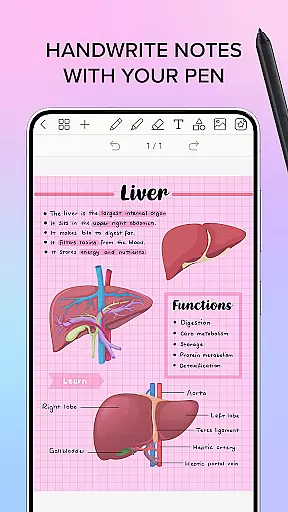
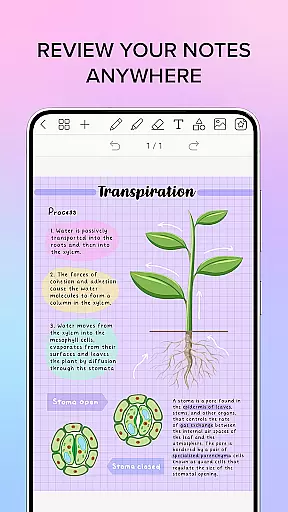
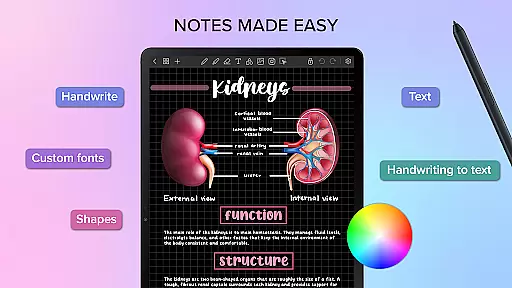
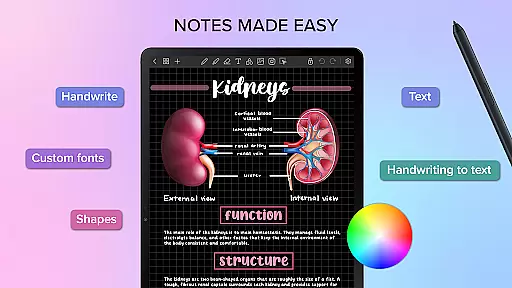
Penly is a comprehensive digital planner, journal, and note-taking app designed to enhance both creativity and productivity. With its intuitive interface and robust features, users can seamlessly integrate handwriting, text, images, and shapes into their notes.
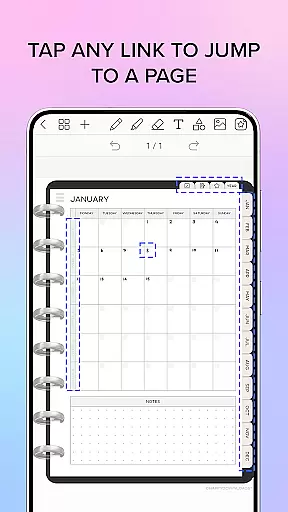
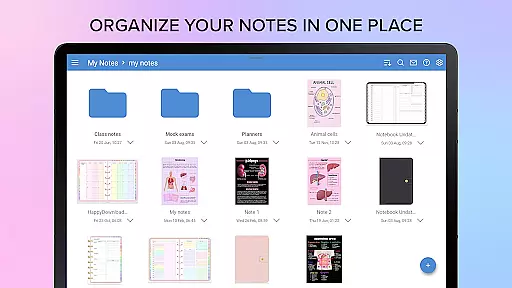
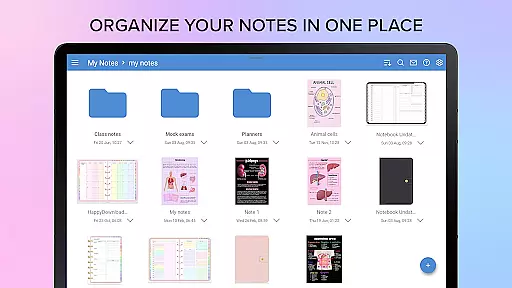
The app includes four digital planners with hyperlinked pages, reusable templates, and supports importing custom fonts and PDF files. Penly also offers advanced organizational tools such as folders, sub-folders, and the ability to sync between Android devices via Google Drive.
Whether you need to create detailed planners or quick notes, Penly provides all the necessary tools to keep your ideas organized and accessible, making it an ideal choice for students, professionals, and creatives alike.
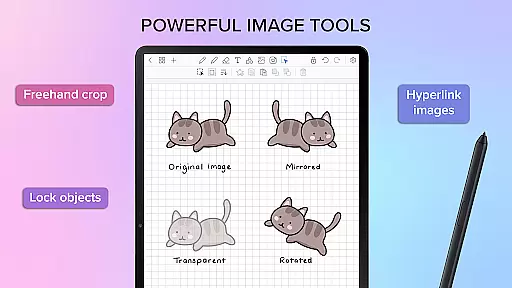
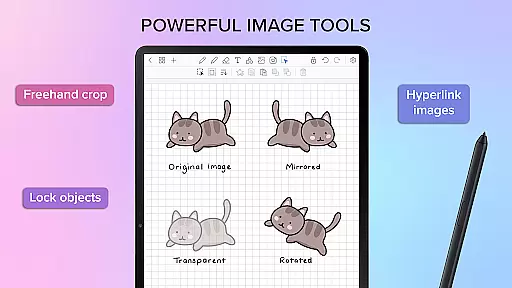
Penly boasts a wide array of features that cater to diverse note-taking needs. The smooth handwriting recognition and smart eraser allow for precise editing, while the automatic handwriting-to-text conversion ensures clarity and professionalism in your notes.
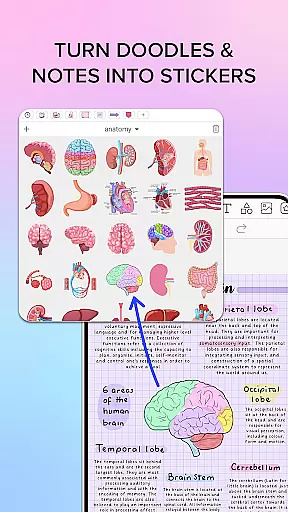
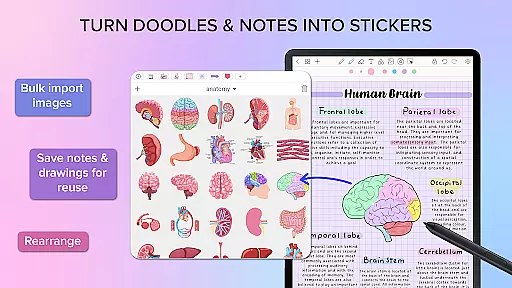
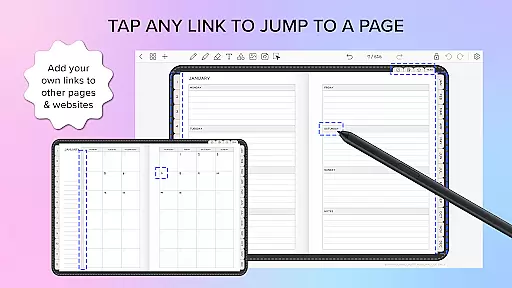
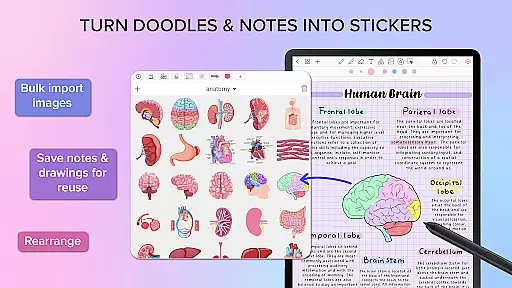
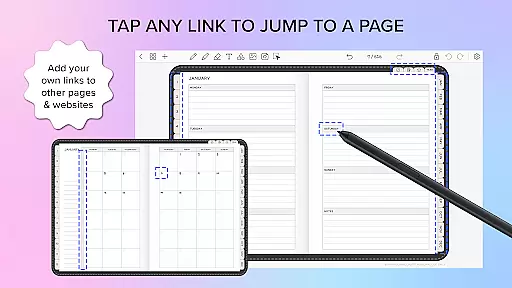
Users can create sticker collections, import custom fonts, and utilize various drawing tools to enhance their notes. The app's hyperlink creation feature enables navigation within documents or to external websites, adding another layer of functionality.
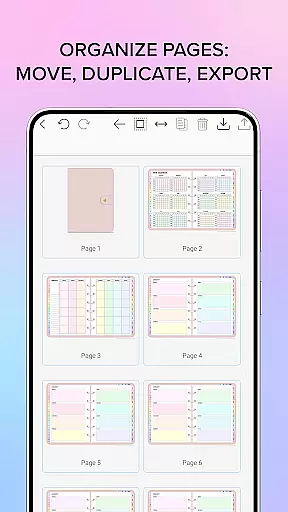
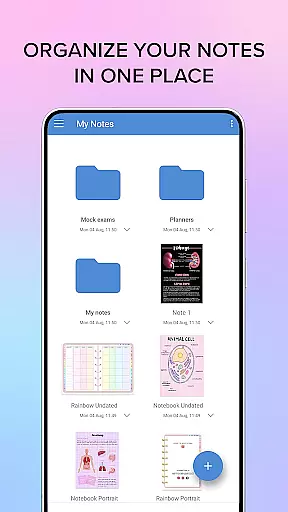
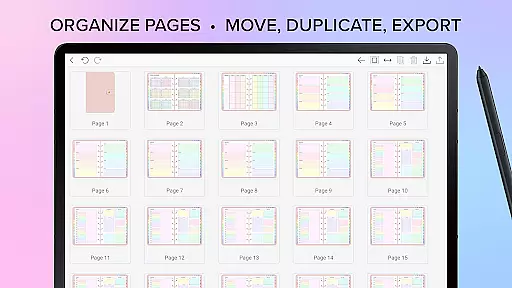
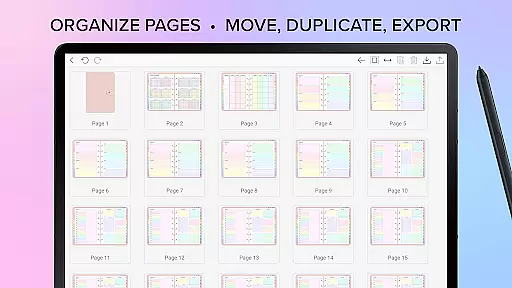
Additionally, Penly supports organizing pages and documents through folders and sub-folders, ensuring that your workspace remains tidy and efficient. Syncing capabilities across Android devices make it easy to access your notes from anywhere, anytime.
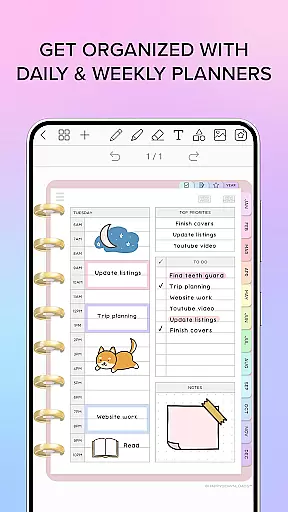
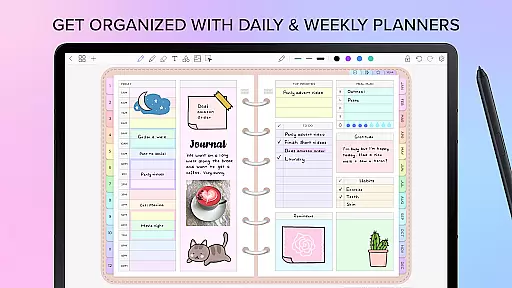
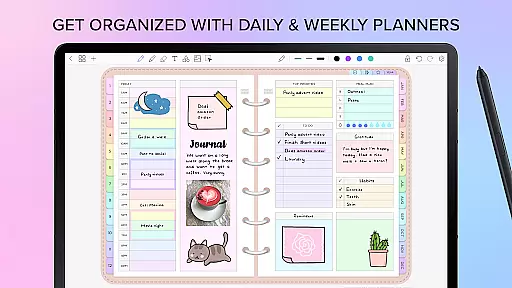
Penly offers a comprehensive suite of tools for managing tasks and organizing your digital life. The app includes four digital planners with hyperlinked pages, allowing users to navigate seamlessly between monthly, weekly, and daily views.
The undated and reusable nature of these planners provides flexibility, letting you customize dates as needed. With both landscape and portrait orientations, as well as different styles, Penly caters to various preferences and use cases.
Beyond traditional planners, Penly supports importing any PDF file, making it versatile for different workflows. Users can transform their documents into interactive files with hyperlinks, enhancing productivity and streamlining access to important information.
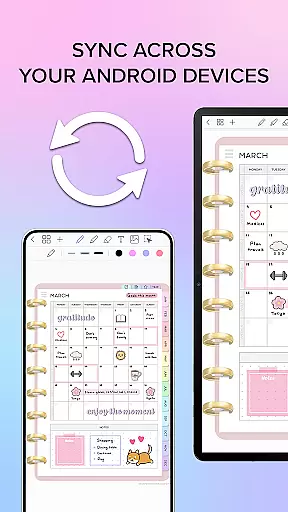
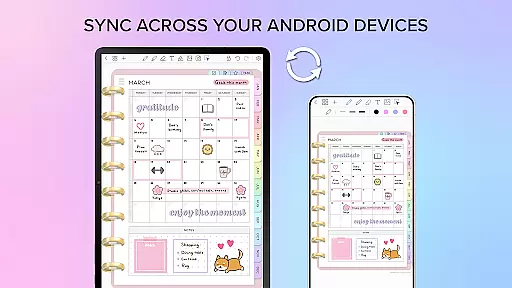
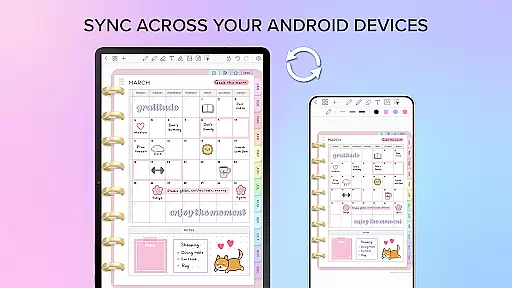
One of Penly's standout features is its robust cross-device synchronization capabilities. By linking Google Drive to the app, users can enable automatic syncing whenever the app is opened or closed.
This ensures that your digital planners, notes, and documents are always up-to-date across all your Android devices. The ability to manually sync also provides users with control over when their data is updated.
The reliable syncing feature means you can start working on one device and seamlessly continue on another without losing progress or experiencing data inconsistencies. This level of synchronization reliability is crucial for maintaining productivity in today's mobile work environment.
User-friendly interface
Advanced handwriting tools
Versatile sticker and image options
Efficient organization features
Reliable cross-device syncing
Limited language support
No free version available
Premium features require payment
Occasional syncing delays
Learning curve for new users

A lightweight JSON & XML files creator, editor and viewer (Premium Version)
 4.40
4.40
Mind Map and brainstorm, note taking and idea collection
4.80
We're working to become the best machining app on the market! www.cncdirt.com
4.80
Make your handwriting beautiful, even more than pen on paper.
3.60
All in One PDF Reader: Manage, Read and Edit your Documents
4.20
Activate Two Factor Authentication (2FA or Multi OTP), Password manager and more
4.10
Calendar 2023 widget for Android. Appointment scheduler, planner, and reminder
4.60
Great calculator for Android named one of USA TODAY's "25 Essential Apps".
4.90
Okta MFA
4.70
Protect and view your important info on your phone and tablet with eWallet®
4.80
A beautiful digital clock with autostart and many other functions
4.70
Translate text/voice/photos in 150+ languages. Offline & fast translator app.
4.50
Experience Reading - Night Mode for Documents
4.40
Make apps & sites with natural language prompts
4.10
Intelligent AI Assistant
4.10
Unlock AutoNotification
4.00
Ultimate Virtual AI Character for immersive Roleplay Chat. Perfect Companion
3.90
Code on-the-go with VScode for Android. Edit,debug and collaborate from mobile!!
3.10
Easiest event planning, volunteer signups & parent teacher conference scheduling
2.20


User Reviews