
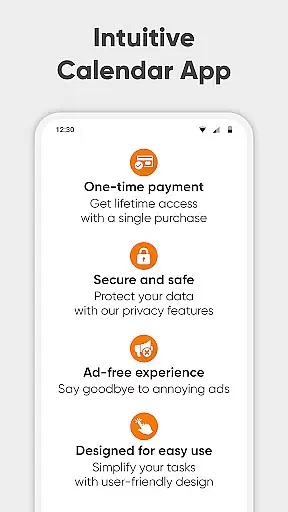
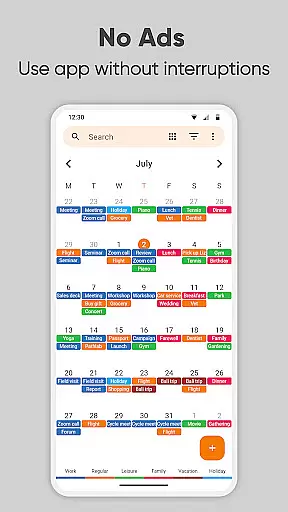
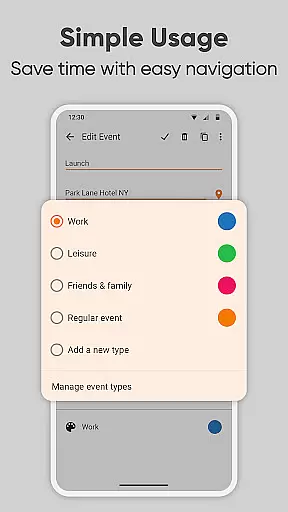
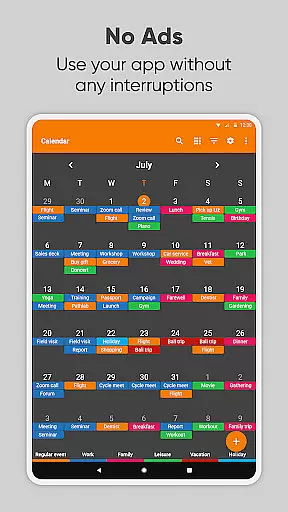
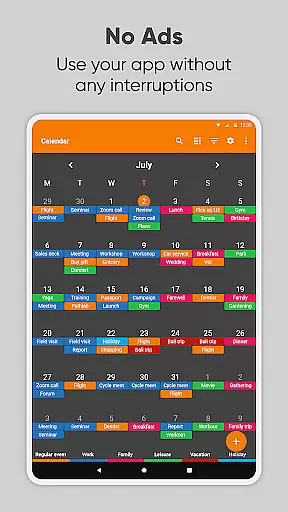
Simple Calendar Pro is a premium productivity app designed for Android users who need an efficient, offline solution for managing their schedules. This application offers a highly customizable monthly calendar experience without any ads or unnecessary permissions, ensuring a clean and focused user interface. With support for syncing events through Google Calendar or other CalDAV-compatible services, it provides seamless integration with existing calendar systems.
The app excels in helping users take control of their time by offering tools to organize both personal and professional events. Whether you need a work calendar, day planner, or appointment scheduler, Simple Calendar Pro makes it easy to stay on top of your schedule. Its intuitive design includes features like event reminders, notification customization, and a variety of widget options, making it adaptable to individual preferences while maintaining simplicity.
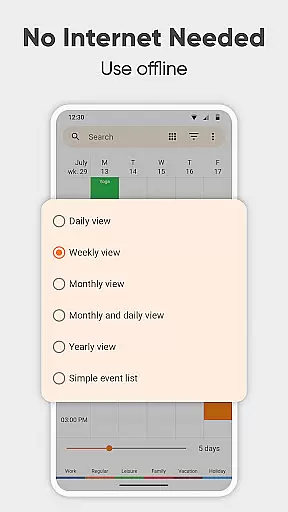
For those seeking privacy and stability, this app operates fully offline, giving users peace of mind. The ability to export and import events via .ics files, along with flexible event creation tools, ensures that planning remains effortless and personalized. Overall, Simple Calendar Pro delivers a robust solution for anyone looking to streamline their daily agenda in 2023.
Simple Calendar Pro stands out with its rich feature set tailored to maximize productivity. One of the key highlights is its exceptional flexibility, allowing users to create events with precision using advanced repetition rules, custom reminders, and detailed scheduling options. The app also supports CalDAV, enabling synchronization with external calendars such as Google Calendar, Microsoft Outlook, and Nextcloud, which ensures all your events are up-to-date across devices.
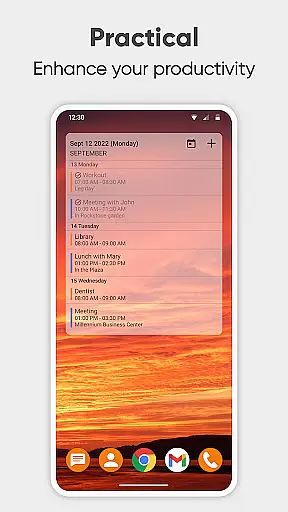
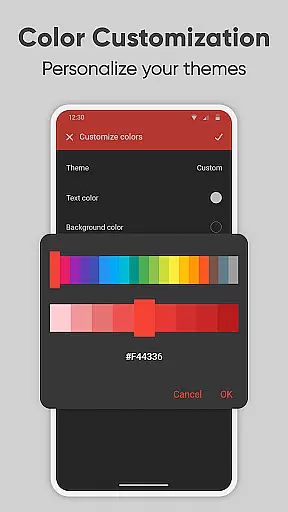
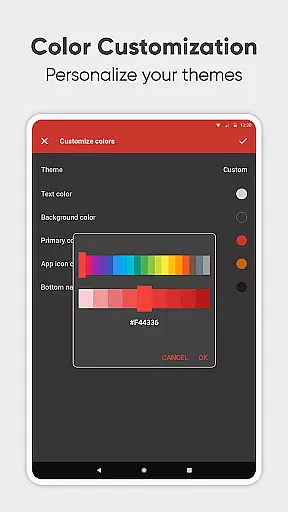
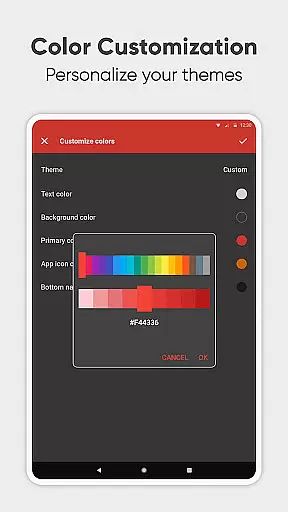
Customization is at the heart of this app's design. Users can personalize nearly every aspect of their calendar experience, from choosing unique color schemes and themes to adjusting notification sounds and vibrations. Additionally, the app provides a versatile widget system that lets you view your schedule directly from your home screen in various formats, including monthly and list views. These widgets not only enhance accessibility but also make it easier to manage your time effectively.
Another notable feature is the app’s commitment to privacy and usability. Operating completely offline, Simple Calendar Pro eliminates the need for internet access, thus enhancing security and reliability. It also includes practical tools like .ics file support for event exports and imports, as well as settings backup via .txt files. With over 45 language translations and open-source availability, this app caters to a global audience while maintaining transparency and adaptability.
At the heart of Simple Calendar Pro lies its robust core task management system, designed to streamline your daily planning. This feature allows users to effortlessly organize their schedules by creating events with precise start and end times, setting durations, and establishing powerful repetition rules for recurring tasks.
The app supports a variety of customization options that cater to individual productivity styles. Users can personalize event reminders, notification sounds, vibrations, and even choose from different audio streams to ensure they never miss an important appointment or meeting.
What sets this productivity tool apart is its seamless integration with other calendar services. Through CalDAV support, it syncs events across platforms like Google Calendar, Microsoft Outlook, and Nextcloud, ensuring your schedule remains consistent and up-to-date on all devices without requiring constant internet access.
By offering such comprehensive yet straightforward task management capabilities, Simple Calendar Pro empowers users to take control of their time effectively. Whether you're managing work projects, family activities, or personal goals, the app provides a reliable framework for organizing every aspect of your life.
Cross-device synchronization is a critical feature for any modern productivity app, and Simple Calendar Pro excels in this area. The application ensures that your meticulously planned schedule remains consistent across all your devices through reliable syncing mechanisms.
Utilizing CalDAV protocol support, the app connects seamlessly with popular calendar services such as Google Calendar, Microsoft Outlook, and Nextcloud. This integration guarantees that every event created or modified on one device instantly reflects on others, maintaining perfect harmony in your digital agenda regardless of which device you use.
Unlike many competitors, Simple Calendar Pro achieves this synchronization without compromising user privacy or security. By functioning perfectly offline and only connecting when necessary, it minimizes data exposure while maximizing reliability. When internet access is required, the app employs secure methods to protect your information during transmission between devices.
This dependable cross-device functionality means professionals can confidently plan their business meetings on desktop computers at work, then review those same appointments on mobile devices while traveling. Families can coordinate activities across multiple smartphones and tablets, knowing everyone's schedule remains perfectly aligned throughout all connected devices.
User-friendly interface
Offline functionality
Customizable widgets
No ads or popups
CalDAV support
Limited advanced analytics
No built-in email client
Basic map integration
Fewer third-party integrations
Paid version only

Client for Nextcloud Deck
 4.60
4.60
QuickBooks Workforce lets teams view pay info and track time in one place.
4.70
Automates browsing any website and notifies you of important changes or events
4.30
Mind Map and brainstorm, note taking and idea collection
4.80
Make apps & sites with natural language prompts
4.10
Font maker keyboard with your own handwriting
4.10
PDF scanner & converter for files, photos, lottery, QR codes. One swipe away!
4.50
Find and delete junk files & block unwanted notifications & manage files
3.70
Ultimate Virtual AI Character for immersive Roleplay Chat. Perfect Companion
3.90
Use powerful, industry-leading AI tools to generate visual charts from any data
4.80
The Pro Version of Android's tiniest Notepad app. Just 0.3MB but feature-packed!
4.60
Absolutely the best CNC machinist speed and feed calculator around. fswizard.com
4.60
Secure, fast, open-source, Remote Desktop Client for Windows and Linux with SSH
4.60
Tally and goal counter for Wear OS & mobile
4.50
CalenGoo is a very flexible and feature-rich calendar app
4.40
Secure your apps with lock screens, use custom themes and different features.
4.40
Intelligent AI Assistant
4.10
⏰ Finally a timer app which can run multiple timers simultaneously on your watch
3.90
Smart PDF reader & editor to view, organize and manage PDF documents easily.
3.70


User Reviews