
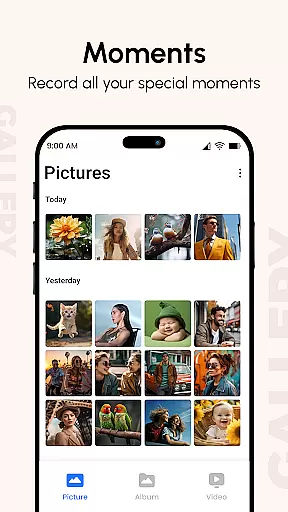
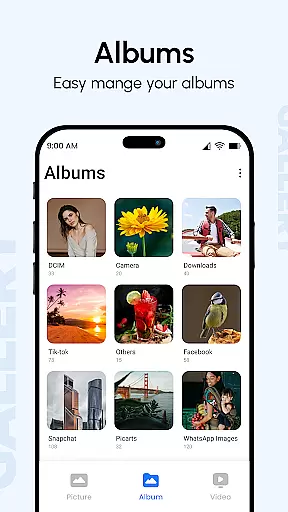
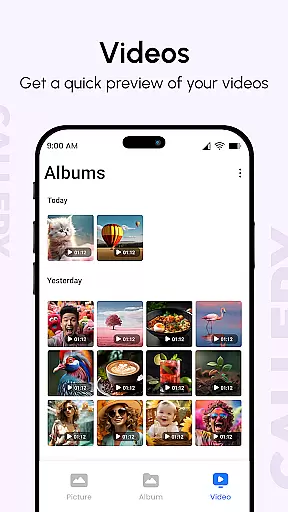
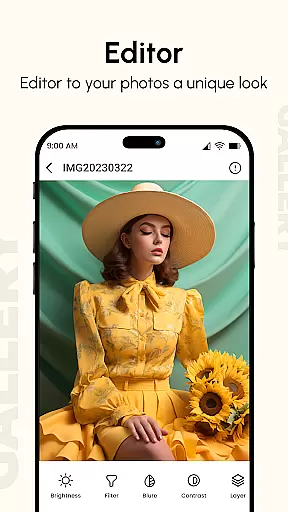
Gallery is a comprehensive photo and video management app designed to enhance your digital memories. The app consolidates media from all your devices, creating enhanced images and organizing them into visually appealing albums. With features like metadata viewing, GIF support, and password protection, it offers both functionality and security.
The app's standout capabilities include instant photo access, quick replies, and reminder settings from the after-call screen. Users can also create customizable slideshows, hide private content with PIN codes, and enjoy smooth navigation optimized for large screens. Gallery Pro ensures that managing and securing your precious memories has never been easier or more efficient.
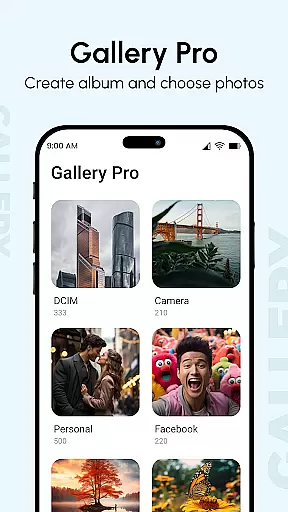
Gallery provides an extensive set of tools for photo and video management. One notable feature is the Photo View, which displays additional information such as location and camera details. The app supports various file types including GIFs and videos, sorting them by folders, tags, and dates for easy access.
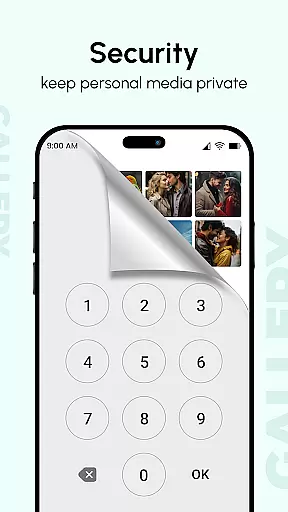
For enhanced privacy, users can utilize the Hide it Pro function to conceal photos and videos behind a secret PIN code. The app also includes advanced functionalities like metadata-based search, slideshow mode with transitions, and smart modes that automatically organize content. These robust features make Gallery a top choice for users seeking a secure and versatile gallery solution.
In the realm of digital organization, Gallery app excels in core task management by offering a comprehensive suite to handle your multimedia files efficiently. This app doesn't just stop at displaying photos and videos; it categorizes them into albums, enhancing user experience with metadata such as location and date taken.
Gallery's interface is designed for seamless navigation through thousands of images, ensuring quick access and an optimized viewing experience on large screens. Its smart mode and multiple finger gestures make photo management intuitive and swift, allowing users to focus on their cherished memories without any hassle.
Moreover, the inclusion of features like instant photo access and quick replies from the after-call screen demonstrates its dedication to productivity. Users can set reminders directly, integrating essential tasks within their photo management workflow, thus saving time and streamlining daily activities.
Gallery app assures cross-device synchronization reliability, bringing together multimedia content from all your devices into one harmonious collection. Whether you're using a Samsung Galaxy or any other Android device, this app consolidates your digital memories, making them accessible anytime, anywhere.
The synchronization process is not only about gathering photos and videos but also enhancing them to ensure they look their best across all platforms. By sorting out pictures based on folders, tags, and dates, Gallery creates a cohesive library that looks great on the appu2019s homepage, regardless of the source device.
Furthermore, with support for various file types including GIFs and video files, Gallery guarantees that no matter what format your media is in, it will be accurately represented and synchronized. This ensures that users enjoy a consistent experience, maintaining the quality and integrity of their cherished memories across different devices.
User-friendly interface
Enhanced privacy options
Versatile file support
Customizable slideshow
Smart organization modes
Occasional bugs reported
Ads in free version
Limited editing tools
Heavy on storage
Complex settings for beginners

A Revolutionary All-in-One Artificial Intelligence Tools
 3.80
3.80
Send files, sync SMS, notifications & clipboard across devices via local network
4.40
⏰ Finally a timer app which can run multiple timers simultaneously on your watch
3.90
IP Camera Viewer - Android TV : RTSP Surveillance camera viewer for Android TV
4.1
Customizable calendar widget for seamless event sync, planning & scheduling.
4.00
Easiest event planning, volunteer signups & parent teacher conference scheduling
2.20
Find and delete junk files & block unwanted notifications & manage files
3.70
ID.me Authenticator is a simple and free Two Factor Authentication solution
3.50
Enjoy classic gameplay with customizable features and retro-style graphics.
4.30
Scientific calculator for Android - looks and operates like the real thing!
4.90
Quickly and easily keep track of your work shifts
4.70
Make apps & sites with natural language prompts
4.10
Font maker keyboard with your own handwriting
4.10
Create and edit presentations with Google Slides, part of Google Workspace.
4.00
* block pre-roll ads, pop-up and forced redirect ads * Samsung certification app
4.00
Mega cloud explorer plugin for Solid Explorer
3.80
All in one sketching tool. Technical and General drawing. Online Maps support.
3.70
Auto-shutoff Alarm with Sunrise, Sunset & Fixed Options.
3.50
Code on-the-go with VScode for Android. Edit,debug and collaborate from mobile!!
3.10


User Reviews