
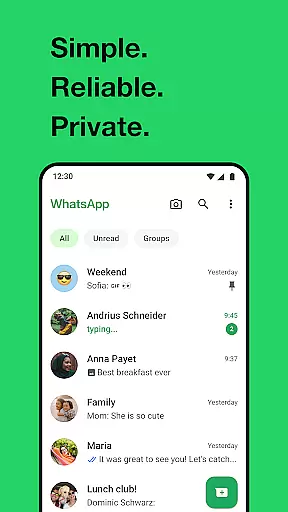
WhatsApp Messenger is a leading communication app that allows users to send messages, make voice and video calls, and share media across mobile and desktop platforms. Its core functionality lies in providing secure, end-to-end encrypted conversations, ensuring privacy for personal and group chats. The app also supports features tailored for Android Wear, enabling users to manage chats and calls directly from their smartwatch.
One of WhatsApp's standout capabilities is its ability to function reliably even on slower Internet connections, making it accessible worldwide. With additional features like Status updates, location sharing, and high-quality group calls for up to 32 participants, the app serves as an all-in-one communication tool. These features are particularly valuable for staying connected with friends and family without compromising privacy or data security.
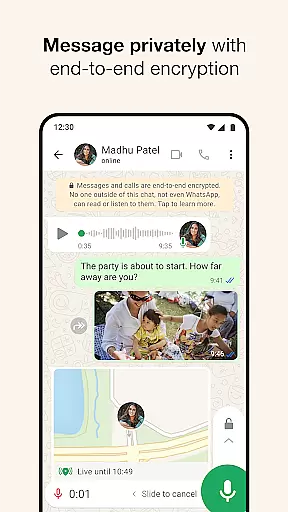
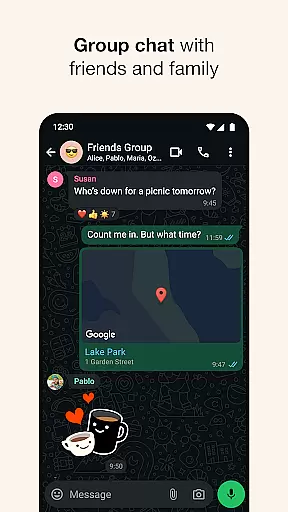
WhatsApp Messenger offers a comprehensive set of features designed to enhance user connectivity while maintaining simplicity and security. One of its key highlights is end-to-end encryption, which ensures that only the sender and recipient can access chat content, including messages, calls, and shared files. This feature extends to group chats, allowing users to collaborate securely with text, photos, videos, and documents.
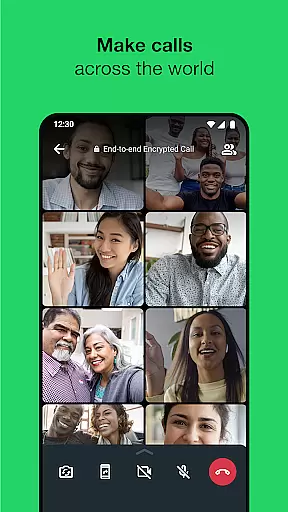
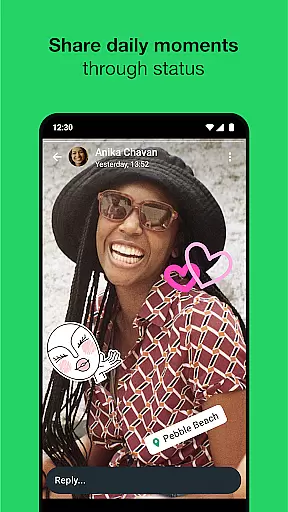
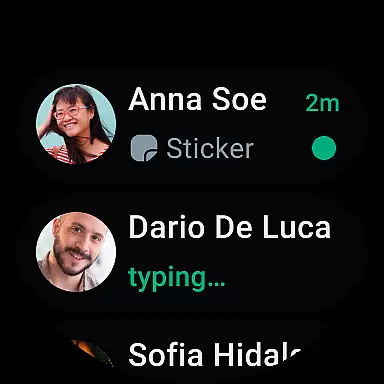
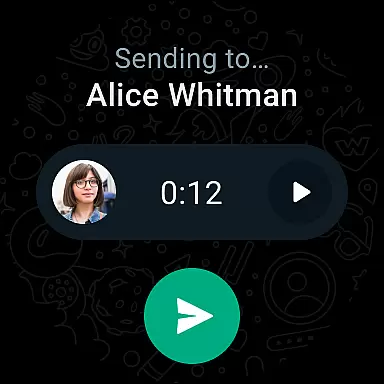
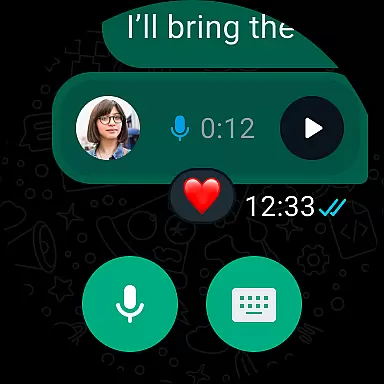
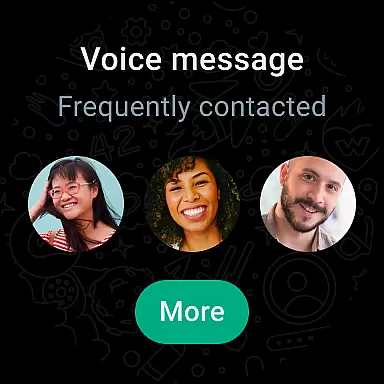
The app also integrates seamlessly with Android Wear, letting users respond to messages, take calls, and send voice notes directly from their smartwatch. Another notable feature is Status, where users can post ephemeral updates—text, photos, or videos—that disappear after 24 hours. Additionally, WhatsApp supports real-time location sharing within chats and high-quality voice/video calls for groups of up to 32 people, all without extra fees beyond data usage costs.
Companion app integration is essential for users who want a seamless experience across multiple devices. WhatsApp Messenger excels in this area by providing robust synchronization between your mobile device and Wear OS watch. This ensures that all your messages, calls, and notifications are consistently updated and accessible no matter which device you are using.
The integration allows you to continue conversations directly from your wrist, making it convenient to stay connected without needing to pull out your phone. You can quickly reply to messages, take calls, and even use voice commands to interact with your chats. This level of connectivity enhances user convenience and keeps you engaged with your contacts effortlessly.
Furthermore, the companion app on Wear OS supports tiles and complications, giving you quick access to your most important chats and enabling you to send voice messages with ease. This thoughtful design prioritizes user accessibility and functionality, ensuring that you have a smooth and efficient communication experience across all your devices.
Device compatibility is crucial for ensuring that an application functions optimally across various platforms. WhatsApp Messenger offers extensive support for Wear OS, making it compatible with a wide range of smartwatches. This compatibility ensures that users can enjoy the full suite of WhatsApp features directly from their wrists, enhancing both convenience and accessibility.
WhatsApp's compatibility extends beyond just basic messaging. Users can make secure voice and video calls, access group chats, and even share their locations or record voice messages directly from their Wear OS devices. The app leverages the capabilities of Wear OS to provide a comprehensive and integrated user experience.
In addition to supporting a broad array of devices, WhatsApp ensures that its performance remains consistent even on slower connections. This reliability means that whether you're at home or on the go, you can depend on WhatsApp to keep you connected with friends and family through your Wear OS device. Such comprehensive compatibility underscores WhatsApp's commitment to delivering a versatile and dependable communication tool.
End-to-end encryption
Cross-platform support
Free voice and video calls
User-friendly interface
Reliable performance
Limited customization options
No built-in themes
Heavy battery usage
Requires constant internet
Status limited to 24 hours

Highly customizable hybrid watch face for Wear OS, perfect for everyday use.
 4.60
4.60
Christmas is near, let's count together the days left until Santa comes
4.3
Sleek, highly customizable watch face inspired by Galaxy Watch Circle Dashboard.
4.1
Locate your family members by GPS phone location tracker everywhere and anytime
4.30
Retro digital watch face with customizable colors and a unique lighting effect
4.60
A white realistic classic analog watch face with many customization options.
4.40
Fast and smart typing with Emojis, GIFs, and more
4.50
Your local weather forecast, storm tracker, radar maps & live weather news
3.40
Spam call blocker and caller ID for automatic call protection!
4.40
Easy Voice Recorder is your everyday companion to record important moments.
4.70
Your second brain for organizing your life: to-do, calendar, reminder.
4.70
MyNISSAN® lets you remotely control your car from your phone.*
4.50
Deck out your Wear OS Watch face with a beautifully decorated pine wreath!
4.50
Connect to your Bluelink equipped Hyundai vehicle from your smartphone.
4.50
Premium hybrid watch face with many customizations for Wear OS devices.
4.40
Daily Weather forecast with 15 weather images for Day & Night plus Big Bold time
4.10
The #1 source of faces for your smartwatch!
4.00
Structured watch face with seven complications and modular UI elements
3.90
Fitness interactive virtual pet super fighter boy watch face
4.0


User Reviews