
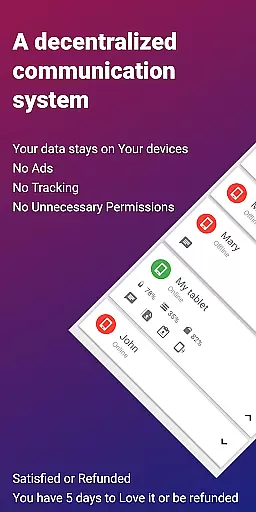
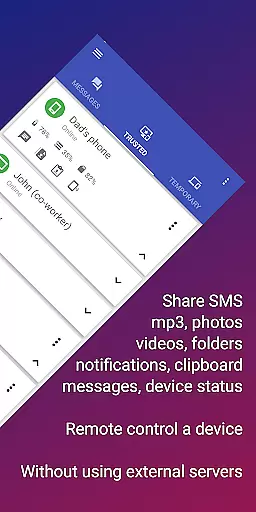
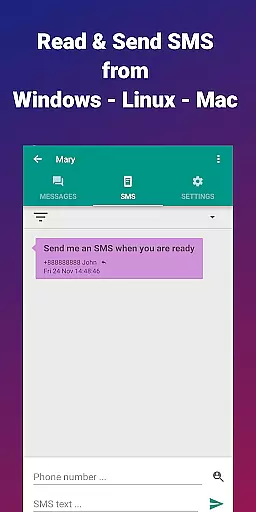
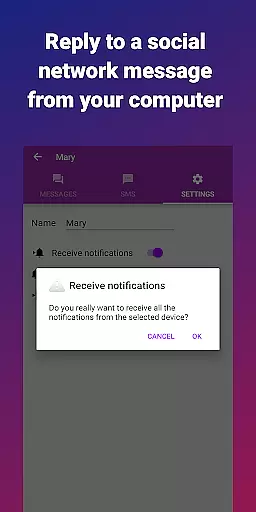
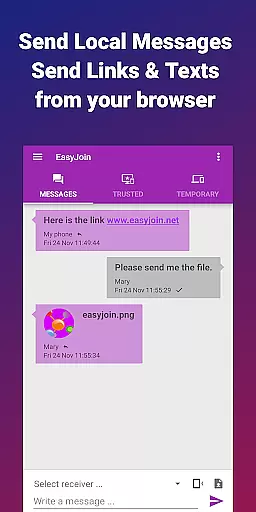
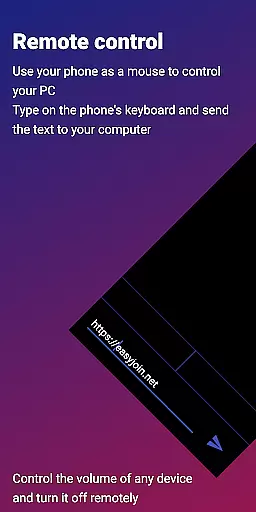
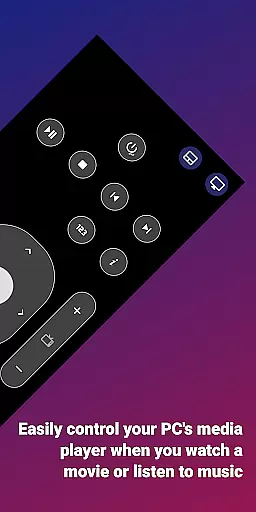
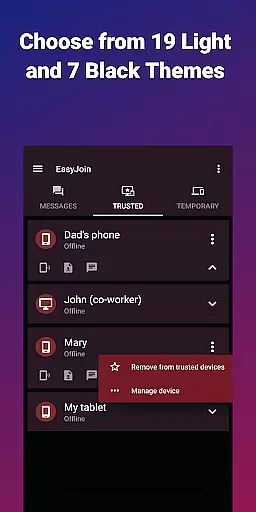
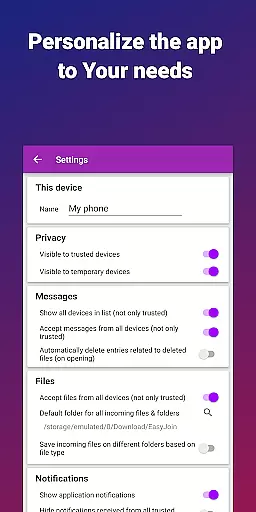
EasyJoin is a productivity-focused application designed to seamlessly connect your devices and transfer files instantly without relying on cloud services, advertisements, or tracking mechanisms. The app operates exclusively within your local network, ensuring complete privacy and end-to-end encryption for all data transfers.
Key features include fast file transfer between devices such as phones, PCs, and tablets, clipboard synchronization across multiple platforms, remote SMS and notification management, and the ability to use your phone as a remote control device. With support for Windows, macOS, Linux, Android, iPhone, and iPad, EasyJoin provides a secure and private solution for both personal and team-based workflows.
This application is perfect for users who need to read and send SMS from their computers, share files between devices, copy-paste text across platforms, or conduct offline file transfers without any internet dependency. Its one-time payment model ensures that users enjoy all features without recurring fees or intrusive ads.
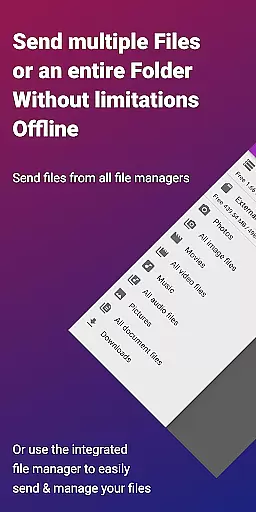
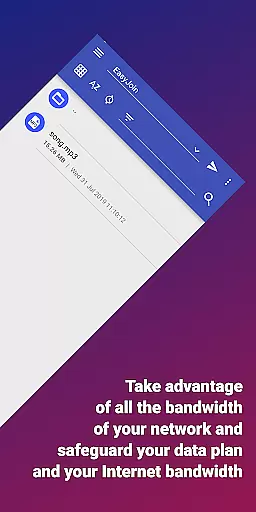
EasyJoin offers a comprehensive suite of features tailored to enhance productivity while maintaining strict privacy standards. One standout feature is its fast file transfer capability, which allows users to send photos, videos, documents, and folders between devices instantly. This process requires no internet connection, cloud storage, or external servers, making it ideal for secure, offline sharing.
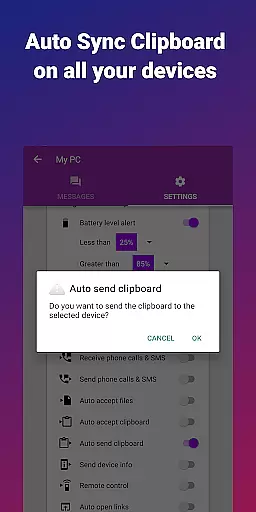
The app also includes clipboard sync functionality, enabling users to copy content on one device and paste it on another across supported platforms like Android, Windows, macOS, iPhone, iPad, and Linux. Additionally, EasyJoin supports peer-to-peer encrypted sharing, ensuring that all data remains private and encrypted within the user's local network.
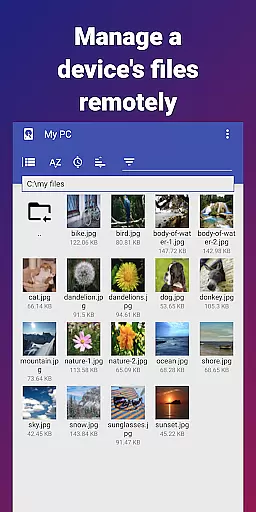
Remote notifications and SMS management allow users to interact with their phone’s messages and notifications directly from their computer. Furthermore, the app provides remote control capabilities, letting users operate their PC with their phone or vice versa. These innovative features make EasyJoin an indispensable tool for streamlining workflows in a secure environment.
At the heart of EasyJoin lies its robust core task management system, designed to streamline your workflow across multiple devices. This feature allows users to seamlessly transfer files, sync clipboards, and manage SMS notifications without relying on cloud services or external servers.
The application's architecture ensures that all tasks are executed with precision and speed, making it an ideal tool for both personal and professional use. Whether you're sending documents from your phone to your PC or syncing notifications across your tablet and desktop, EasyJoin handles these operations effortlessly within your local network.
What sets EasyJoin apart is its commitment to privacy and security. All data transfers are encrypted end-to-end, ensuring that your information remains confidential and protected from unauthorized access. This makes it a reliable choice for users who prioritize data security while managing their digital tasks.
EasyJoin excels in providing reliable cross-device synchronization, allowing users to maintain continuity in their work regardless of the device they are using. With support for Android, Windows, macOS, iPhone, iPad, and Linux, this application ensures that your clipboard content, files, and notifications are consistently updated across all linked devices.
The synchronization process is not only seamless but also instantaneous, thanks to the application's peer-to-peer encrypted sharing capabilities. This means that any changes made on one device are immediately reflected on others connected to the same local network, enhancing productivity and convenience.
Moreover, EasyJoin's dedication to user privacy is evident in its no-cloud, no-ads, and no-tracking policy. By keeping all data within the local network and employing end-to-end encryption, the application guarantees that your synchronized content remains secure and private, giving you peace of mind while you work across different platforms.
Fast file transfer
Clipboard sync
P2P encryption
Cross-platform
No subscriptions
Limited to LAN
One-time cost
No cloud backup
Setup required
Advanced features
Create study competitions, track your hours, and stay consistent with friends
 4.5
4.5
Wake up & get tasks done! Add alarms & reminders on the Clock Launcher.
4.00
A simple, portable logger for POTA, SOTA, Field Day, and more
4.5
Protect and view your important info on your phone and tablet with eWallet®
4.80
Easiest event planning, volunteer signups & parent teacher conference scheduling
2.20
Stay on top of your to-dos with Google Tasks, part of Google Workspace.
4.60
* block pre-roll ads, pop-up and forced redirect ads * Samsung certification app
4.00
To do list widget with a notebook organizer, checklist, simple shopping list
4.60
Scan paperwork into PDF/JPG, generate your own e-signature and send fax or email
4.70
8 custom complications. Custom Time Fonts. Beautiful color schemes. A++ Design.
5.00
Great calculator for Android named one of USA TODAY's "25 Essential Apps".
4.90
A beautiful digital clock with autostart and many other functions
4.70
Functional QR scanner and barcode reader that requires little storage space.
4.60
All document reader, all in one file viewer read PDF, DOCX, XLS, PPT, TXT files.
4.60
Fill, sign & send docs, forms, agreements & contracts via electronic signature.
4.50
Share files & memories safely. Keep your photos and videos secure.
4.40
Pwnagotchi companion app
4.20
The ultimate file manager for rooted devices. The original and still the best.
4.00
Make your handwriting beautiful, even more than pen on paper.
3.60


User Reviews