
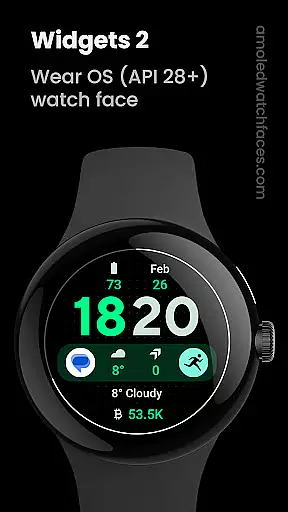
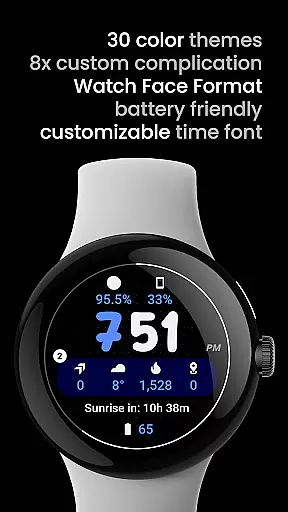
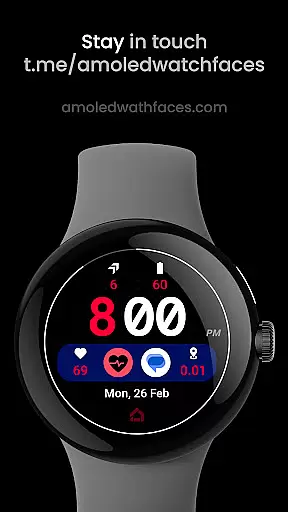
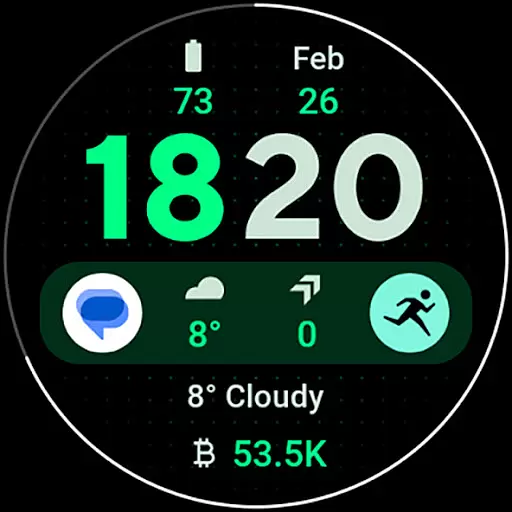
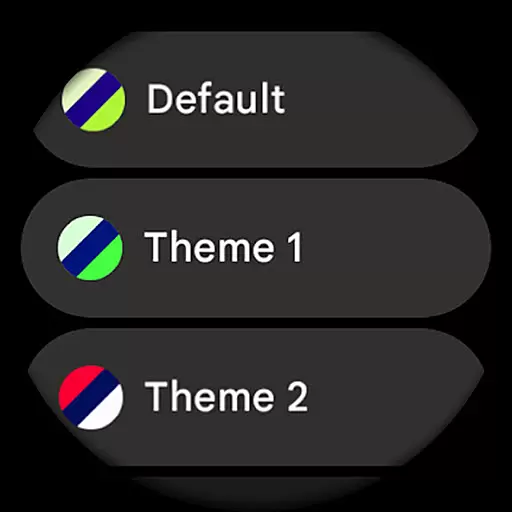
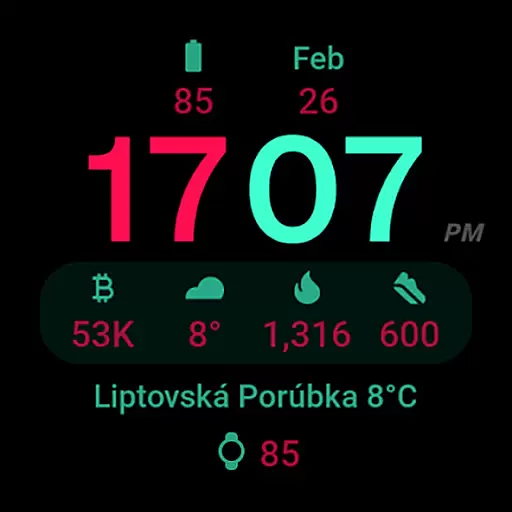
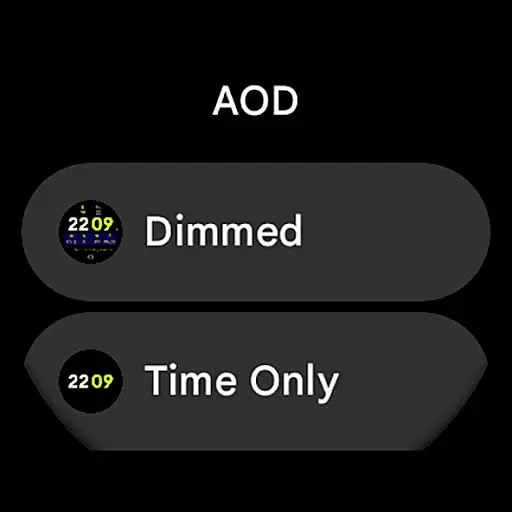
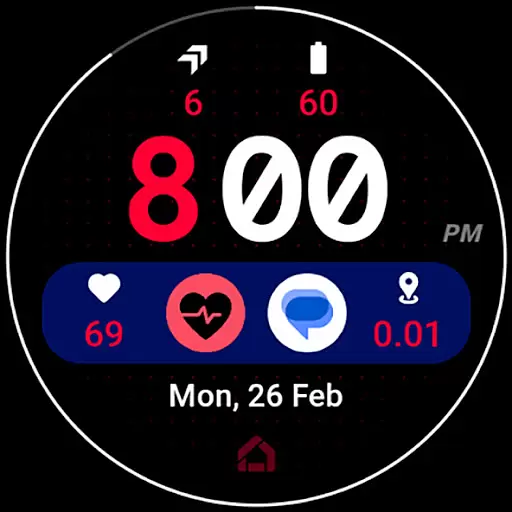
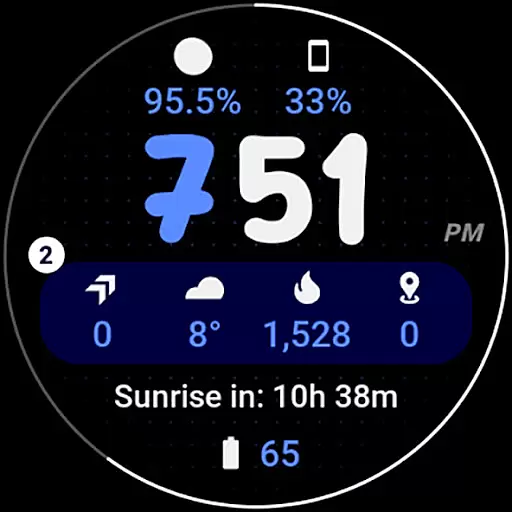
Widgets 2 is a feature-rich productivity app designed exclusively for Wear OS 4+ devices. This innovative application offers users advanced customization options for their smartwatch faces, including true black backgrounds, high resolution displays, and unique color themes. With support for 8 custom complication slots and an adaptive ambient mode, Widgets 2 provides both aesthetic appeal and functional utility.
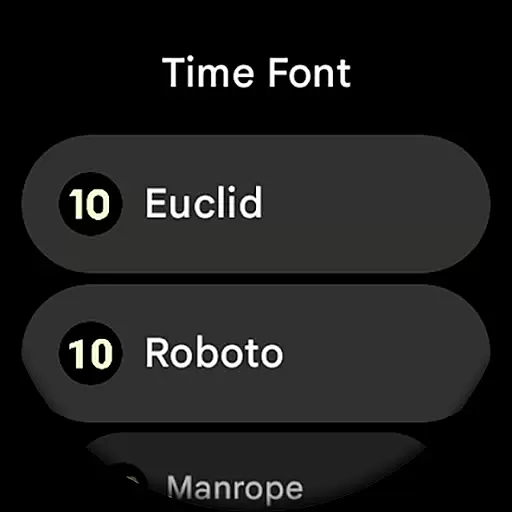
The app stands out with its compatibility with the latest Wear OS features and offers practical functions such as burn-in protection, progress bar seconds indicator, and customizable time fonts. Whether you want to optimize your watch face for better readability or personalize it with distinctive designs, Widgets 2 delivers a comprehensive solution that enhances the overall smartwatch experience.
Widgets 2 boasts an impressive array of features tailored for power users seeking extensive control over their Wear OS devices. The app supports Watch Face Format 1 and integrates seamlessly with the latest Wear OS functionalities. Key features include fully compatible support for modern devices, true black backgrounds, and high-resolution graphics that ensure clarity and style.
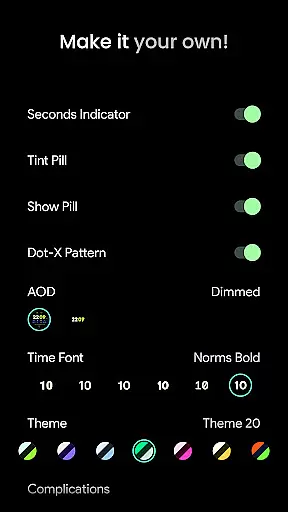
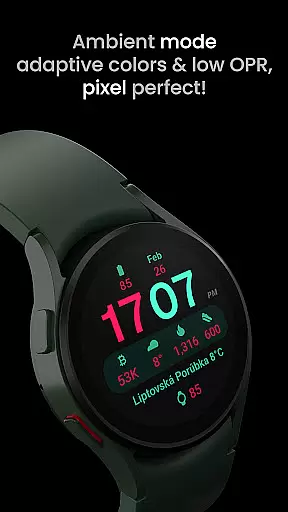
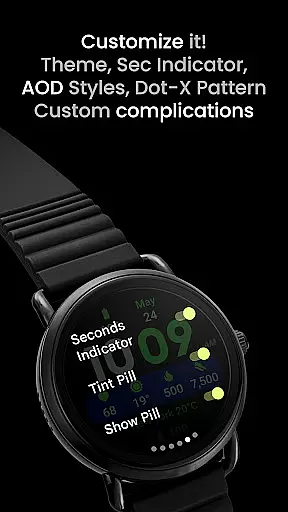
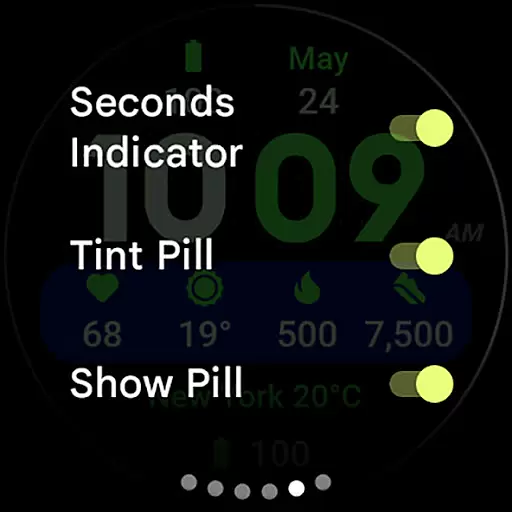
One of the standout aspects of Widgets 2 is its robust customization capabilities. Users can choose from multiple color themes, toggle various display elements like the seconds indicator and dot-x pattern, and configure up to 8 custom complication slots. Additionally, the app's unique ambient mode with low OPR and adaptive colors ensures optimal battery usage without compromising on design aesthetics.
Task management is a critical component of productivity applications, serving as the backbone for organizing and tracking work. Widgets 2 excels in this area by offering users a comprehensive suite of tools designed to streamline their daily tasks. The app provides eight customizable complication slots, enabling users to prioritize and manage their responsibilities effectively.
The application's compatibility with the latest Wear OS devices ensures that users can access their task management system from their smartwatches, providing convenience and accessibility. With unique color themes and ambient mode, users can tailor the interface to suit their preferences while benefiting from features like burn-in protection and progress bar seconds indicators.
Widgets 2 stands out by allowing extensive user configurations such as theme selection, time font customization, and toggles for various display elements. This flexibility empowers users to create a personalized task management experience that aligns with their workflow and aesthetic preferences.
By integrating phone notifications and complications support, Widgets 2 enhances the task management experience, ensuring users stay informed and up-to-date with their schedules and reminders. This seamless connectivity fosters an efficient and organized lifestyle, making task management both effective and enjoyable.
Cross-device synchronization is essential for maintaining consistency and reliability across multiple platforms. Widgets 2 addresses this need by ensuring that all user configurations and task management data are accurately synchronized between devices. This feature is particularly beneficial for users who rely on their smartwatches and smartphones for managing their day-to-day activities.
The app leverages the Watch Face Format to deliver a true black background and high-resolution display, which not only enhances visual appeal but also supports reliable data synchronization. Users can trust that their settings, such as custom themes and time fonts, will be consistently applied across their devices.
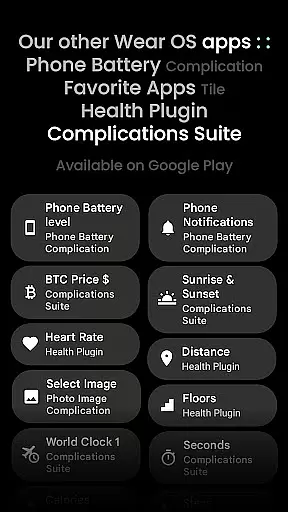
Widgets 2 offers robust support for custom complications, including phone battery status, which requires an additional app for full functionality. This integration highlights the app's commitment to providing a seamless and reliable synchronization experience, ensuring that all critical information is accessible wherever the user goes.
With dedicated resources like installation guides and live support through Telegram, Widgets 2 ensures that users can resolve any synchronization issues promptly. This comprehensive support system reinforces the app's reliability, giving users peace of mind that their data remains consistent and up-to-date across all their devices.
User-friendly interface
Highly customizable options
Compatible with latest Wear OS
Unique color themes
Burn-in protection feature
Not suitable for rectangular watches
Requires additional apps for full functionality
Limited to Wear OS 4+
Premium features need purchase
Complex for beginners

Wake up & get tasks done! Add alarms & reminders on the Clock Launcher.
 4.00
4.00
Send files, sync SMS, notifications & clipboard across devices via local network
4.40
Automates browsing any website and notifies you of important changes or events
4.30
Best Tool for the professionals Electrician, Electrical contractors, etc.
4.90
Scientific calculator for Android - looks and operates like the real thing!
4.90
Access your phone's notifications, calls, apps, photos & texts on your PC
3.90
Understand anything with a personalized AI research assistant
4.80
Scan paperwork into PDF/JPG, generate your own e-signature and send fax or email
4.70
Note taking, handwriting, record audio, PDF annotation, planner & journal
4.20
Functional QR scanner and barcode reader that requires little storage space.
4.60
Subscribe to Webcal & .ics calendars and keep them up-to-date!
4.50
Access, manage and transfer files on Android, PC, Mac, NAS and cloud storages.
4.30
Total remote control for your Android device, PC and cloud services (IFTTT)!
4.20
Make apps & sites with natural language prompts
4.10
Activate Two Factor Authentication (2FA or Multi OTP), Password manager and more
4.10
Experience real multitasking on your Android!
4.00
Unlock AutoNotification
4.00
Create study competitions, track your hours, and stay consistent with friends
4.4
A comprehensive suite of tools designed specifically for Lactation Consultants
4.3


User Reviews