
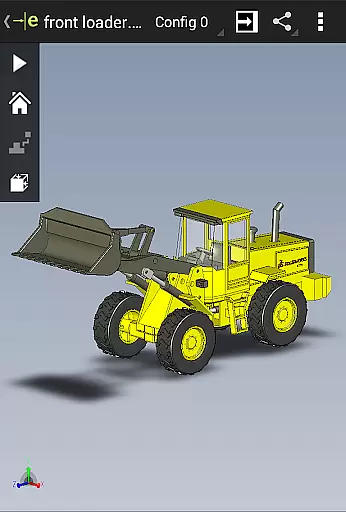
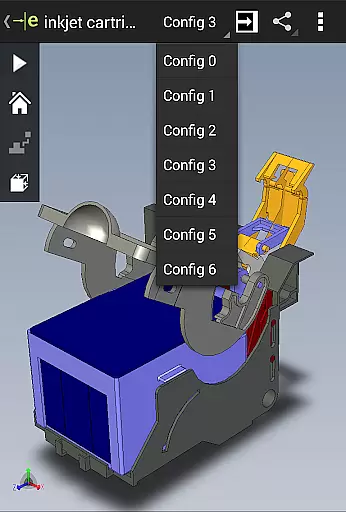
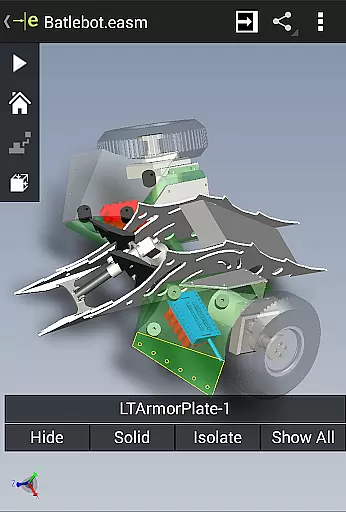
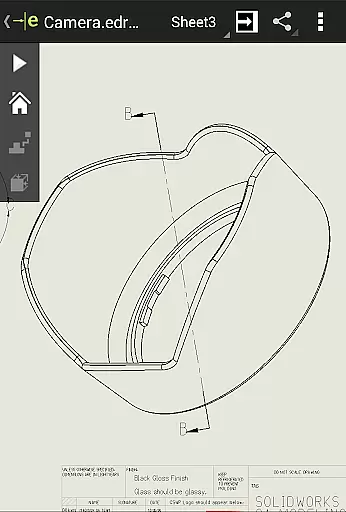
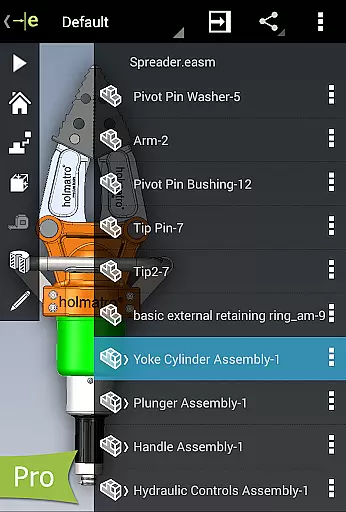
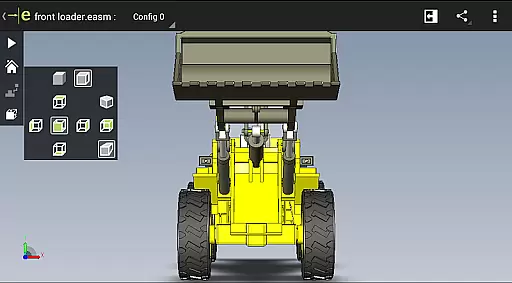
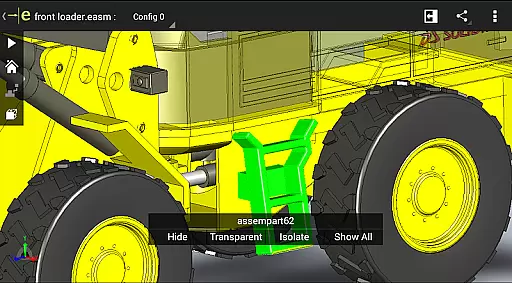
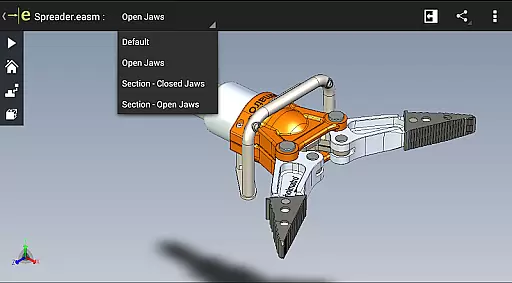
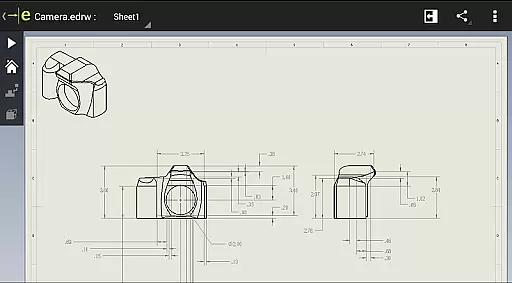
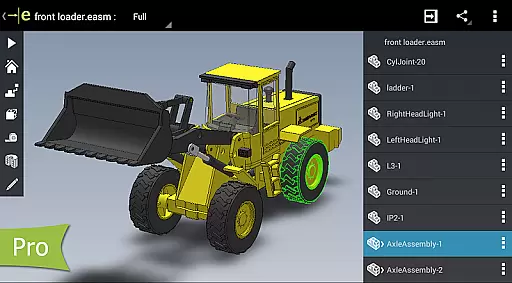
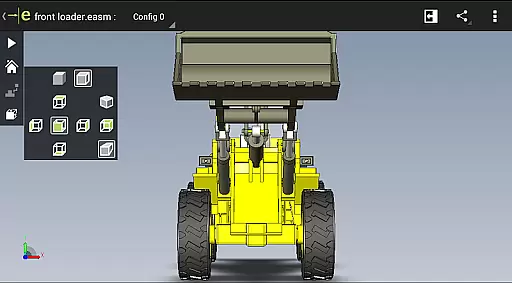
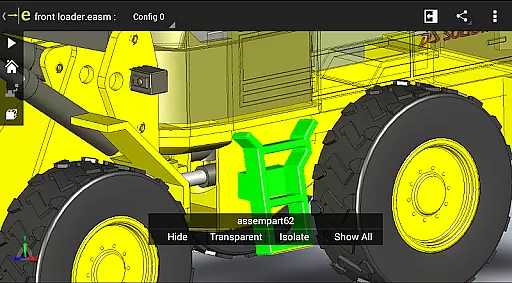
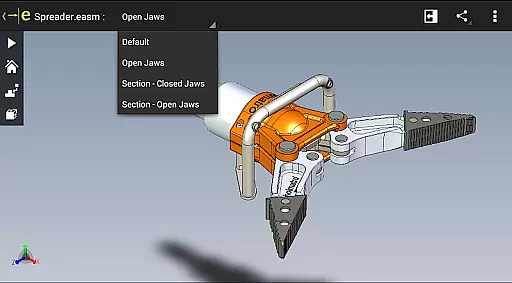
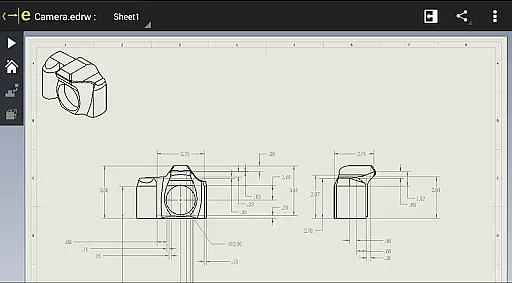
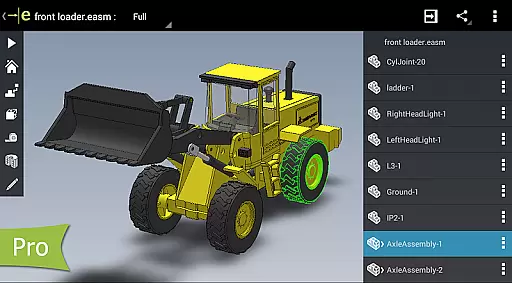
eDrawings is a powerful CAD viewer designed for Android devices, enabling users to view native eDrawings files as well as SolidWorks parts, assemblies, and drawings. It simplifies the sharing of product design information through email-enabled collaboration tools.
With multi-touch gestures, users can easily pan, zoom, and rotate models. The app supports drawing sheets and exploded views, making it ideal for professionals in product development who need to interpret and understand both 2D and 3D designs.
eDrawings offers an intuitive user interface with robust capabilities for viewing 3D and 2D CAD data. Users can open various file formats including EASM, EPRT, IGES, STEP, DWG, and DXF from multiple sources such as email attachments and cloud storage services.
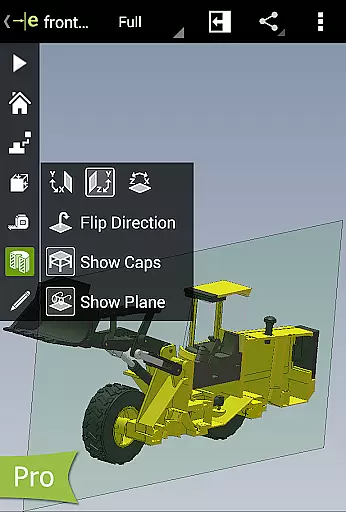
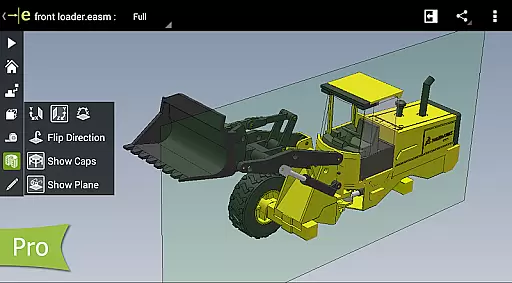
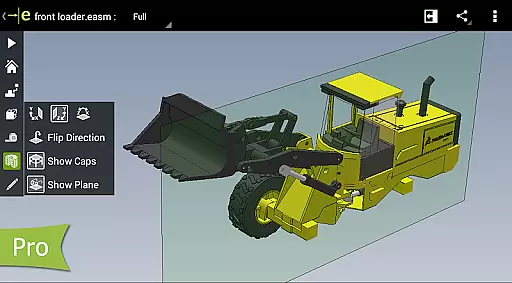
The app allows users to animate standard views, browse drawing sheets, and view designs in full screen. With the Pro version available via in-app purchase, users can measure designs, view dynamic cross-sections, create markups, and share these marked-up files for further review.
In the realm of productivity applications, core task management is pivotal for organizing and prioritizing work efficiently. eDrawings excels in this area by offering intuitive tools that streamline the handling of complex CAD tasks.
The app provides a seamless interface for managing 3D and 2D design files, allowing users to open, review, and collaborate on SolidWorks parts, assemblies, and drawings effortlessly. Its compatibility with various file formats ensures comprehensive task coverage.
With multi-touch gestures, users can easily manipulate their CAD models through zooming, panning, and rotating, which enhances the interaction and speeds up the review process. This functionality is crucial for effective task management within design teams.
Furthermore, the ability to upgrade to eDrawings Pro via in-app purchase adds advanced features like measurement tools and dynamic cross-section viewing, empowering users to manage detailed design evaluations and modifications efficiently.
Cross-device synchronization is essential for maintaining consistency and accessibility across different platforms. eDrawings addresses this need by ensuring reliable data exchange between Android devices and other systems.
Users can load and send CAD files via email directly from the app, promoting efficient collaboration among product development stakeholders. This feature guarantees that all team members have access to the latest design iterations regardless of their device.
The application supports integration with cloud storage services such as Dropboxu2122, Google Drive, and others, enhancing synchronization reliability. By leveraging these platforms, eDrawings ensures that files are always up-to-date and accessible from anywhere.
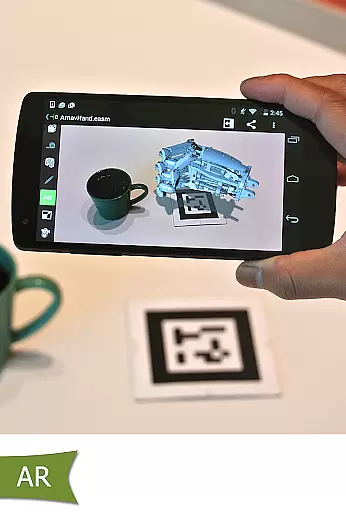
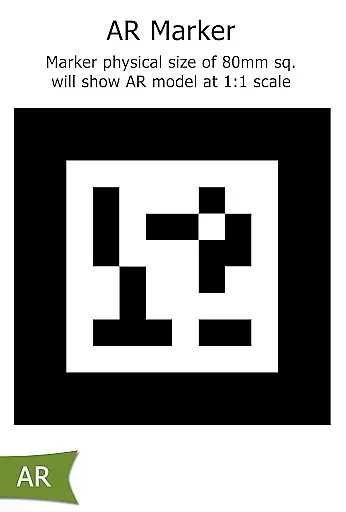
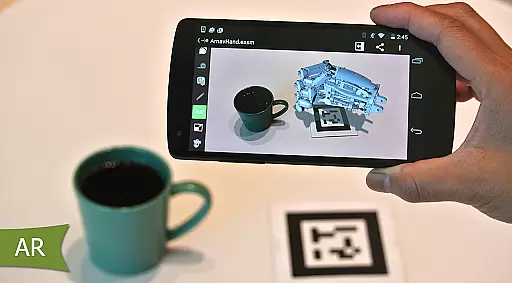
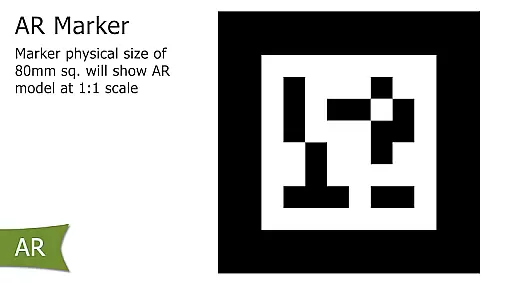
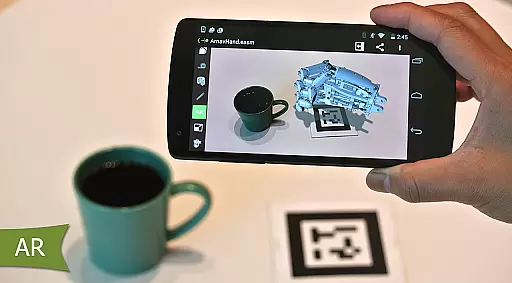
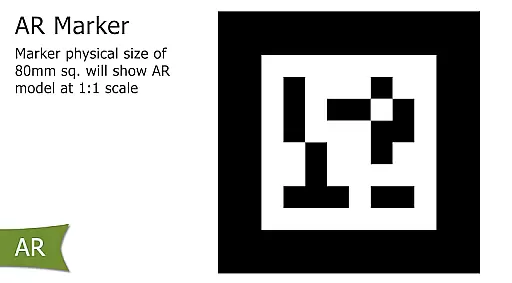
Moreover, the inclusion of augmented reality features, despite some known issues, showcases the app's commitment to providing innovative solutions for cross-device interactions, further solidifying its role in reliable productivity workflows.
User-friendly interface
Wide file format support
Effective collaboration tools
Advanced measurement tools
Augmented reality features
Limited free features
Pro version is costly
Occasional AR issues
Complex for beginners
Requires high device specs

When you Focus, so will your Bean in this cozy focus timer
 4.30
4.30
Absolutely the best CNC machinist speed and feed calculator around. fswizard.com
4.60
Customizable calendar widget for seamless event sync, planning & scheduling.
4.00
Docker, Kubernetes management over Portainer Mobile
4.40
A simple Whisper AI keyboard for reliable speech transcription and rewording
4.60
To do list widget with a notebook organizer, checklist, simple shopping list
4.60
Ultimate Virtual AI Character for immersive Roleplay Chat. Perfect Companion
3.90
Seamlessly read, manage, and organize all your PDF files solution in one place
4.40
Put a lock on your cloud: Take the security of your data into your own hands
3.70
Use powerful, industry-leading AI tools to generate visual charts from any data
4.80
Simple notepad & memo. Take notes, to-do list, shopping list with reminders.
4.80
Secure, fast, open-source, VNC and SSH Remote Desktop for Windows, Linux and Mac
4.70
The AI assistant that thinks with you - write, code, and solve complex tasks
4.60
CalenGoo is a very flexible and feature-rich calendar app
4.40
Automates browsing any website and notifies you of important changes or events
4.30
Take control of your clipboard with Clipper!
3.90
Access your phone's notifications, calls, apps, photos & texts on your PC
3.90
AI Video AI Image Private LLM AI Browser Llama Gemma Ollama Connect LLM Studio
4.3
Create study competitions, track your hours, and stay consistent with friends
4.5


User Reviews