
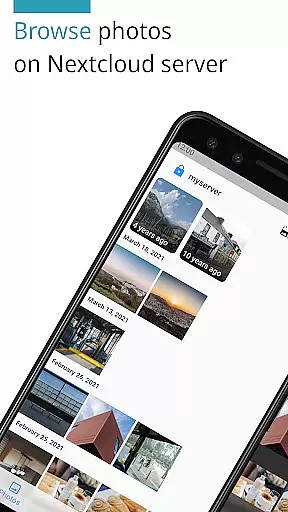
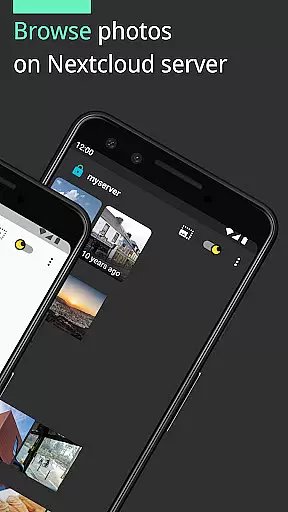
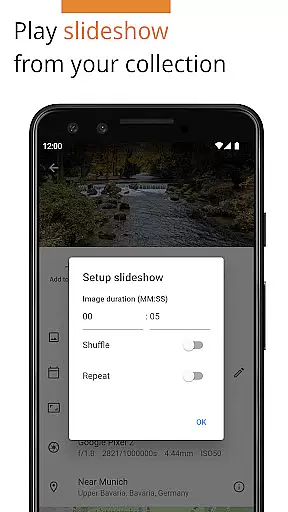
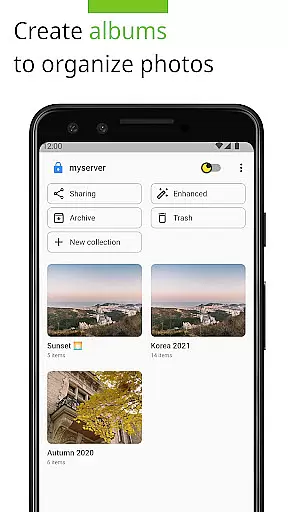
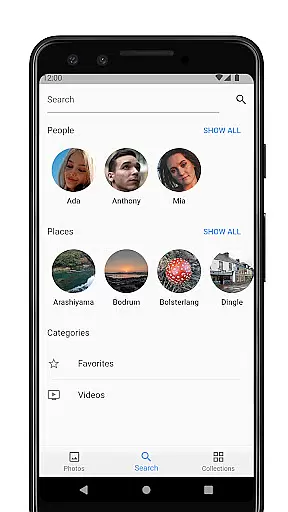

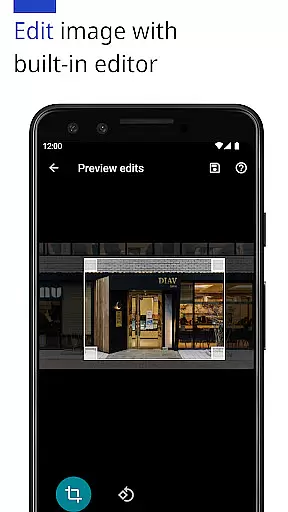
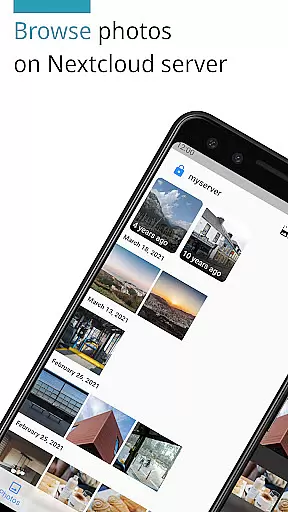
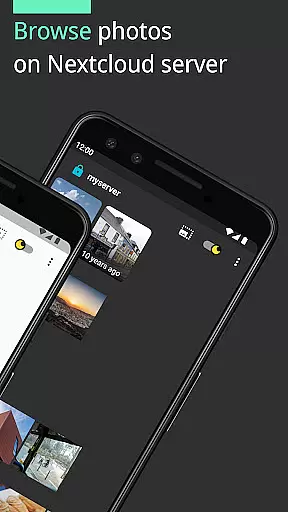
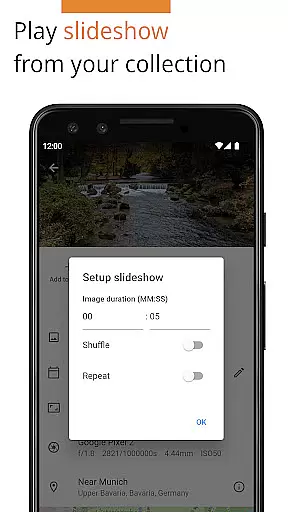
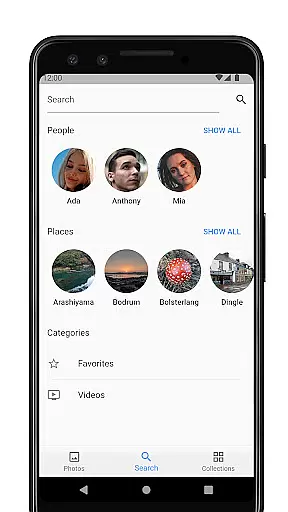
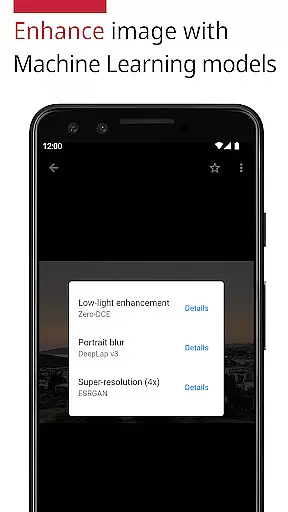
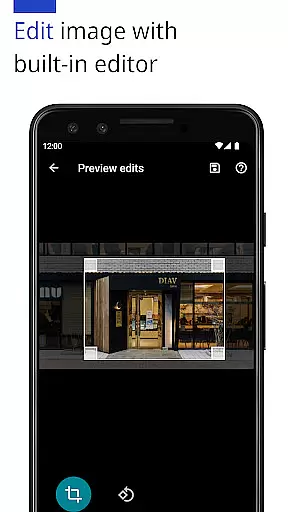
Photos for Nextcloud is a powerful productivity app designed to enhance photo management on the Nextcloud platform. This app offers advanced features such as JPEG XL support, client-side EXIF extraction, and machine learning-based photo enhancement. It allows users to edit photos with a built-in editor and create flexible albums while supporting multiple account sign-ins.
The app's integration with Nextcloud Face Recognition and its ability to handle various formats including JPEG, PNG, WebP, HEIC, GIF, JPEG XL, MP4, and WebM make it an indispensable tool for organizing and optimizing your digital media library. Available as both free and paid versions, Photos for Nextcloud ensures no features are locked behind paywalls, offering flexibility and control over your data.
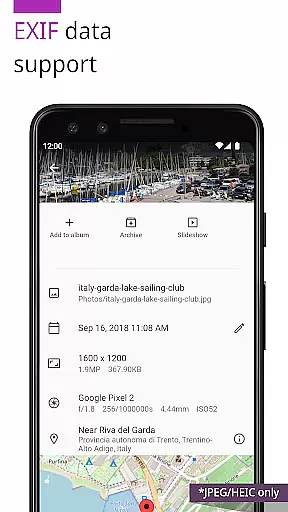
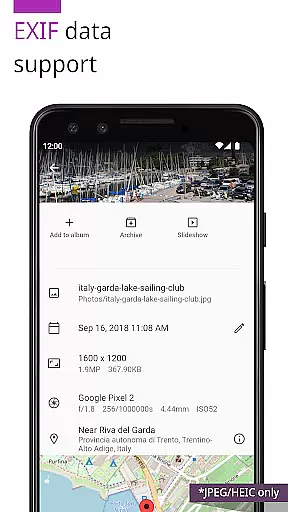
One of the standout features of Photos for Nextcloud is its extensive format support and advanced photo editing capabilities. The app supports JPEG XL and performs client-side EXIF extraction, ensuring metadata preservation even for less common formats. With machine learning models, users can enhance their photos directly within the app, providing professional-grade adjustments without needing external software.
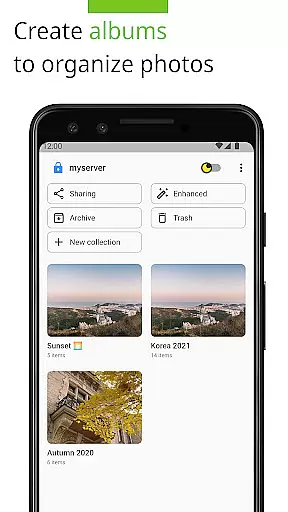
Additionally, the app supports signing in to multiple Nextcloud servers and creating shared albums, an experimental feature that fosters collaboration among users. Its open-source nature and compatibility with third-party apps like Face Recognition extend its functionality, making it a versatile choice for anyone seeking efficient and secure photo management solutions.
Task management is a critical aspect of productivity applications, and Photos for Nextcloud excels in this area by offering users the ability to efficiently organize their digital assets. The app supports multiple file formats including JPEG, PNG, WebP, HEIC, GIF, JPEG XL, MP4, and WebM, ensuring that users can manage a wide variety of media files from a single platform.
The application provides advanced features such as client-side EXIF extraction, reverse geocoding, and machine learning-based photo enhancement, which collectively contribute to a robust asset management system. These capabilities allow users to not only store but also intelligently categorize and retrieve their photos based on metadata and content.
Furthermore, the app facilitates collaboration through shared albums with users on the same server, an experimental feature that enhances teamwork and collective asset management. This ensures that teams can work together seamlessly, regardless of geographical barriers, while maintaining control over their data within the self-hosted Nextcloud environment.
Cross-device synchronization is essential for users who access their files from multiple devices, and Photos for Nextcloud offers reliable and consistent synchronization across all user platforms. Whether you're using a smartphone, tablet, or desktop, the app ensures that your media library is up-to-date and accessible wherever you are.
With support for signing in to multiple servers, users can synchronize and manage their photos across different Nextcloud instances. This flexibility allows individuals and teams to maintain a cohesive digital asset management strategy without being locked into a single server or ecosystem.
In addition, the app's open-source nature and active community contributions ensure that synchronization features are continuously improved and remain compatible with the latest Nextcloud updates. Users can trust that their data remains secure and reliably synced, providing peace of mind and uninterrupted productivity.
User-friendly interface
Advanced photo editing
Multiple server support
Flexible album creation
Open-source platform
Limited codec support
Experimental sharing
No offline mode
Requires Nextcloud
Premium version cost

Total remote control for your Android device, PC and cloud services (IFTTT)!
 4.20
4.20
Send files, sync SMS, notifications & clipboard across devices via local network
4.40
Secure, open-source, SPICE and SSH Remote Desktop for QEMU KVM virtual machines
4.00
Docker, Kubernetes management over Portainer Mobile
4.40
A simple Whisper AI keyboard for reliable speech transcription and rewording
4.60
Scientific calculator for Android - looks and operates like the real thing!
4.90
Ultimate Virtual AI Character for immersive Roleplay Chat. Perfect Companion
3.90
AI Chatbot and AI writing assistant powered by ChatGPT.
4.60
Browse and view your photos and videos from the phone with photo & video hide.
4.10
8 custom complications. Custom Time Fonts. Beautiful color schemes. A++ Design.
5.00
Use powerful, industry-leading AI tools to generate visual charts from any data
4.80
Lightweight PDF, Word, Excel reader.
4.60
A lightweight JSON & XML files creator, editor and viewer (Premium Version)
4.40
This small app MUST BE INSTALLED after purchase, else license won't work
4.40
Professional calendar app for Google Calendar, MS Outlook & Exchange
4.20
The ultimate file manager for rooted devices. The original and still the best.
4.00
All in one sketching tool. Technical and General drawing. Online Maps support.
3.70
Simple and reliable communication between inmates, friends and family
3.20
AI Video AI Image Private LLM AI Browser Llama Gemma Ollama Connect LLM Studio
4.4


User Reviews