
Google Sheets is a powerful productivity app that allows users to create, edit, and collaborate on spreadsheets directly from their Android devices. The app offers a comprehensive set of features including real-time collaboration, offline access, and automatic saving. Whether you need to manage business data or organize personal information, Google Sheets provides the tools necessary for efficient spreadsheet management.
The app stands out with its seamless integration with other Google Workspace services and Excel compatibility. Users can take advantage of smart suggestions for quick insights and formatting, making it an ideal solution for both individual and team projects. With enterprise-grade security and AI-powered insights, Google Sheets ensures both safety and intelligence in data handling.
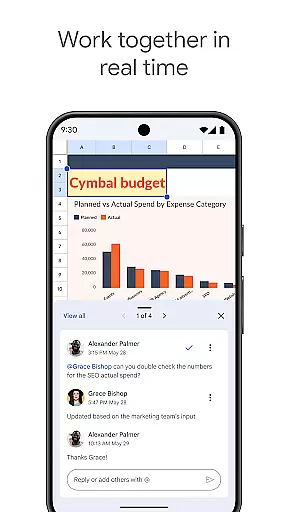
Google Sheets offers an impressive array of features designed to enhance productivity. The app supports real-time collaboration, allowing multiple users to work on the same spreadsheet simultaneously. It includes advanced functionalities such as formula entry, chart creation, and data sorting, ensuring professional-quality outputs.
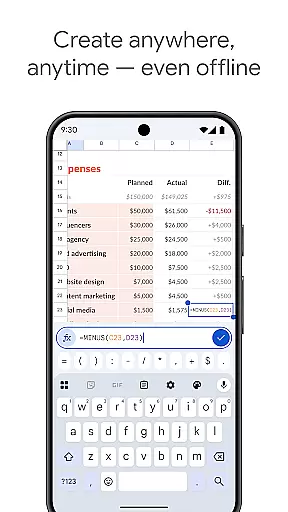
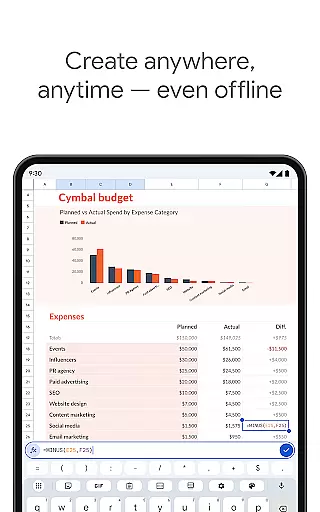
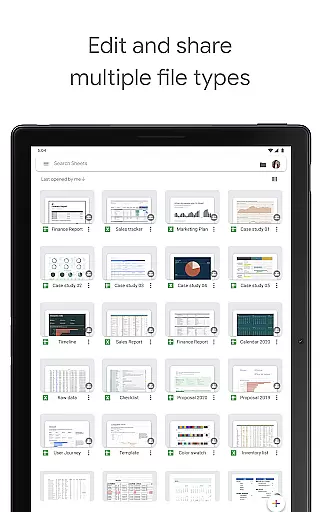
One of the standout features is its offline mode, enabling users to work without an internet connection. Smart suggestions powered by Google AI provide instant insights and formatting options. Additionally, the app's seamless compatibility with Excel files and enterprise-level security controls make it a versatile tool for businesses of all sizes.
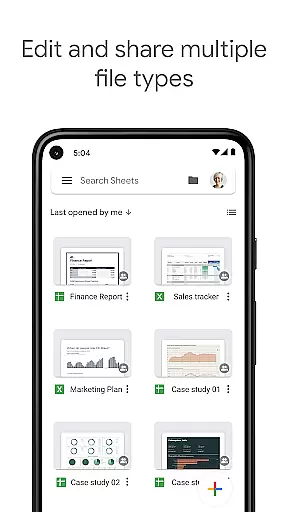
Google Sheets excels in core task management by offering a comprehensive suite of tools designed to handle various spreadsheet tasks efficiently. The app allows users to create new spreadsheets or edit existing files, ensuring that all work is automatically saved as you type, which eliminates the worry of losing important data.
With features such as formatting cells, entering or sorting data, viewing charts, inserting formulas, and using find/replace functions, Google Sheets provides an all-encompassing platform for managing complex data sets. These capabilities ensure that users can perform necessary operations swiftly and accurately, enhancing productivity.
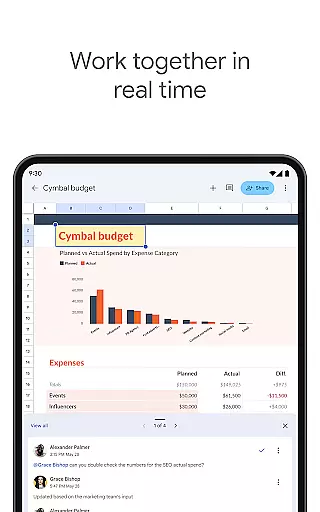
Moreover, the ability to add and respond to comments within the spreadsheet fosters seamless communication among team members. This feature not only streamlines collaboration but also keeps everyone aligned and informed, making task management more cohesive and efficient.
Cross-device synchronization is a cornerstone of Google Sheets, enabling users to work anywhere, anytimeu2014even offline. This reliable synchronization ensures that any changes made on one device are instantly reflected across all other devices, providing a consistent and up-to-date experience regardless of the platform used.
The app supports real-time collaboration, allowing multiple users to work on the same spreadsheet simultaneously. This feature is particularly beneficial for teams spread across different locations, as it ensures that everyone has access to the latest version of the document without delays or inconsistencies.
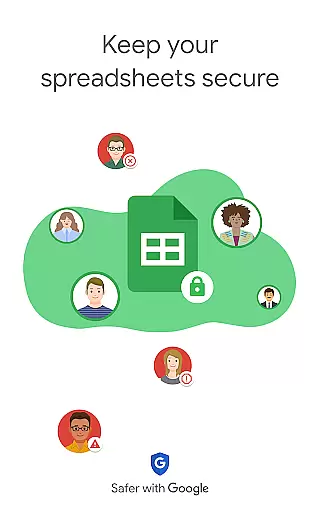
In addition to its robust synchronization capabilities, Google Sheets offers enterprise-grade security, maintaining control over sensitive information while facilitating smooth workflows. This combination of reliability and security makes cross-device synchronization in Google Sheets an invaluable asset for both individual users and businesses alike.
User-friendly interface
Real-time collaboration
Offline access
Automatic saving
AI-powered insights
Limited advanced features
Requires Google account
Occasional sync issues
Basic chart options
Ads in free version

Experience Reading - Night Mode for Documents
 4.40
4.40
The Pro Version of Android's tiniest Notepad app. Just 0.3MB but feature-packed!
4.60
Mind Map and brainstorm, note taking and idea collection
4.80
⏰ Finally a timer app which can run multiple timers simultaneously on your watch
3.90
Cloud storage, automatic phone backup, and more.
4.10
Tally and goal counter for Wear OS & mobile
4.50
A comprehensive suite of tools designed specifically for Lactation Consultants
4.2
AI Chatbot and AI writing assistant powered by ChatGPT.
4.60
Set up, print, and get support—in one place
4.20
aCalendar+ makes your day, week and month
4.70
Secure, fast, open-source, Remote Desktop Client for Windows and Linux with SSH
4.60
Functional QR scanner and barcode reader that requires little storage space.
4.60
Fill, sign & send docs, forms, agreements & contracts via electronic signature.
4.50
Send files, sync SMS, notifications & clipboard across devices via local network
4.40
A lightweight JSON & XML files creator, editor and viewer (Premium Version)
4.40
Easily read and manage all your PDF files
4.10
Activate Two Factor Authentication (2FA or Multi OTP), Password manager and more
4.10
Secure, open-source, SPICE and SSH Remote Desktop for QEMU KVM virtual machines
4.00
Take control of your clipboard with Clipper!
3.90


User Reviews