
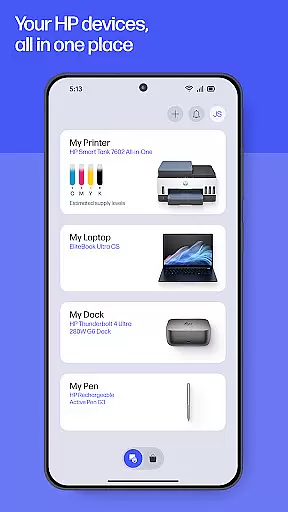
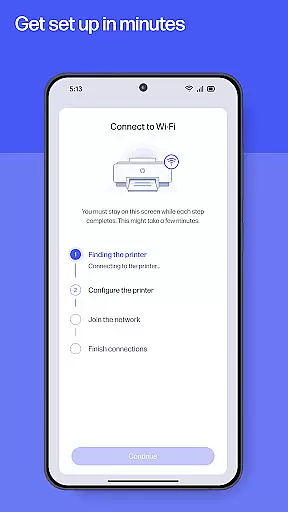
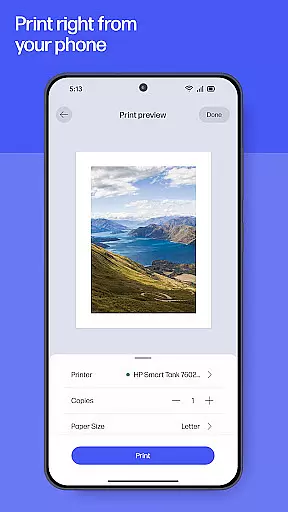
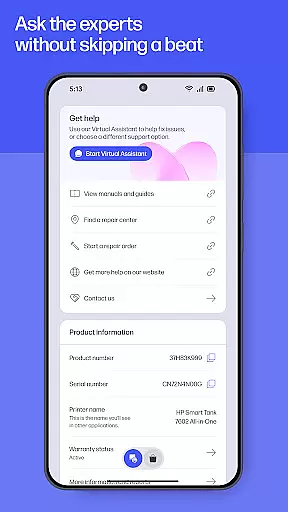
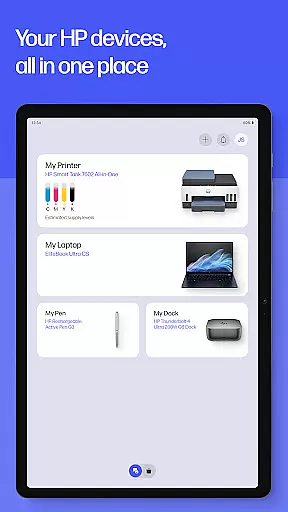
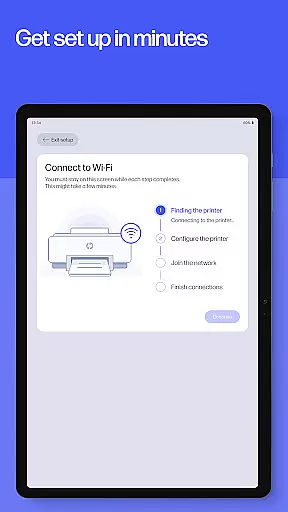
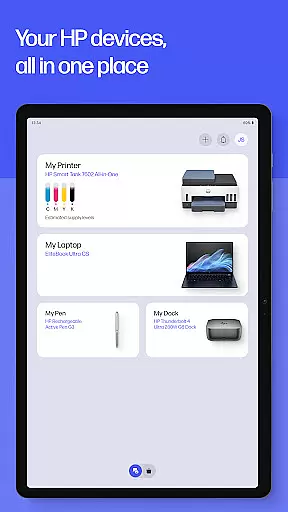
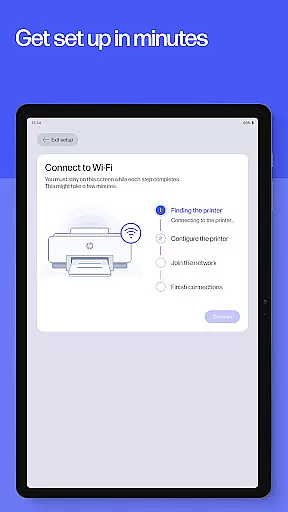
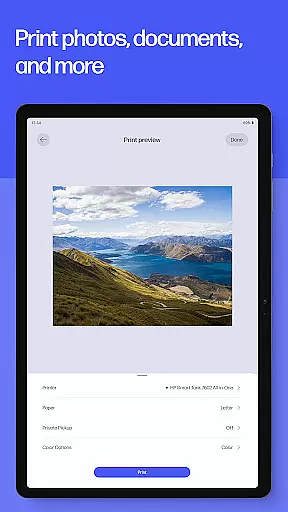
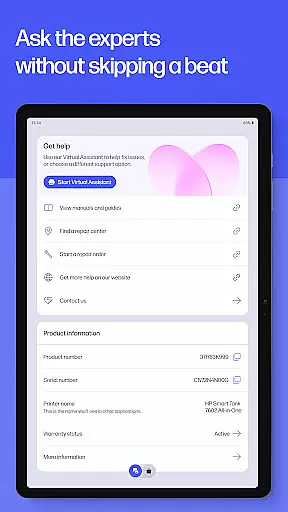
HP's Productivity app is your all-in-one solution for managing HP devices. This comprehensive tool allows users to set up printers, personalize settings, print, scan, and access support from a single platform. Designed for both home and office use, the app ensures seamless device management while offering features like ink level monitoring and quick access to help through calls or live chat.
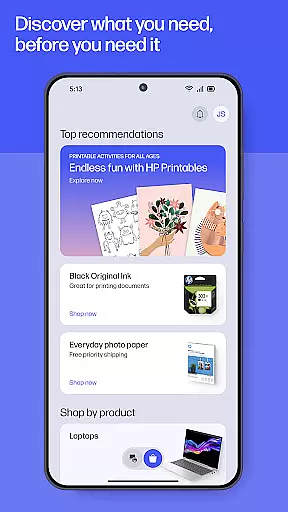
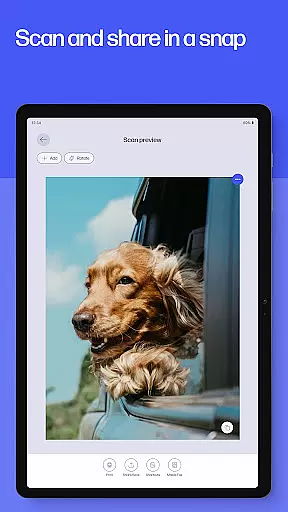
The app also provides creative tools such as HP Printables, which unlocks a variety of printable content including cards and educational worksheets. With additional functionalities like photo printing, document scanning, faxing, and customizable print shortcuts, this app maximizes productivity by streamlining essential tasks. Whether you're handling school forms or digitizing receipts, HP's app keeps you efficient and organized.
This HP app offers an extensive range of features designed to enhance productivity. One standout aspect is its guided setup process that simplifies the initial configuration of new devices, ensuring users can quickly manage their printers and computers. The app also excels in task automation with options like Print Shortcuts, allowing users to save time on frequently performed actions.
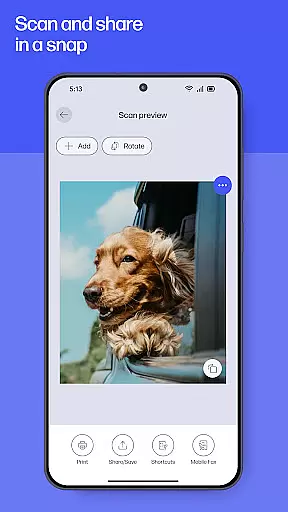
Another key feature is HP Printables, providing users access to a vast library of printable materials such as coloring pages and worksheets. Additionally, advanced document handling capabilities enable users to scan, edit, and print documents effortlessly. The inclusion of fax functionality further extends its utility, making it suitable for professional environments where document transmission is critical.
Task management is a cornerstone of productivity applications, and the HP app excels in providing users with comprehensive tools to manage their printing and scanning tasks efficiently. This functionality is crucial for individuals and businesses that rely on consistent document handling.
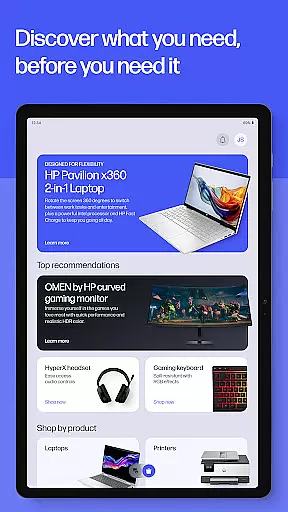
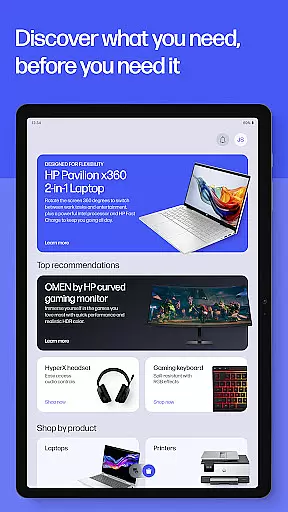
The HP app offers guided setups for new devices, ensuring that users can quickly begin managing their printers and computers. It provides essential features such as checking ink levels, adjusting device settings, and discovering products that match user needs, streamlining the entire device management process.
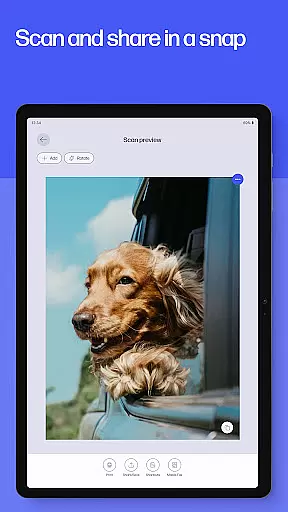
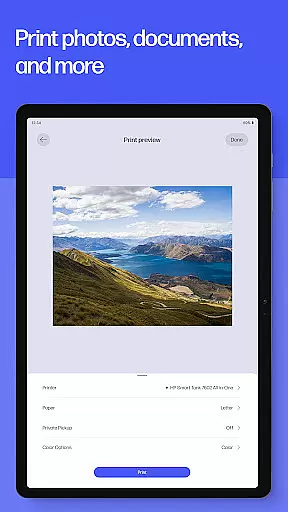
Users benefit from the ability to print and scan documents directly from their devices, whether at home or in the office. The app supports various tasks, including printing school forms, scanning receipts, and sending faxes, all accessible with just a few clicks.
By integrating task management features like Print Shortcuts and Print Supplies notifications, the HP app ensures that users experience uninterrupted productivity. These capabilities highlight the app's commitment to helping users maintain an efficient workflow.
Cross-device synchronization is vital for users who operate multiple devices and require seamless integration between them. The HP app addresses this need by offering reliable synchronization across different platforms, enhancing the user experience significantly.
With the HP app, users can manage their HP devices, whether they are using a mobile phone, tablet, or computer. This cross-device compatibility ensures that users have access to their printing and scanning tasks regardless of the device they are using, promoting flexibility and convenience.
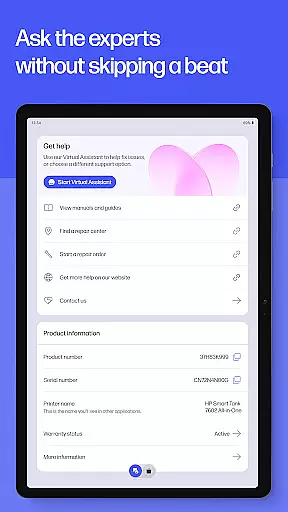
The app's ability to provide instant help through live chat or phone support further underscores its reliability. Users can resolve issues quickly, minimizing downtime and maintaining productivity across all their devices.
Moreover, features like HP Warranty Check and auto-updates ensure that users are always informed about their device status and have access to the latest improvements. This reliability in synchronization and support makes the HP app a dependable tool for both personal and professional use.
User-friendly interface
Comprehensive device management
Versatile printing options
Integrated support system
Regular feature updates
Limited to HP devices
Some features English-only
Internet connection required
Premium features may cost extra
Fax sending capability only

Native client for Forgejo and Gitea
 5.00
5.00
Automates browsing any website and notifies you of important changes or events
4.30
Make your handwriting beautiful, even more than pen on paper.
3.60
Remotely view listen control and record cameras.
3.70
CalenGoo is a very flexible and feature-rich calendar app
4.40
Todo reminder
4.10
Docker, Kubernetes management over Portainer Mobile
4.40
Secure your apps with lock screens, use custom themes and different features.
4.40
Lightweight PDF, Word, Excel reader.
4.60
Multilingual translator for text, voice, and image translation!
4.90
QuickBooks Workforce lets teams view pay info and track time in one place.
4.70
App lock - lock apps with fingerprint, password, pin or pattern, protect privacy
4.70
Functional QR scanner and barcode reader that requires little storage space.
4.60
Tally and goal counter for Wear OS & mobile
4.50
Enjoy classic gameplay with customizable features and retro-style graphics.
4.30
Total remote control for your Android device, PC and cloud services (IFTTT)!
4.20
Pwnagotchi companion app
4.20
Find and delete junk files & block unwanted notifications & manage files
3.70
Create study competitions, track your hours, and stay consistent with friends
4.1


User Reviews