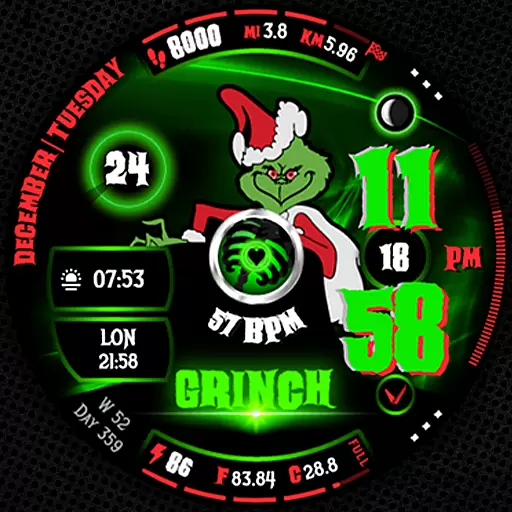
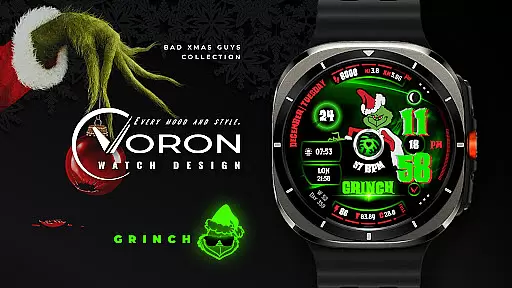
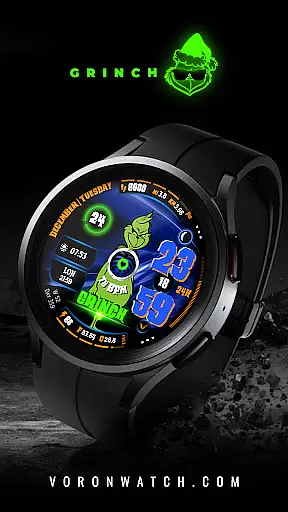
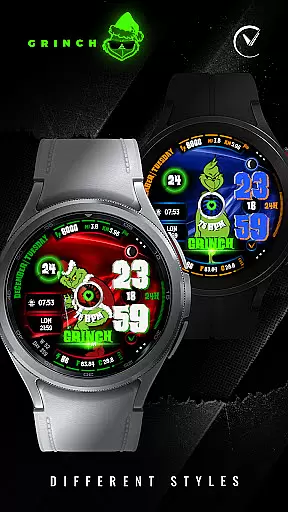
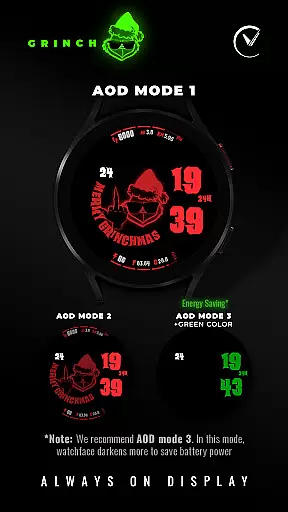
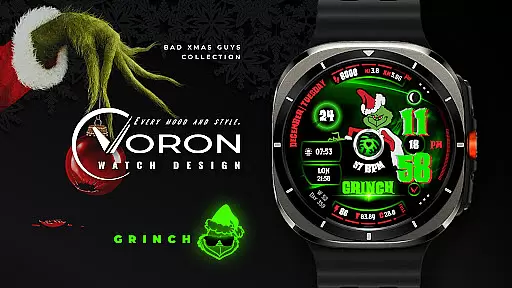
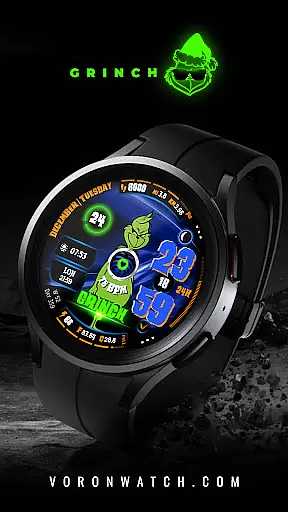
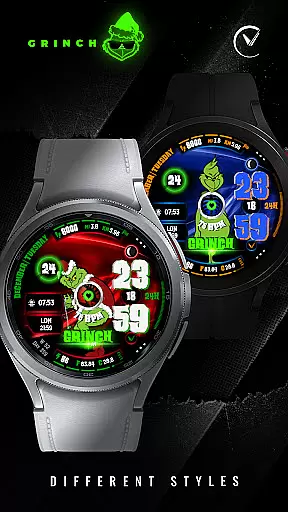
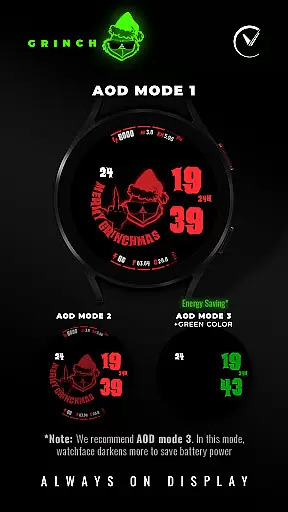
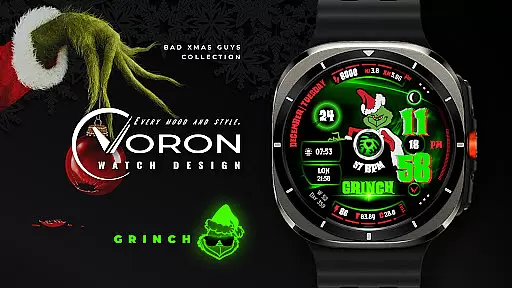
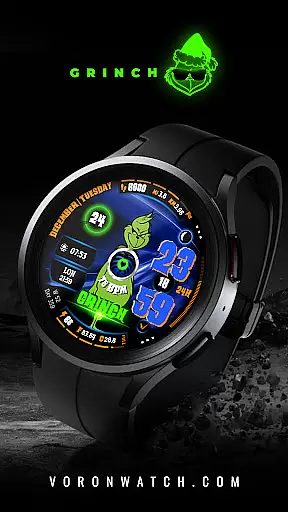
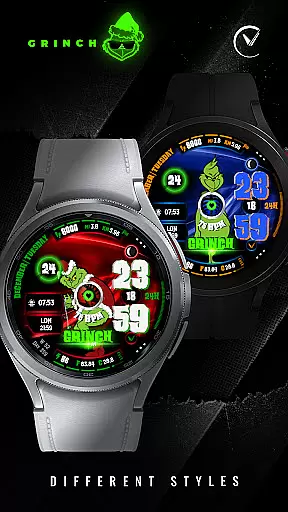
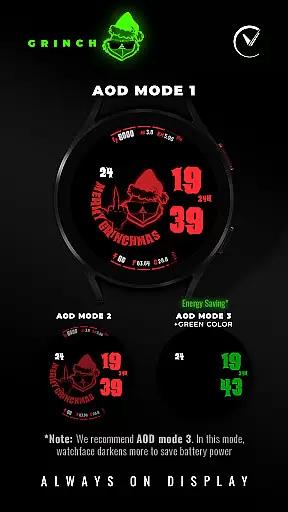
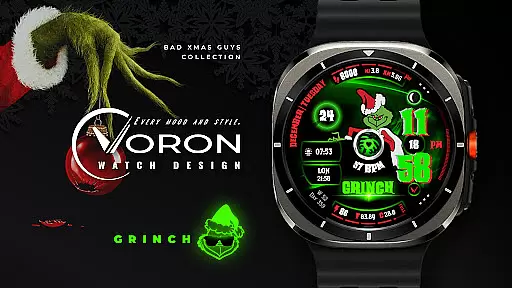
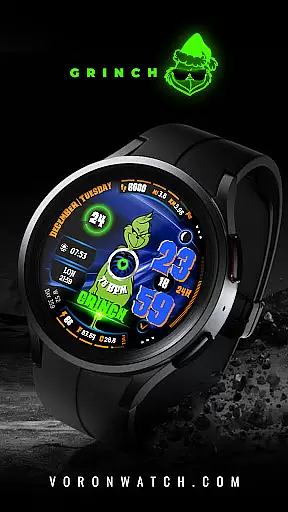
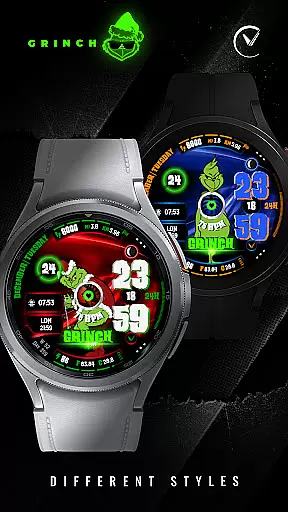
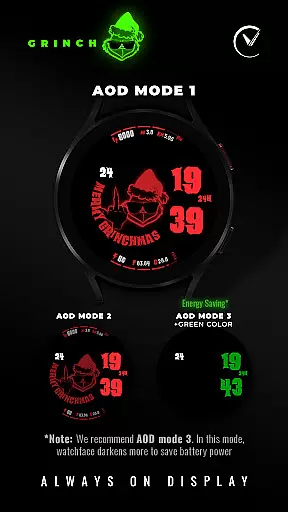
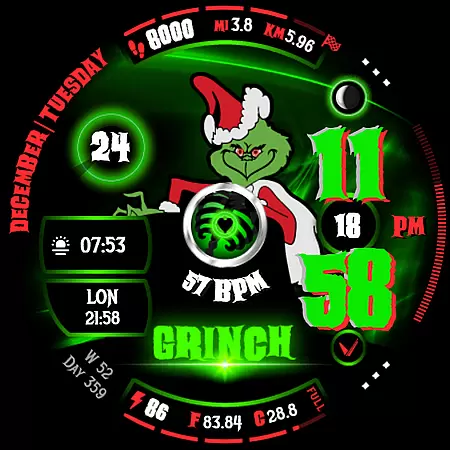
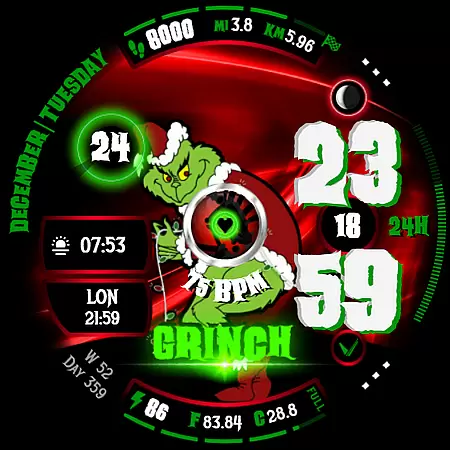
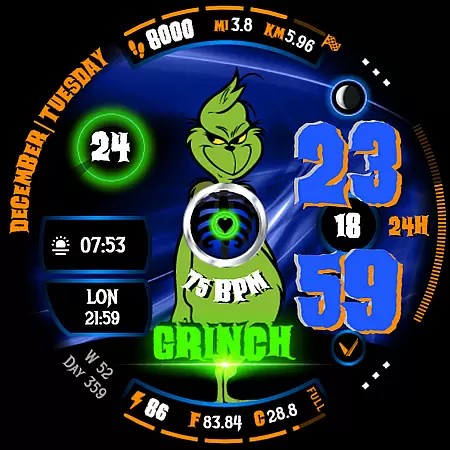
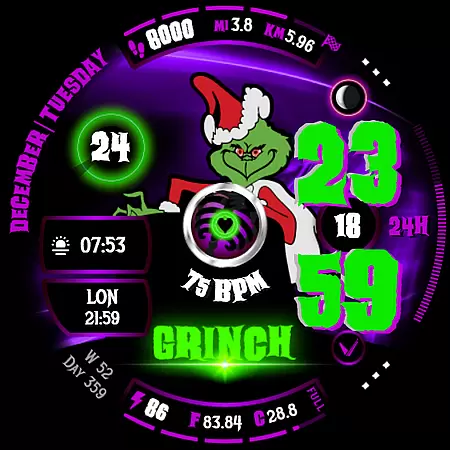
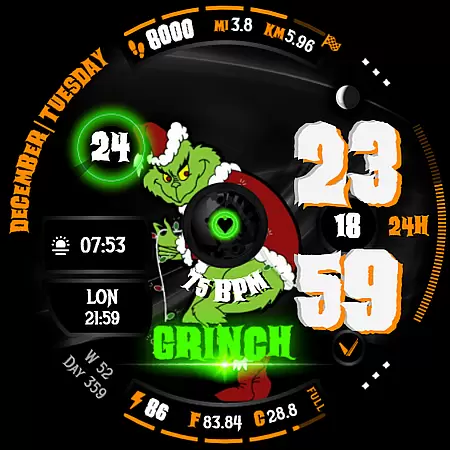
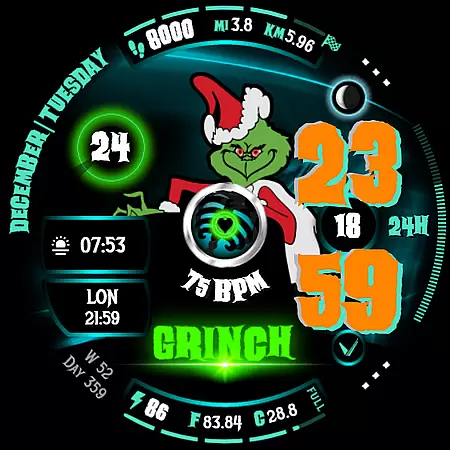
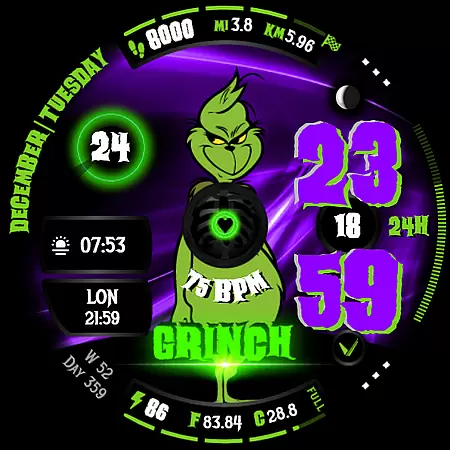
GRINCH Christmas Watch Face is a festive-themed digital watch face designed exclusively for Wear OS 4+ (API 33+) devices. This unique watch face features the mischievous Grinch character, adding a playful touch to your holiday season. With its vibrant design and customizable options, it offers users the ability to personalize their smartwatch experience while enjoying essential timekeeping functions.
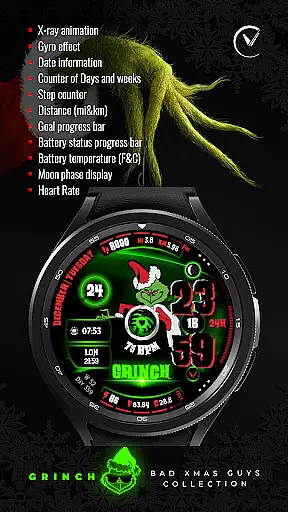
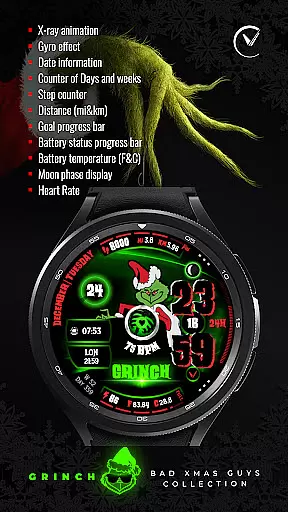
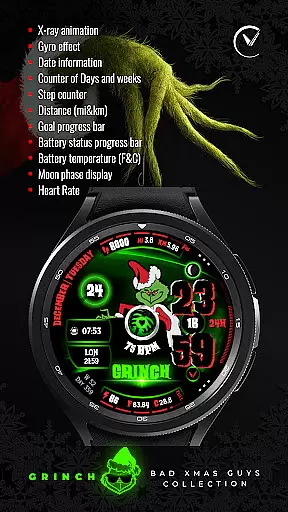
The watch face includes various interactive elements such as x-ray animations revealing the Grinch's black heart, gyro effects, and detailed date information. Users can choose from multiple color options for the display, background, and complications, ensuring a tailored look that suits individual preferences. Whether you're counting down the days until Christmas or tracking daily fitness goals, this watch face provides both style and functionality.
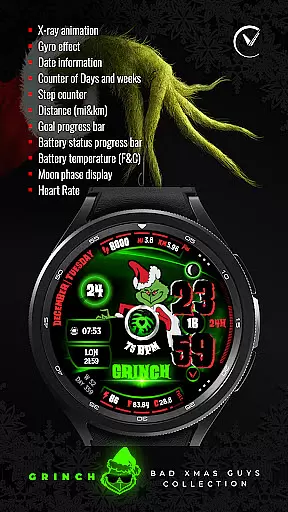
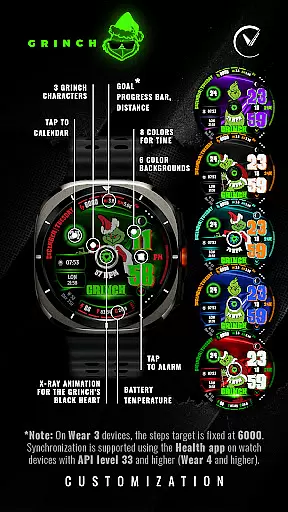
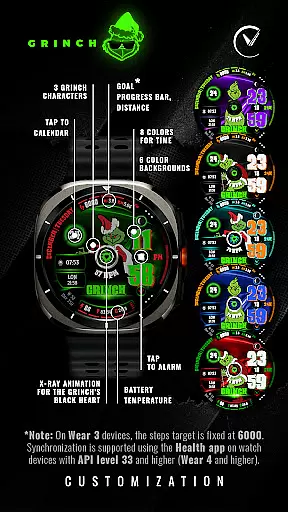
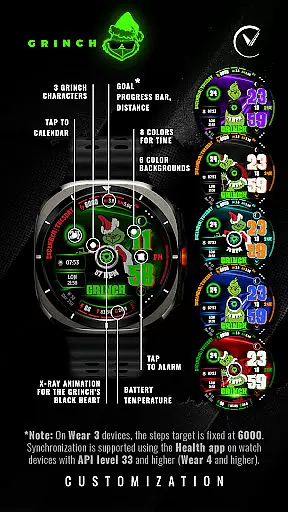
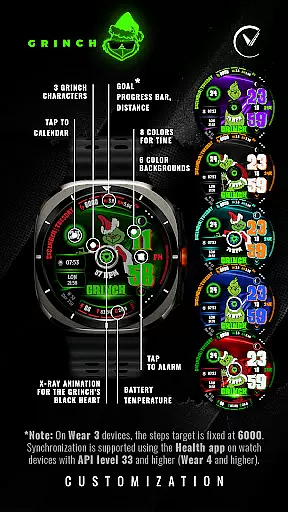
GRINCH Christmas Watch Face stands out with its rich feature set tailored for the holiday season. The watch face offers three distinct Grinch character designs, each with unique animations like the x-ray view of the Grinch's black heart. Users can select from eight different colors for the time display and six color backgrounds, allowing for extensive customization options.
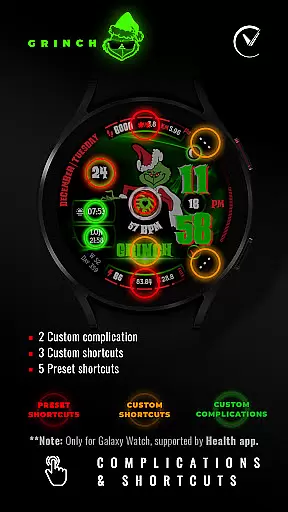
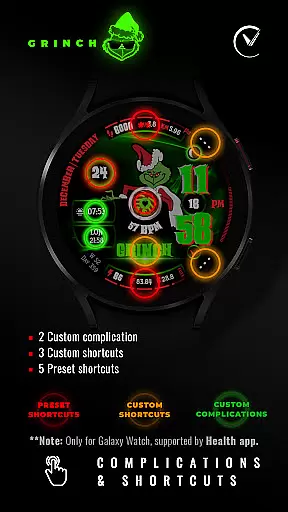
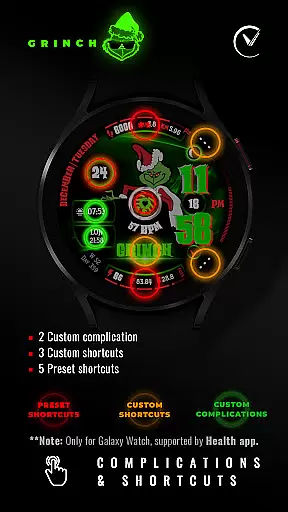
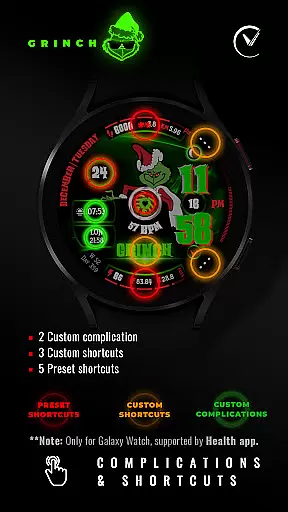
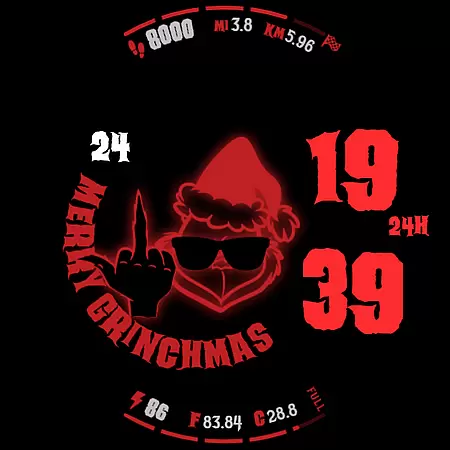
In addition to aesthetic choices, the watch face provides practical functionalities including date information, day and week counters, distance tracking in miles and kilometers, goal progress bars, battery status indicators, and even moon phase displays. Advanced features such as heart rate monitoring and temperature readings enhance the utility of this festive accessory. With support for Always-On Display (AOD) modes and customizable shortcuts, users can optimize their experience based on personal needs and device capabilities.
For smartwatch applications like GRINCH Christmas Watch Face, seamless companion app integration is essential for an optimal user experience. This functionality allows users to easily customize and control their watch face directly from their smartphone. The dedicated mobile application serves as a bridge between the wearable device and its digital interface.
This particular watch face offers extensive customization options through its companion app. Users can choose from 3 different Grinch characters, select among 8 time colors, and pick from 6 background colors. The app also enables configuration of various display elements including date information, activity trackers, and battery indicators. These settings ensure that each user can create a personalized Christmas-themed watch face that perfectly matches their preferences.
The practical benefits of this integration are significant. Through the companion app, users can conveniently access all customization features without needing to interact directly with the small watch screen. This makes the personalization process much more user-friendly and efficient. Additionally, important settings such as permissions management and complication configurations can be handled through the mobile application.
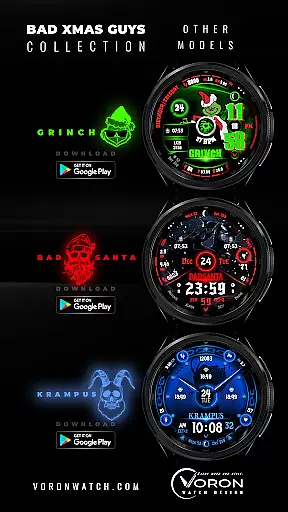
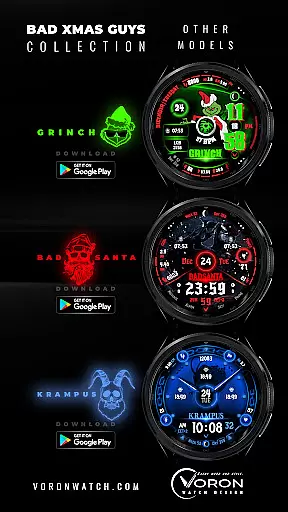
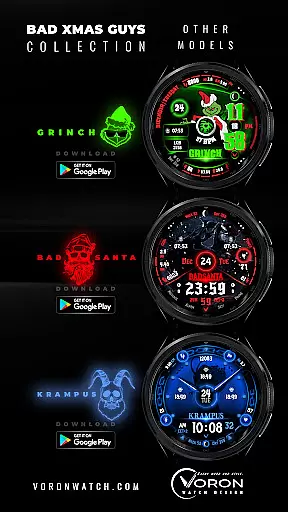
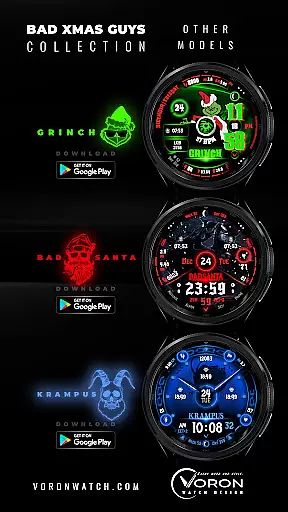
Furthermore, the companion app provides crucial support functions including customer service contact information and links to other related watch faces in the collection. This creates a comprehensive ecosystem where users can explore additional Christmas-themed designs while staying connected with the developer's latest updates and promotions.
Device compatibility represents a fundamental aspect of any Wear OS application, determining which smartwatches can successfully run the software. For GRINCH Christmas Watch Face, compatibility is specifically optimized for Wear OS 4+ devices running API level 33 or higher. This targeted compatibility ensures that users will experience optimal performance and access to all features on supported devices.
The technical implementation of this compatibility involves careful optimization for various screen sizes and resolutions common in modern Wear OS devices. The watch face incorporates advanced features such as AOD modes with multiple power consumption levels, gyro effects, and sophisticated animation sequences. These elements require specific hardware capabilities that are reliably present in devices meeting the minimum API requirements.
Users benefit from this focused compatibility approach through enhanced reliability and feature availability. By restricting installation to compatible devices, the application prevents potential issues that could arise from running on older or less capable hardware. This ensures that all interactive elements, including complications and shortcuts, function as intended without performance degradation.
Additionally, the specified compatibility requirements help maintain consistent quality across different devices. Users can be confident that features such as heart rate monitoring, moon phase display, and battery temperature readings will work accurately on their supported Wear OS device. The developer also provides clear instructions for installation and troubleshooting, along with specifying which features might not be available on certain watches, demonstrating a thorough understanding of device-specific limitations.
Unique Grinch theme
Highly customizable
Vibrant animations
Comprehensive health tracking
Festive holiday spirit
Limited to Wear OS
Some features not available on all watches
Requires multiple permissions
Complex setup for beginners
Premium feel may warrant price

Precision analog watch face with 7 complications and style options
 4.4
4.4
Current temperature, weather hourly, weather radar by the weather forecast app
4.40
Analog watch face with 8 complications and expedition styling
4.3
A modern premium sporty hybrid watch face for Wear OS by Ballozi
4.70
Bold, Modern Hybrid Watch Face for Wear OS. 10 Colors, Rich Info Display.
4.30
Your second brain for organizing your life: to-do, calendar, reminder.
4.70
Retro digital watch face with customizable colors and a unique lighting effect
4.60
Control your Samsung Smart TVs, appliances, and SmartThings-compatible devices
4.60
Back up your contacts & access them anywhere
4.30
Digital, flexibly customizable watch face. For Wear OS 5.0, API 34+ and later.
5.00
Hyperlocal rain alerts by MyRadar using patent-pending technology, radar & more
4.80
To-Do List: daily schedule planner, task organizer, to do reminder app, calendar
4.60
Ideal for surviving in the wasteland left after nuclear fallout
4.50
Locate your family members by GPS phone location tracker everywhere and anytime
4.30
Watch face for Wear OS.
4.20
Viewer for Wyze/Yi/Eufy/Arlo/ONVIF/RTSP/P2P IP cams w/ adv. features & DIY DVR
4.00
Authentic military-tactical design with ZULU time! Realistic and functional!
3.80
Contemporary digital watch face with five complications
4.5
Simple Analog-Digital Watchface For Wear OS 3.0 and Up Smartwatches
4.0


User Reviews