
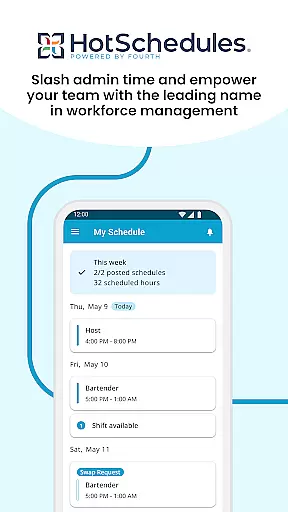
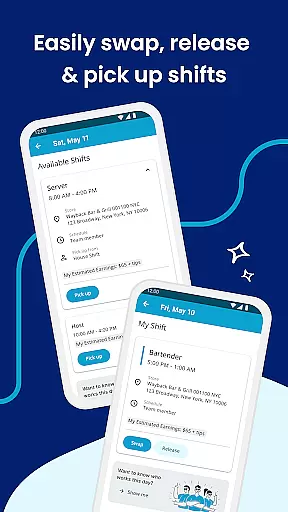
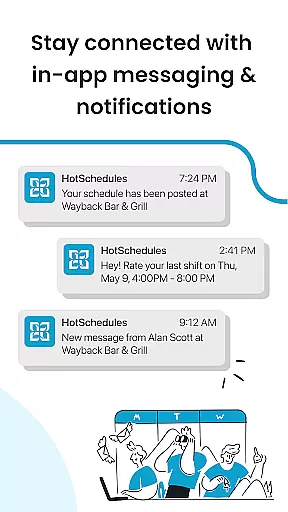
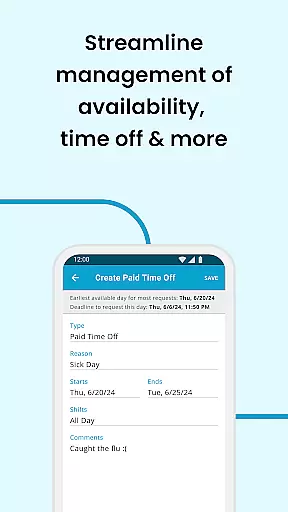
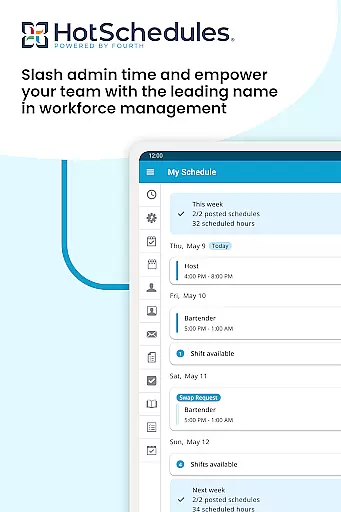
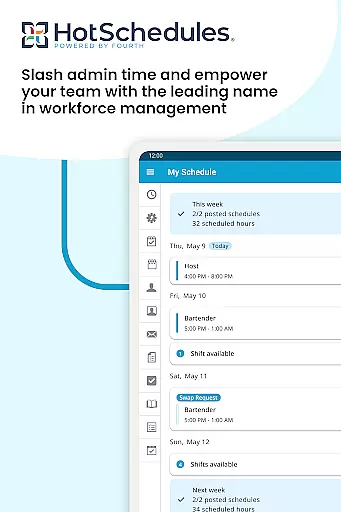
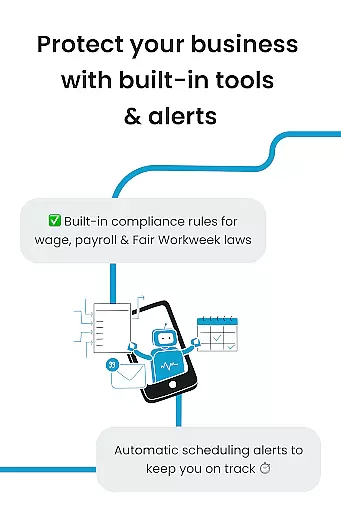
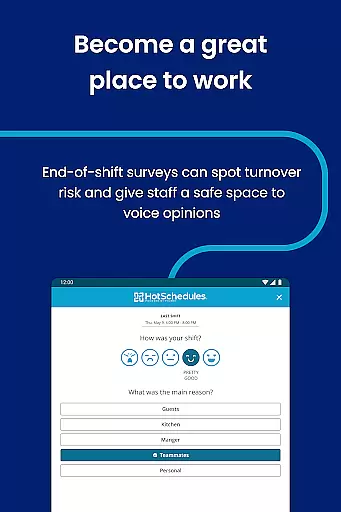
HotSchedules is a leading productivity app designed specifically for workforce management in businesses. The app's core function revolves around employee scheduling, enabling both team members and managers to efficiently organize and communicate shifts. For team members, the app allows easy shift swapping, one-click shift pickups, and automatic time-off requests, promoting better work-life balance. Managers benefit from advanced features like sales and labor monitoring, one-click shift change approvals, and significant time savings when creating schedules. With calendar sync and instant notifications, HotSchedules ensures that everyone stays updated with approved changes, making it an essential tool for modern workforce management.
The app also supports seamless communication through broadcast and one-to-one messaging, fostering a connected and productive team environment. Its integration capabilities extend its utility by syncing with existing business systems, ensuring that performance snapshots are accessible anytime, anywhere. This makes HotSchedules not just a scheduling tool but a comprehensive solution for enhancing team productivity and operational efficiency.
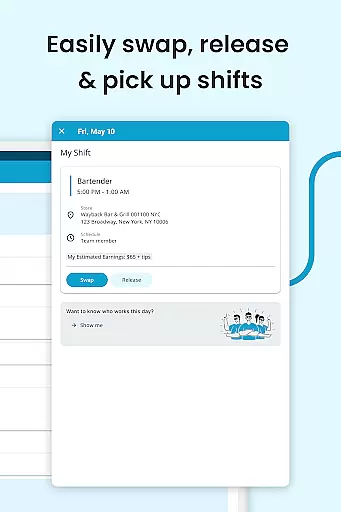
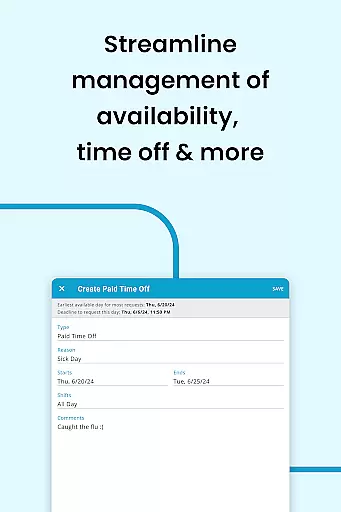
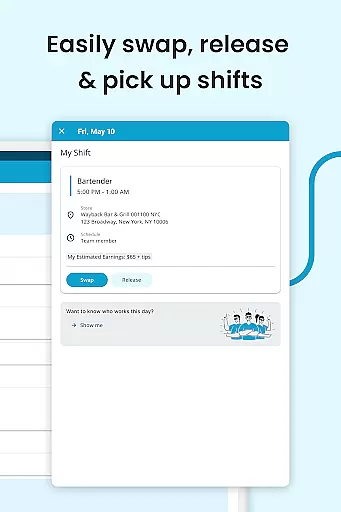
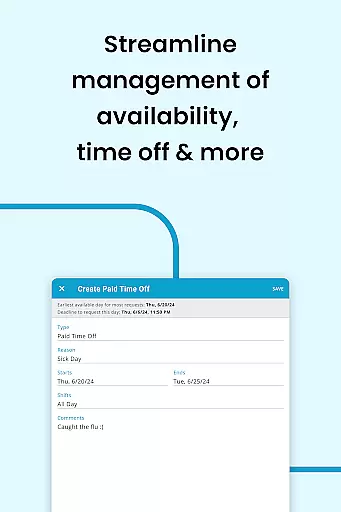
HotSchedules offers a robust set of features tailored to meet the needs of both employees and managers within a business. One of its standout features is the ability for team members to manage their schedules effortlessly. They can swap shifts, pick up available shifts, or request time off with just a single click. This ease of use extends to automatic shift pickups based on availability preferences, ensuring optimal work-life balance. Additionally, the app provides calendar synchronization and real-time notifications, keeping users informed about any schedule changes approved by managers.
For managers, HotSchedules includes powerful tools such as labor and sales snapshots, which allow them to monitor business performance remotely. The app significantly reduces the time spent on creating schedules by up to 75%, thanks to its intuitive design and automation capabilities. Managers can approve shift changes with a single click, streamlining the entire scheduling process. Furthermore, the app facilitates constant communication through broadcast messages and personalized one-to-one messaging, ensuring that teams remain cohesive and well-informed. These features collectively contribute to a more organized, efficient, and harmonious workplace.
HotSchedules excels in core task management by providing an intuitive platform for both employees and managers to handle work schedules efficiently. The app allows team members to swap, pick-up, or release shifts with just one click, streamlining the process of managing their work-life balance.
For managers, the app offers significant time savingsu2014up to 75%u2014when building schedules, along with one-click approvals for shift changes. This functionality not only simplifies administrative tasks but also enhances productivity by allowing managers to focus more on business performance rather than schedule coordination.
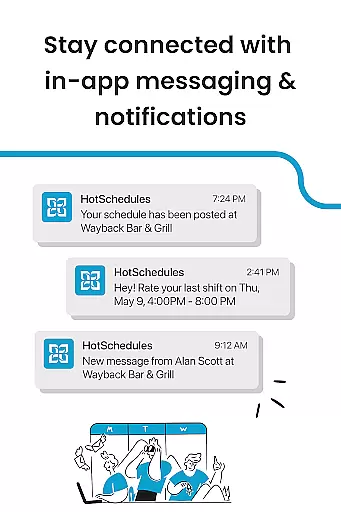
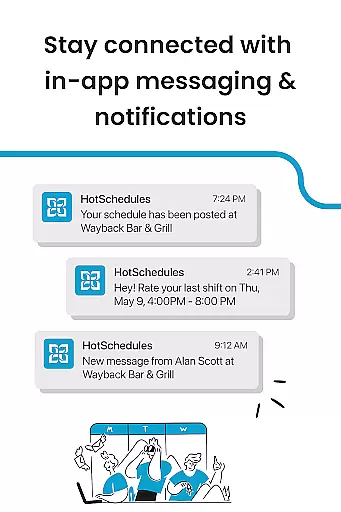
The automatic updates and notifications ensure that any manager-approved changes are immediately reflected on the employee's phone, maintaining transparency and trust within the team. This real-time communication fosters a productive work environment where everyone is always on the same page.
Cross-device synchronization is a critical feature of HotSchedules, ensuring that all schedule updates and roster changes are reliably synced across devices. Whether you're using a smartphone, tablet, or computer, the app provides consistent and accurate information, keeping everyone aligned regardless of the device they use.
Calendar sync and notifications play a vital role in this process. They automatically update schedules and rosters on your phone with any manager-approved changes, ensuring that employees are always aware of their upcoming shifts and responsibilities.
This reliable synchronization extends to include broadcast and one-to-one messaging, which keeps the team connected and engaged. By staying updated through seamless cross-device communication, employees and managers can maintain a happy and productive team culture, ultimately leading to better business outcomes.
User-friendly interface
Efficient scheduling system
Real-time notifications
Comprehensive performance monitoring
Seamless communication tools
Requires employer account
Limited to organizational use
No standalone functionality
Potential learning curve
Dependent on internet connectivity

All in one sketching tool. Technical and General drawing. Online Maps support.
 3.70
3.70
Smart PDF reader & editor to view, organize and manage PDF documents easily.
3.70
Device's storage information in a simple and clear graphical form (infographics)
4.10
Pwnagotchi companion app
4.20
App lock - lock apps with fingerprint, password, pin or pattern, protect privacy
4.70
Fill, sign & send docs, forms, agreements & contracts via electronic signature.
4.50
Enjoy classic gameplay with customizable features and retro-style graphics.
4.30
Share files & memories safely. Keep your photos and videos secure.
4.40
AI Chatbot and AI writing assistant powered by ChatGPT.
4.60
Use powerful, industry-leading AI tools to generate visual charts from any data
4.80
To do list widget with a notebook organizer, checklist, simple shopping list
4.60
Planet Free VPN - The best Fast Unlimited and Secure VPN Without Logs
4.50
Send files, sync SMS, notifications & clipboard across devices via local network
4.40
CalenGoo is a very flexible and feature-rich calendar app
4.40
Secure your apps with lock screens, use custom themes and different features.
4.40
Access, manage and transfer files on Android, PC, Mac, NAS and cloud storages.
4.30
Customizable calendar widget for seamless event sync, planning & scheduling.
4.00
A Revolutionary All-in-One Artificial Intelligence Tools
3.80
Code on-the-go with VScode for Android. Edit,debug and collaborate from mobile!!
3.10


User Reviews