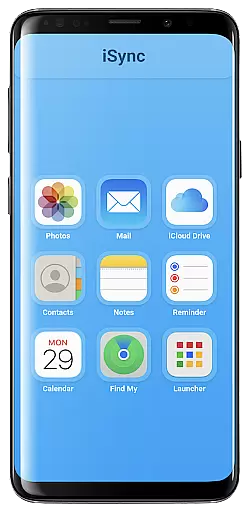
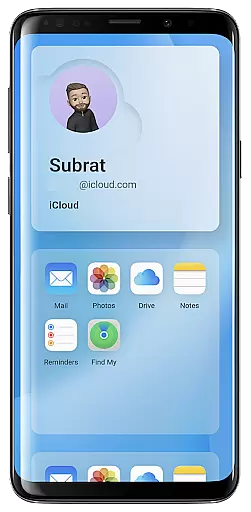
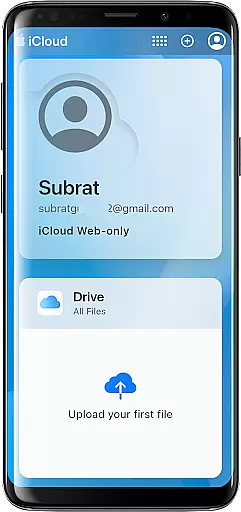
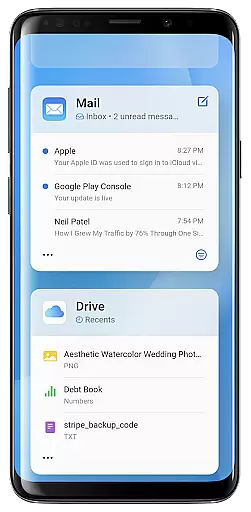
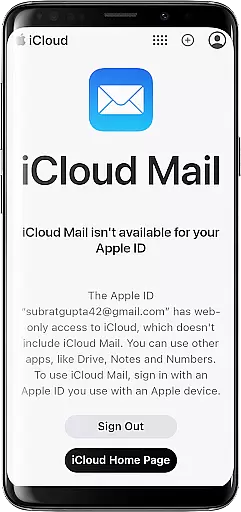
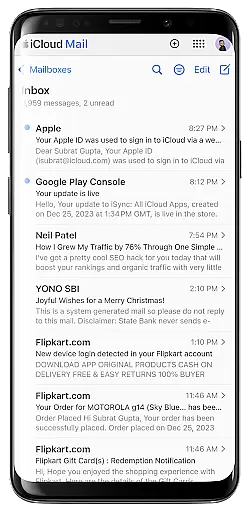
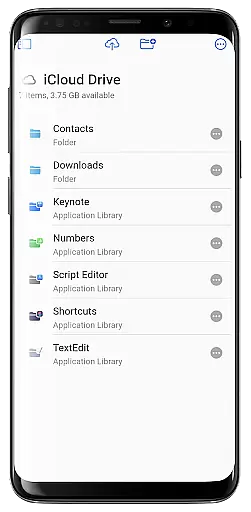
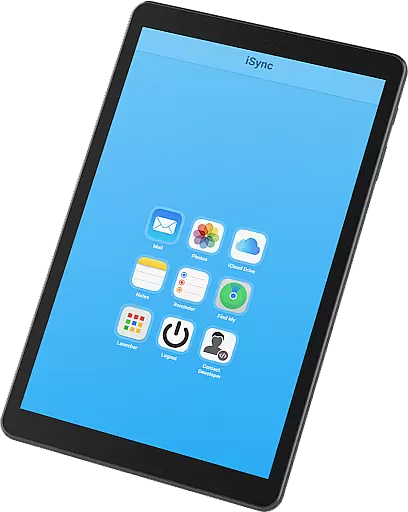
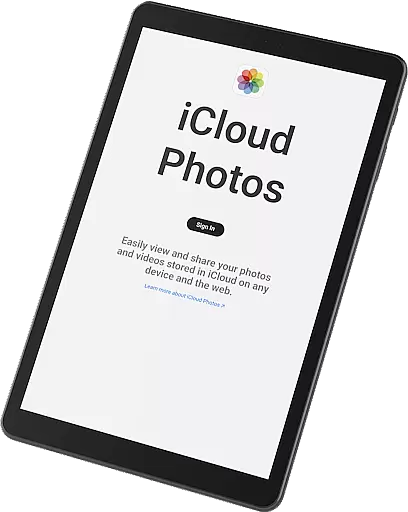
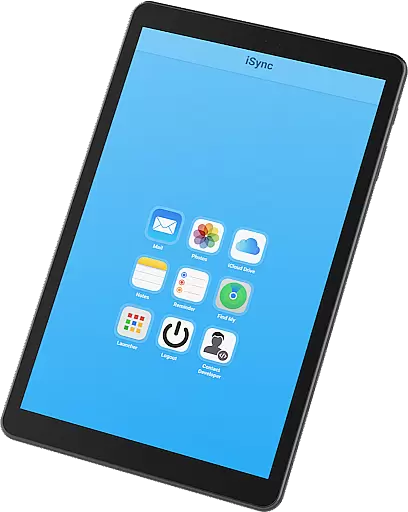
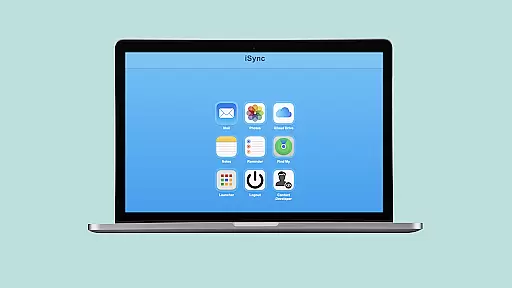
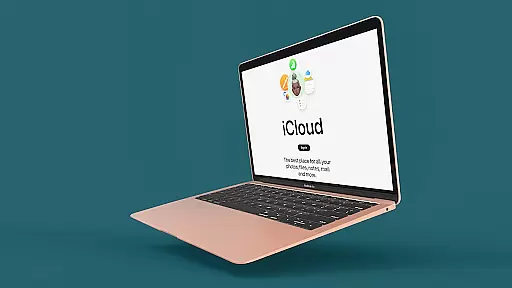
iSync Premium is a productivity-focused application that bridges the gap between Android and Apple ecosystems. It allows users to access their iCloud account and its applications directly from an Android device. The app offers seamless integration with iCloud services such as Mail, Photos, iCloud Drive, Notes, Reminders, and Find My, ensuring that your essential data and functionalities are always within reach.
One of iSync Premium's standout features is its user-friendly interface, which provides a smooth and straightforward experience for managing various iCloud services on Android. Whether you need to stay connected with iCloud Mail, carry your memories through iCloud Photos, or organize your tasks with Reminders, iSync Premium ensures that these tasks are hassle-free and efficient. Additionally, the app includes a launcher for one-touch access to favorite iCloud apps, enhancing user convenience.
This app is particularly useful for individuals who operate across both Android and Apple devices, allowing them to maintain synchronization and connectivity effortlessly. By providing secure and reliable access to iCloud services, iSync Premium ensures that personal data is always protected, making it a valuable tool for productivity and organization.
iSync Premium stands out due to its comprehensive set of features tailored to enhance productivity. One of the key highlights is its ability to integrate multiple iCloud services into a single Android application. Users can manage their iCloud Mail by sending, receiving, and organizing emails directly from their Android devices. This feature alone transforms how users interact with their email accounts, offering unparalleled convenience.
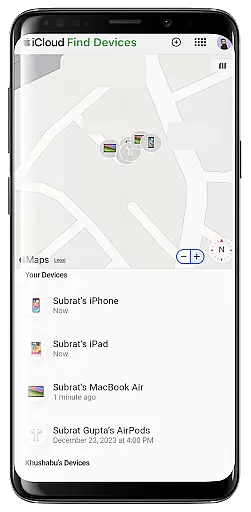
In addition to mail management, iSync Premium provides effortless access to iCloud Photos, iCloud Drive, Notes, and Reminders. With just a few taps, users can view, download, and share photos, access important files and documents, jot down thoughts, and stay organized with reminders. These capabilities ensure that users have a complete set of tools to manage their digital lives efficiently. Furthermore, the inclusion of Apple's Find My service adds an extra layer of security, helping users locate lost devices easily.
The launcher feature of iSync Premium exemplifies its innovative approach to user experience. By offering one-touch access to favorite iCloud apps, the app streamlines navigation and enhances usability. Designed with privacy in mind, iSync Premium ensures that all personal data remains secure, providing peace of mind while using the app. Overall, these features collectively make iSync Premium a powerful tool for anyone seeking to boost their productivity across different platforms.
At the heart of iSync Premium lies its robust core task management system, designed to streamline your productivity across devices. This feature allows users to seamlessly organize and manage their iCloud Reminders directly from an Android device.
The app provides a unified platform where you can create, edit, and mark tasks as complete, ensuring that your to-do lists are always up-to-date regardless of the device you're using. With intuitive controls and clear task displays, staying on top of your responsibilities has never been easier.
By bridging the gap between Apple's ecosystem and Android, iSync Premium ensures that no reminder gets left behind. The synchronization is near real-time, which means any changes made on one platform reflect immediately on the other, offering a cohesive experience for users juggling multiple devices.
This functionality not only boosts personal efficiency but also enhances collaborative efforts, allowing teams to stay aligned without worrying about platform compatibility issues.
Cross-device synchronization is a critical feature of iSync Premium, ensuring that all your important data is reliably synced across your Apple and Android devices. This includes access to Mail, Photos, iCloud Drive, Notes, and Reminders.
The app employs secure and efficient syncing protocols that guarantee your information remains consistent and up-to-date wherever you are. Whether it's emails, documents, or personal notes, users can trust that their data will be accurately mirrored across platforms.
One of the standout aspects of iSync Premium's synchronization capabilities is its reliability. Users no longer need to worry about losing important files or updates; every change made on one device is promptly reflected on another, providing peace of mind and continuity in workflow.
With privacy as a priority, this reliable synchronization process ensures that sensitive information remains protected while being easily accessible. This seamless integration empowers users to work smarter and faster without compromising security or convenience.
User-friendly interface
Comprehensive iCloud integration
Secure data protection
Effortless cross-platform access
Reliable performance
Limited to Android users
Requires iCloud account
Premium features may cost extra
Occasional sync delays
Dependent on internet connectivity

Professional calendar app for Google Calendar, MS Outlook & Exchange
 4.20
4.20
Smart PDF reader & editor to view, organize and manage PDF documents easily.
3.70
⏰ Finally a timer app which can run multiple timers simultaneously on your watch
3.90
Access your phone's notifications, calls, apps, photos & texts on your PC
3.90
Secure your apps with lock screens, use custom themes and different features.
4.40
Lightweight PDF, Word, Excel reader.
4.60
Okta MFA
4.70
AI Chatbot and AI writing assistant powered by ChatGPT.
4.60
Set up, print, and get support—in one place
4.20
Seamlessly integrate data and reports to build your presentation to impress
4.80
Understand anything with a personalized AI research assistant
4.80
App lock - lock apps with fingerprint, password, pin or pattern, protect privacy
4.70
Quickly and easily keep track of your work shifts
4.70
All document reader, all in one file viewer read PDF, DOCX, XLS, PPT, TXT files.
4.60
To do list widget with a notebook organizer, checklist, simple shopping list
4.60
Docker, Kubernetes management over Portainer Mobile
4.40
When you Focus, so will your Bean in this cozy focus timer
4.30
Easily read and manage all your PDF files
4.10
Mega cloud explorer plugin for Solid Explorer
3.80


User Reviews