
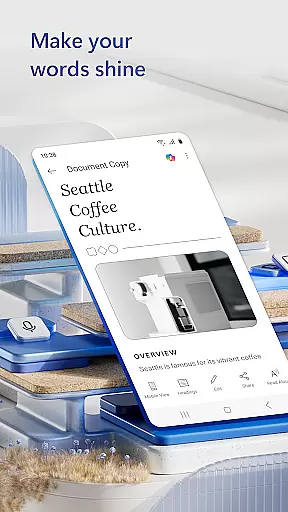
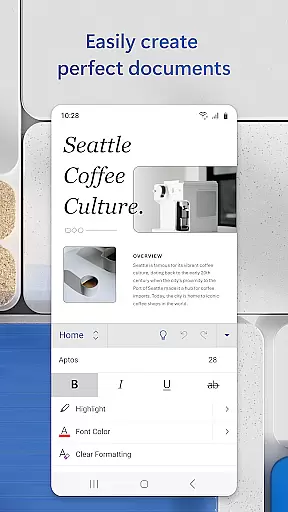
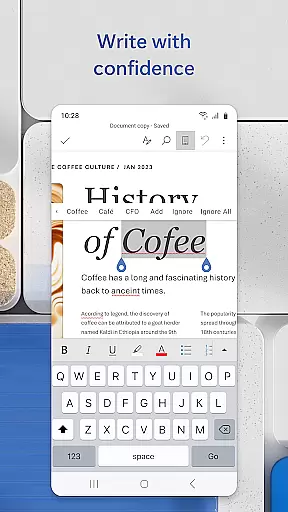
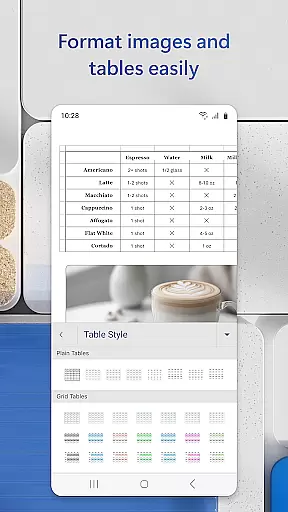
Microsoft Word is the quintessential mobile document editor that empowers users to create, edit, and collaborate on documents from their mobile devices with ease. It mirrors the desktop experience by offering powerful writing tools, PDF conversion capabilities, and seamless file sharing options.
This app stands out with its rich formatting features, a vast template gallery for resumes and cover letters, and real-time collaboration functions. Whether you're a blogger crafting articles or a project manager drafting reports, Microsoft Word adapts to your needs while maintaining professional document standards.
With its intuitive interface, this app allows users to access files and make edits on the go, ensuring productivity isn't confined to a desk. Its ability to convert documents to PDFs and vice versa adds flexibility for users who require versatile document handling in various formats.
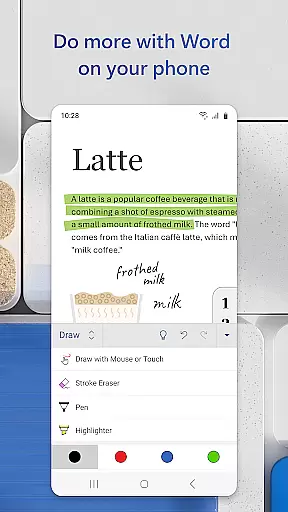
Microsoft Word's hallmark is its comprehensive feature set tailored for mobile productivity. The app provides an extensive array of templates catering to different writing tasks, from resumes to newsletters, ensuring that documents are not only informative but also visually appealing.
Advanced editing tools allow for rich text formatting and precise layout control, while the Reading View offers an optimal experience for reviewing documents. The integrated PDF converter and editor enable users to work with PDF files as effortlessly as with Word documents, providing unparalleled convenience.
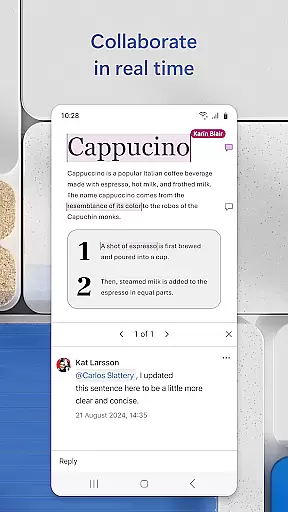
Collaboration is at the heart of Microsoft Word's functionality, allowing multiple users to edit documents simultaneously and leave comments next to the text. With version history and easy reversion to previous drafts, it ensures that collaborative efforts are both efficient and error-free.
Microsoft Word's core task management capabilities redefine how users handle document creation and collaboration on the go. The app ensures that tasks such as writing, editing, and formatting documents are executed seamlessly across devices.
With features like real-time collaboration, users can work together on documents, leave comments next to specific texts, and track changes efficiently. This makes it an ideal tool for teams who need to manage projects and document workflows while maintaining high productivity levels.
Users benefit from intuitive task assignment and progress tracking, ensuring that every document reaches its final form without unnecessary delays. These functions collectively enhance both individual and team productivity, making document management straightforward yet powerful.
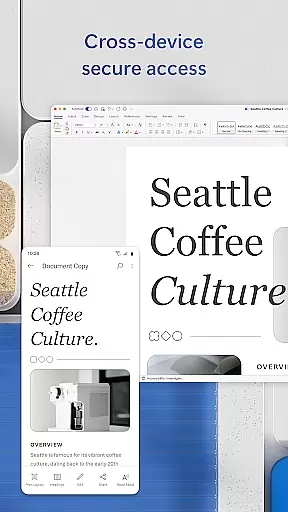
Cross-device synchronization is a cornerstone of Microsoft Word's productivity features, allowing users to start a document on one device and continue working on another without any interruptions. This reliable sync ensures that all changes are updated in real time across all linked devices.
The application supports synchronization of not just text but also complex formatting, images, and even PDF conversions. Whether you're switching from a mobile phone to a tablet or desktop, your work remains consistent and up-to-date, preserving the integrity of your documents at every stage.
This seamless transition between devices empowers users to work flexibly and efficiently, no matter where they are. By prioritizing synchronization reliability, Microsoft Word ensures that users can focus on their content without worrying about technical inconsistencies.
User-friendly interface
Extensive template library
Real-time collaboration tools
Seamless PDF integration
Cross-device compatibility
Requires Microsoft account
Limited functionality on small screens
Occasional sync issues
Advanced features need subscription
Heavier on device resources

AI Video AI Image Private LLM AI Browser Llama Gemma Ollama Connect LLM Studio
 4.0
4.0
Mega cloud explorer plugin for Solid Explorer
3.80
aCalendar+ makes your day, week and month
4.70
Easiest event planning, volunteer signups & parent teacher conference scheduling
2.20
Enjoy classic gameplay with customizable features and retro-style graphics.
4.30
Tally and goal counter for Wear OS & mobile
4.50
A beautiful digital clock with autostart and many other functions
4.70
The ultimate file manager for rooted devices. The original and still the best.
4.00
Scan paperwork into PDF/JPG, generate your own e-signature and send fax or email
4.70
8 custom complications. Custom Time Fonts. Beautiful color schemes. A++ Design.
5.00
Best Tool for the professionals Electrician, Electrical contractors, etc.
4.90
The Pro Version of Android's tiniest Notepad app. Just 0.3MB but feature-packed!
4.60
App Lock with fingerprint, password: Lock apps & hide photos with lock screens
4.60
A simple Whisper AI keyboard for reliable speech transcription and rewording
4.60
Easily read and manage all your PDF files
4.10
Access your phone's notifications, calls, apps, photos & texts on your PC
3.90
Smart PDF reader & editor to view, organize and manage PDF documents easily.
3.70
Auto-shutoff Alarm with Sunrise, Sunset & Fixed Options.
3.50
ID.me Authenticator is a simple and free Two Factor Authentication solution
3.50


User Reviews