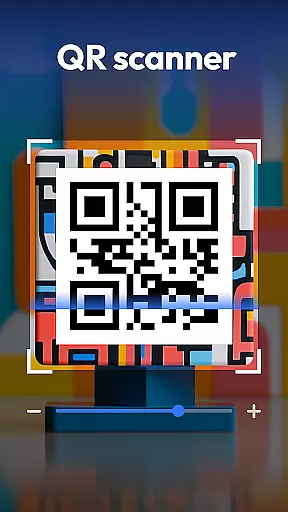
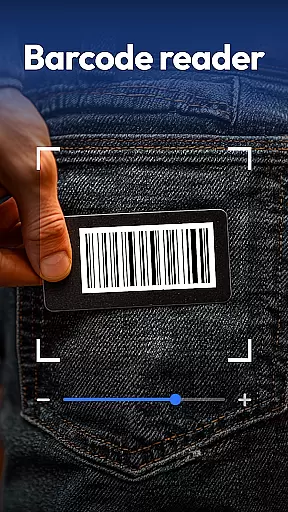
QR & Barcode Scanner is a versatile productivity tool designed to streamline various scanning tasks on Android devices. This all-in-one application combines multiple scanning capabilities, making it an essential utility for both personal and professional use.
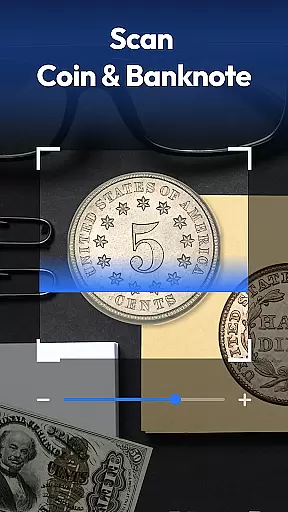
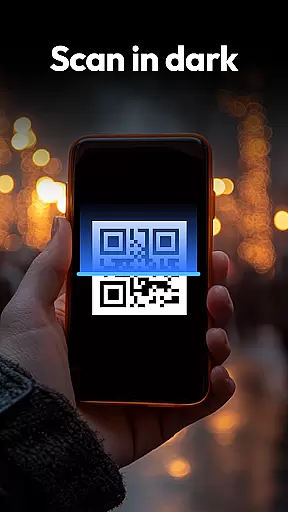
The app's core functionality revolves around its powerful scanning engine that supports QR codes, barcodes, coins, banknotes, food labels, and documents. Its advanced features include auto-zoom, flashlight support for low-light conditions, and a comprehensive scan history. The inclusion of specialized scanning modes for currency recognition and nutritional information makes it particularly valuable for collectors and health-conscious users.
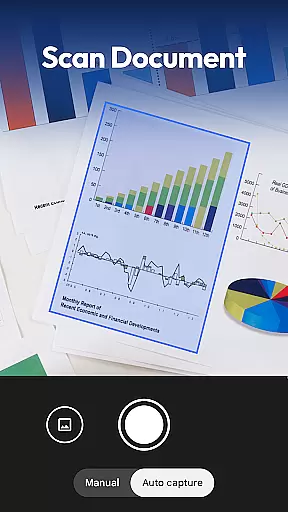
One notable application scenario is in retail environments where users can quickly compare product prices across major online platforms like Amazon and eBay. The document scanning feature also proves invaluable for digitizing paperwork, converting physical documents into searchable PDFs with ease.
QR & Barcode Scanner distinguishes itself through its comprehensive feature set and innovative implementations. The application supports an extensive range of code formats including QR, Data Matrix, UPC, EAN, and Code 39, ensuring compatibility with virtually all standard codes.
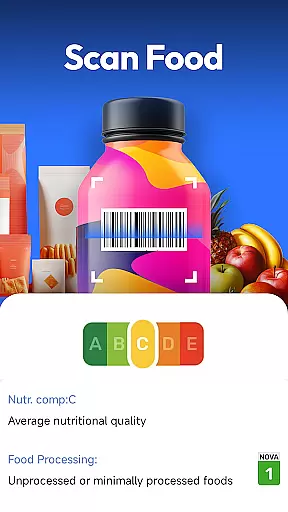
A key differentiator is its specialized scanning modes. The coin and banknote identifier caters to collectors and travelers, while the food scanner provides detailed nutritional information including allergens and health ratings. The document scanning feature incorporates OCR technology to create searchable PDFs from physical documents, enhancing productivity for business users.
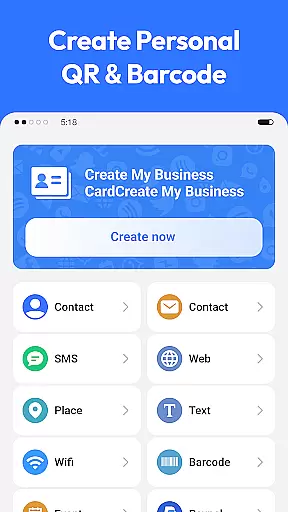
The app's implementation of privacy-first principles is another significant advantage. Unlike many similar applications, it requires only camera access without requesting unnecessary permissions. Additional features like automatic format detection, history tracking, and QR code generation demonstrate the developers' attention to user experience and practical functionality.
Task management is a crucial aspect of productivity applications, enabling users to organize and prioritize their daily activities efficiently. QR & Barcode Scanner excels in this area by integrating multiple scanning functionalities into one cohesive platform.
The app allows users to scan various types of codes and documents, automatically categorizing them for easy retrieval and management. This feature ensures that users can quickly access past scans, maintaining an organized digital environment.
By incorporating advanced features like auto-zoom and flashlight activation for low-light conditions, the application enhances the scanning process, making task completion faster and more reliable. These capabilities contribute significantly to streamlining users' workflows.
Ultimately, the app's comprehensive task management system empowers users to handle diverse scanning needs within a single interface, boosting overall productivity and efficiency.
Cross-device synchronization is essential for users who operate across multiple devices, ensuring seamless access to data regardless of the device in use. QR & Barcode Scanner addresses this need by providing consistent performance and reliable data syncing.
With its cloud-based infrastructure, the app enables real-time updates across devices, allowing users to start a scan on one device and continue on another without missing a beat. This functionality is particularly beneficial for professionals managing extensive collections or documents.
Moreover, the app's privacy-first approach means that users can trust that their synchronized data remains secure, with only necessary permissions granted for camera access. This commitment to security enhances user confidence in cross-device operations.
By delivering dependable cross-device synchronization, QR & Barcode Scanner ensures that users can rely on consistent performance and data integrity, facilitating a smooth and efficient workflow across all their devices.
Fast scanning speed
Multi-format support
Privacy-focused design
Document scanning capability
Coin identification feature
Limited iOS availability
Occasional scan errors
No cloud backup
Basic UI design
Ads in free version

Protect and view your important info on your phone and tablet with eWallet®
 4.80
4.80
Secure, fast, open-source, Remote Desktop Client for Windows and Linux with SSH
4.60
Make apps & sites with natural language prompts
4.10
Stay on top of your to-dos with Google Tasks, part of Google Workspace.
4.60
Translate text/voice/photos in 150+ languages. Offline & fast translator app.
4.50
A beautiful digital clock with autostart and many other functions
4.70
Use powerful, industry-leading AI tools to generate visual charts from any data
4.80
Okta MFA
4.70
AI Chatbot and AI writing assistant powered by ChatGPT.
4.60
Best Tool for the professionals Electrician, Electrical contractors, etc.
4.90
Seamlessly integrate data and reports to build your presentation to impress
4.80
The long-awaited modern gallery app for your Nextcloud server
4.70
Subscribe to Webcal & .ics calendars and keep them up-to-date!
4.50
Secure your apps with lock screens, use custom themes and different features.
4.40
Customizable calendar widget for seamless event sync, planning & scheduling.
4.00
A Revolutionary All-in-One Artificial Intelligence Tools
3.80
All in one sketching tool. Technical and General drawing. Online Maps support.
3.70
Remotely view listen control and record cameras.
3.70
Easiest event planning, volunteer signups & parent teacher conference scheduling
2.20


User Reviews