
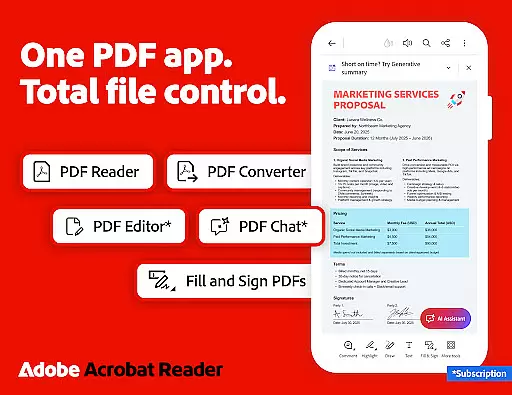


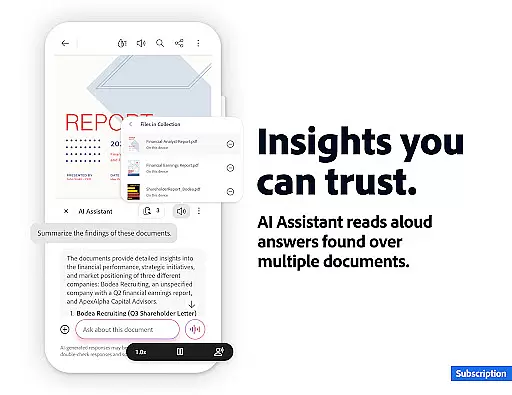

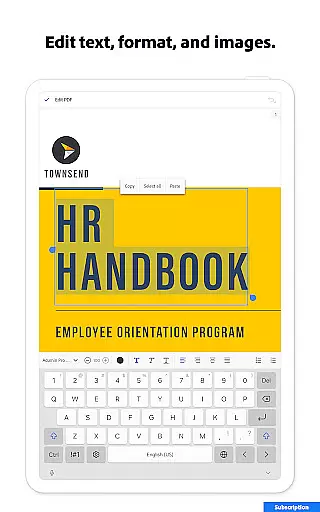
Adobe Acrobat Reader is a comprehensive PDF solution that combines document viewing, editing, and collaboration features. The app's standout feature is the new Adobe Acrobat AI Assistant, which allows users to work across multiple files using PDF Spaces, ask questions about document content through Figures Q&A, and generate instant summaries with Generative AI Summaries.
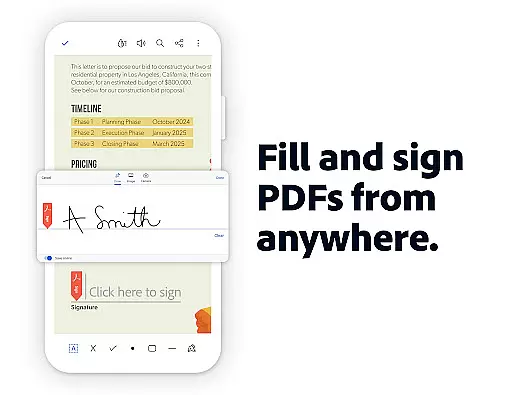
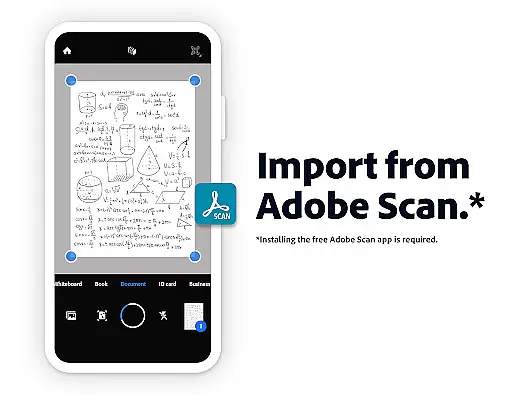
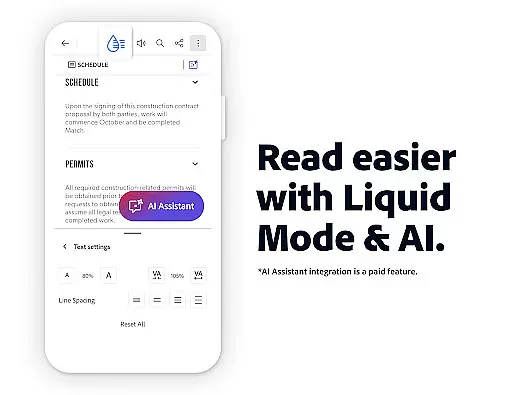
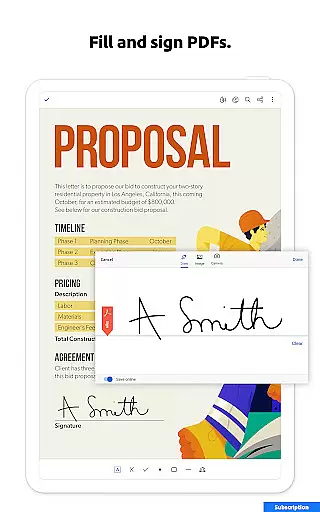
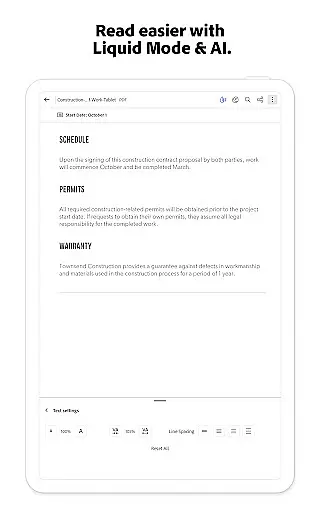
This productivity tool serves as both a PDF reader and editor, enabling users to edit text/images, create and convert PDFs, compress files, and add signatures. Its advanced Optical Character Recognition (OCR) capability transforms scanned documents into editable text. The application also offers mobile-specific features like Liquid Mode for optimal reading and voice support for document narration.
Ideal for professionals who frequently handle PDF documents, this app streamlines workflows by combining essential tools in one place. Users can collaborate on documents, store files online, and access them across devices, making it particularly valuable for remote work environments.
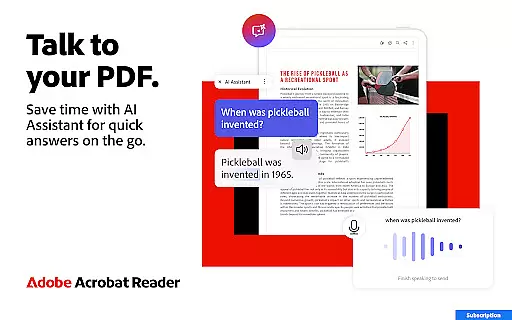
The application distinguishes itself through its comprehensive feature set that goes beyond basic PDF viewing. The Adobe Acrobat AI Assistant represents a significant advancement, allowing users to interact with documents through natural language queries and voice commands. This functionality extends to generating cited answers from document content, including complex elements like charts and graphs.
Productivity-focused features include robust PDF editing capabilities such as text/image modification, page management, and file conversion. The app supports various file formats, enabling seamless transitions between Microsoft Office applications and PDFs. Advanced security measures are implemented through password protection and file compression options.
Collaboration tools are equally impressive, with real-time sharing, commenting features, and integration with cloud storage services like Google Drive and Dropbox. The Liquid Mode provides an enhanced reading experience by optimizing document display for mobile devices, while the OCR technology enables efficient processing of scanned documents.
Core task management in Adobe Acrobat Reader encompasses a wide range of features that allow users to efficiently handle PDF documents. This includes the ability to edit text and images directly within PDFs, making it simple to fix typos or add paragraphs as needed.
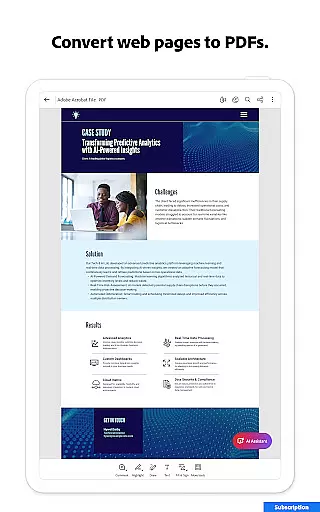
The application also provides advanced tools for organizing and manipulating PDF files. Users can split or combine multiple files into one PDF, reorder pages, and even convert web pages or other file types into PDF format. These capabilities ensure that managing complex document workflows is both intuitive and efficient.
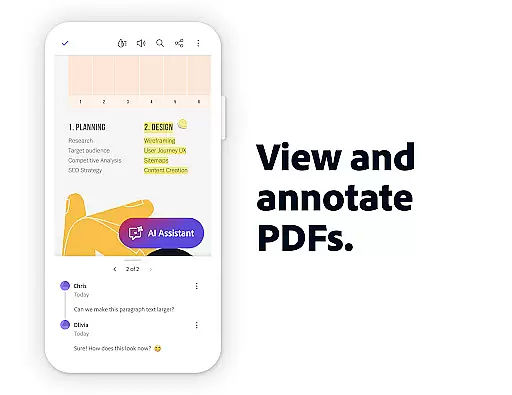
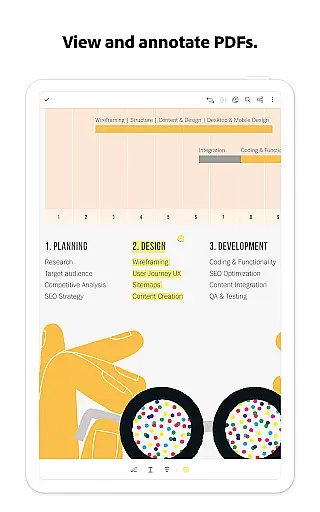
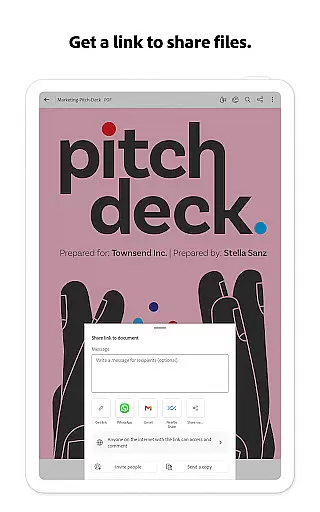
Additionally, Adobe Acrobat Reader offers collaboration features that enhance productivity. With options to share files for commenting, use @mentions to tag others, and manage all comments in one place, teams can work together seamlessly regardless of location.
By integrating with cloud storage services like Google Drive, Dropbox, and Microsoft OneDrive, Adobe Acrobat Reader ensures that users can access their documents from anywhere, further streamlining task management processes.
Cross-device synchronization reliability is a cornerstone of Adobe Acrobat Reader's functionality, ensuring that users have consistent access to their documents across various devices. Whether you're using a smartphone, tablet, or desktop computer, your files remain up-to-date and accessible wherever you go.
This reliability extends to real-time updates, meaning any changes made on one device are immediately reflected on all others linked to the same account. For instance, annotations added on a mobile device will appear on the desktop version without delay, allowing for uninterrupted workflow continuity.
Adobe Acrobat Reader achieves this through robust integration with online storage solutions such as Google Drive, Dropbox, and Microsoft OneDrive. By linking these accounts, users benefit from automatic syncing, which not only saves time but also reduces the risk of version control issues.
Furthermore, the appu2019s notification system keeps users informed about shared file activities, ensuring everyone stays aligned and up-to-date. This comprehensive approach to synchronization makes Adobe Acrobat Reader an indispensable tool for anyone needing reliable access to their PDFs across multiple platforms.
Comprehensive PDF editing tools
Advanced AI-powered features
Robust security options
Seamless cloud integration
Cross-platform functionality
Premium features require subscription
Some tools are mobile-only
Advanced AI features time-limited
Complex interface for beginners
High storage requirements

Secure, fast, open-source, VNC and SSH Remote Desktop for Windows, Linux and Mac
 4.70
4.70
The long-awaited modern gallery app for your Nextcloud server
4.70
Take control of your clipboard with Clipper!
3.90
A simple, portable logger for POTA, SOTA, Field Day, and more
4.4
Device's storage information in a simple and clear graphical form (infographics)
4.10
ID.me Authenticator is a simple and free Two Factor Authentication solution
3.50
Enjoy classic gameplay with customizable features and retro-style graphics.
4.30
A simple Whisper AI keyboard for reliable speech transcription and rewording
4.60
A Pixel Art watchface inspired by other iconic 90s designs for Wear OS devices!
4.40
Mind Map and brainstorm, note taking and idea collection
4.80
App lock - lock apps with fingerprint, password, pin or pattern, protect privacy
4.70
The AI assistant that thinks with you - write, code, and solve complex tasks
4.60
CalenGoo is a very flexible and feature-rich calendar app
4.40
Todo reminder
4.10
Customizable calendar widget for seamless event sync, planning & scheduling.
4.00
* block pre-roll ads, pop-up and forced redirect ads * Samsung certification app
4.00
Smart PDF reader & editor to view, organize and manage PDF documents easily.
3.70
Remotely view listen control and record cameras.
3.70
Make your handwriting beautiful, even more than pen on paper.
3.60


User Reviews