
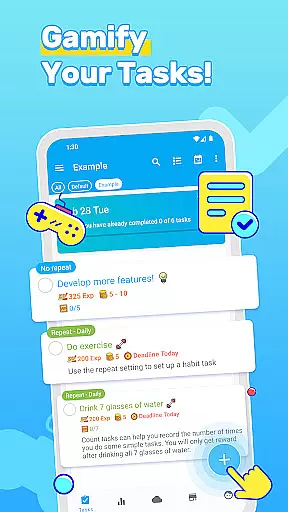
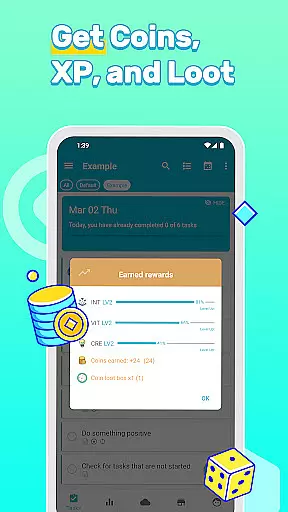
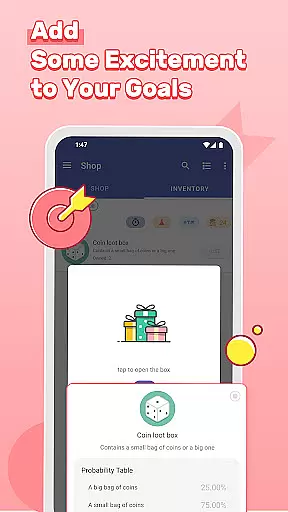
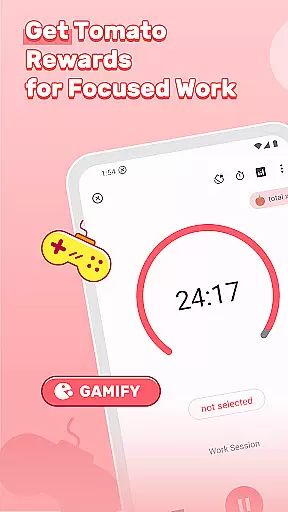
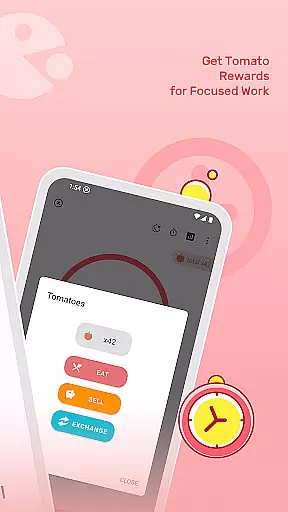
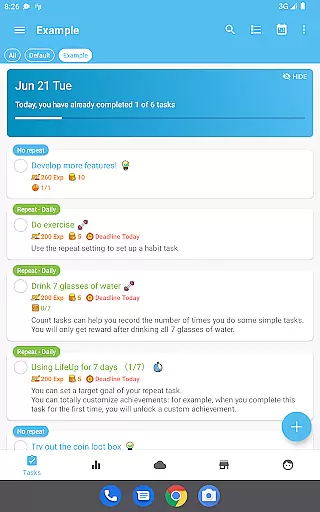
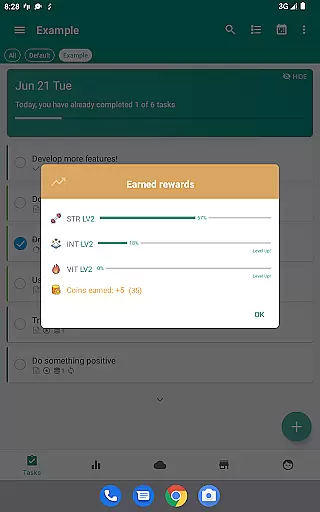

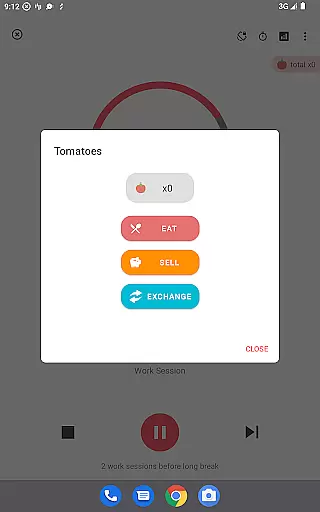
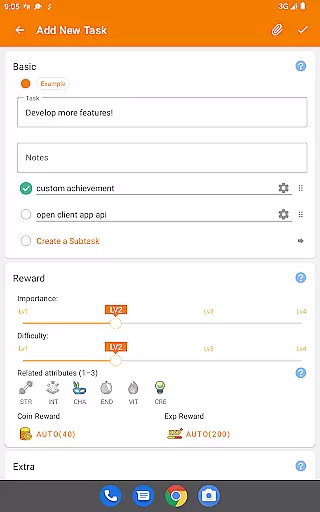
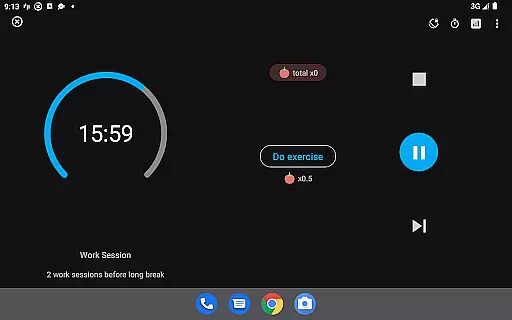
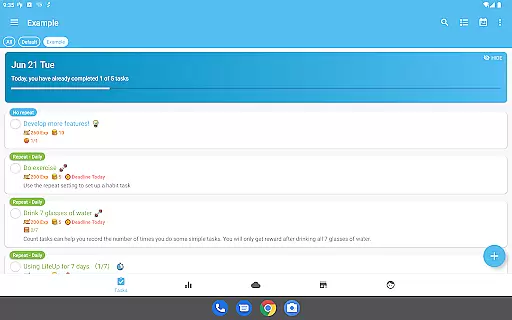
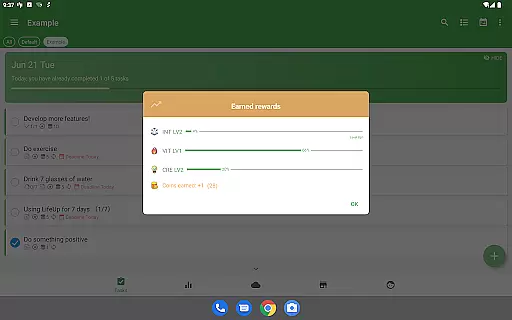
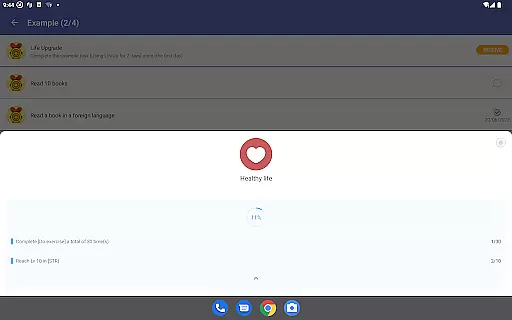
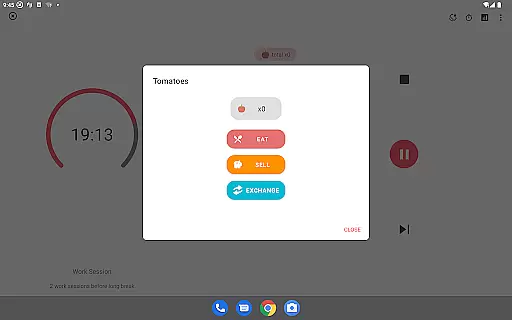
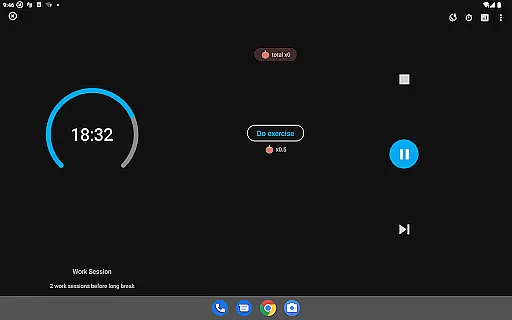

LifeUp is a hyper-customizable productivity RPG app that allows users to create their own gamification rules. It transforms daily tasks and habits into an epic quest designed by the user, offering a unique approach to productivity. Users can earn experience points for completing goals, gain virtual coins for real-life rewards, and level up skills they've created themselves.
The app features one-time payment model with no ads or subscriptions, ensuring uninterrupted access to all features. With offline-first functionality and optional cloud sync, it provides flexibility and privacy. LifeUp also includes powerful productivity tools such as to-do lists, habit trackers, and personalized timers, making it a comprehensive solution for managing various aspects of life.
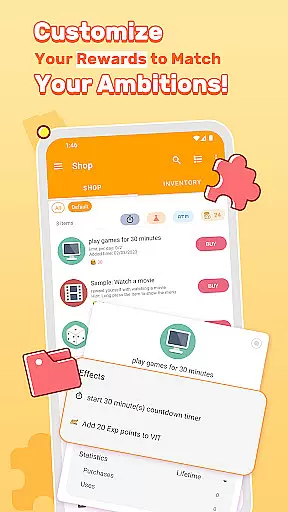
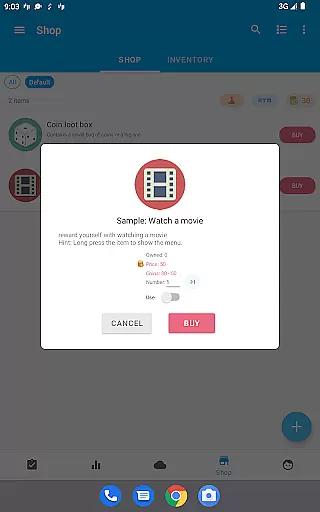
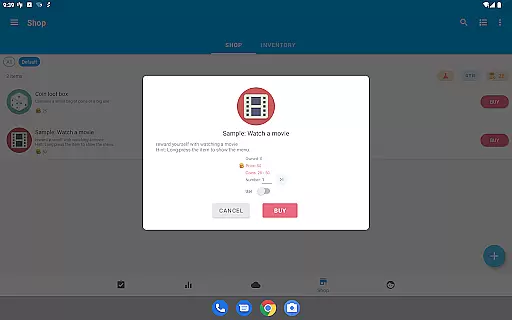
LifeUp stands out with its extensive customization options, allowing users to design their skills, build a personal shop, and set milestones. The app lets you link tasks to real-life skills like 'Coding' or 'Fitness', motivating continuous improvement. Its personal shop feature enables users to define rewards, while milestone setting helps in achieving long-term goals with predefined rewards.
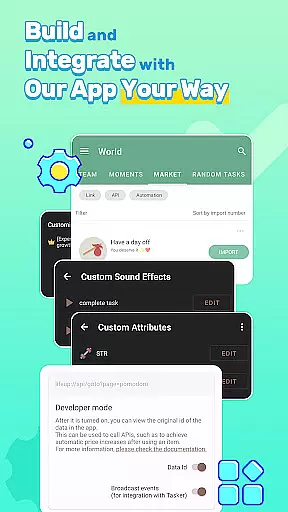
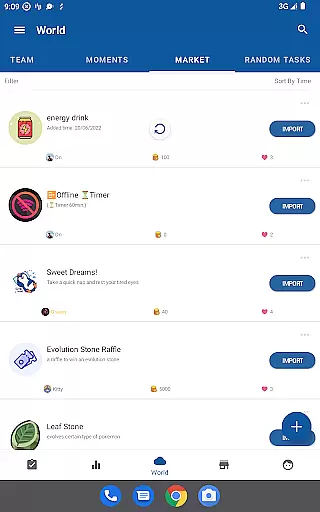
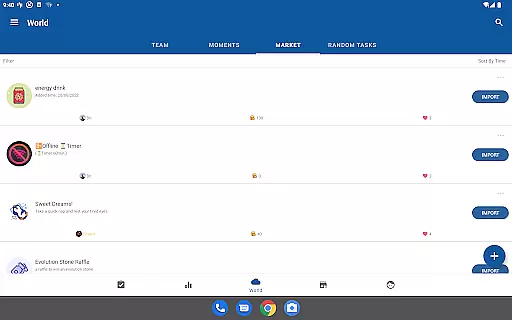
Beyond gamification, LifeUp offers a full suite of productivity tools. These include complete to-do functions with repeats and reminders, habit tracking to build positive streaks, and a world module for community engagement. High customization options are available, including themes, night mode, and widgets, alongside additional features like feelings tracker and statistics, ensuring a tailored and evolving user experience.
Task management is at the heart of any productivity app, and LifeUp excels in this area by offering a hyper-customizable system that allows users to design their own gamification world. The app provides complete to-do functions including repeats, reminders, notes, deadlines, checklists, attachments, and history, ensuring that users can manage every aspect of their tasks efficiently.
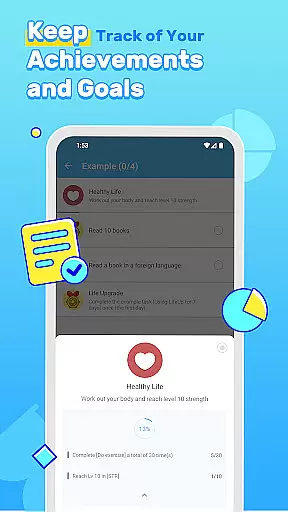
LifeUp takes task management a step further by enabling users to link tasks to personal skills they wish to develop, such as 'Coding', 'Fitness', or 'Early-Bird'. This unique approach not only helps in organizing daily chores but also contributes to long-term personal growth. By earning EXP for completing goals and gaining coins to buy real-life rewards, users are more motivated to achieve their objectives.
The true power of LifeUp's task management lies in its flexibility. Users have the freedom to set their own milestones and define rewards that resonate with their personal aspirations. Whether it's reading five books or visiting a new city, these self-defined achievements make the process engaging and fulfilling. With dozens of themes, night mode, and app widgets, customization options ensure the experience remains fresh and aligned with individual preferences.
In todayu2019s fast-paced world, having reliable cross-device synchronization is crucial for maintaining productivity. LifeUp addresses this need by providing an offline-first approach combined with optional cloud sync through Google Drive, Dropbox, or WebDAV. This ensures that your data stays on your phone unless you choose to back it up, giving you peace of mind about your information's safety.
The synchronization feature in LifeUp is designed to be seamless and efficient. When users opt for cloud sync, they can rest assured that their progress, including earned EXP, coins, and leveled-up skills, will be updated across all devices. This means whether you're at home, in the office, or on the go, your productivity RPG remains consistent and up-to-date.
Moreover, LifeUp's commitment to privacy and security is evident in its synchronization options. By allowing users to control where their data is stored and how it is shared, the app empowers individuals to manage their digital footprint responsibly. Optional sync features mean that users who prefer to keep their data local can do so without sacrificing the benefits of a connected experience when needed.
User-driven customization
No ads or subscriptions
Offline-first functionality
Comprehensive productivity tools
Active community support
Steep learning curve
Complex interface
Limited pre-set templates
Potential over-customization
Resource-intensive

All in one sketching tool. Technical and General drawing. Online Maps support.
 3.70
3.70
Direct Chat without saving contacts & Dual WA Account on Single Device
4.70
Automates browsing any website and notifies you of important changes or events
4.30
The upgraded version of Name Wheel with AI and the power to add your own wheels.
4.2
aCalendar+ makes your day, week and month
4.70
Cloud storage, automatic phone backup, and more.
4.10
Create and edit presentations with Google Slides, part of Google Workspace.
4.00
The ultimate file manager for rooted devices. The original and still the best.
4.00
Simple notepad & memo. Take notes, to-do list, shopping list with reminders.
4.80
Stay on top of your to-dos with Google Tasks, part of Google Workspace.
4.60
The Pro Version of Android's tiniest Notepad app. Just 0.3MB but feature-packed!
4.60
Subscribe to Webcal & .ics calendars and keep them up-to-date!
4.50
Send files, sync SMS, notifications & clipboard across devices via local network
4.40
Enjoy classic gameplay with customizable features and retro-style graphics.
4.30
Make apps & sites with natural language prompts
4.10
Font maker keyboard with your own handwriting
4.10
Take control of your clipboard with Clipper!
3.90
⏰ Finally a timer app which can run multiple timers simultaneously on your watch
3.90
Mega cloud explorer plugin for Solid Explorer
3.80


User Reviews