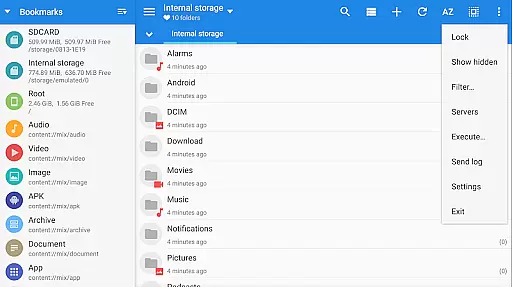
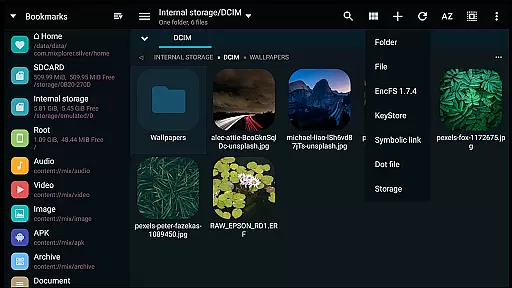
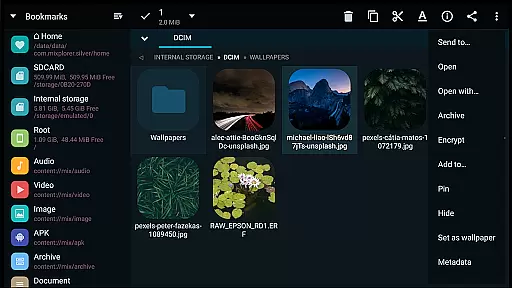
MiXplorer Silver is a comprehensive file management solution that combines the powerful MiXplorer file manager with essential add-ons like Archiver, Image viewer, Tagger, and PDF reader. Designed for productivity enthusiasts, this paid app offers advanced features to streamline file handling across various formats and cloud services.
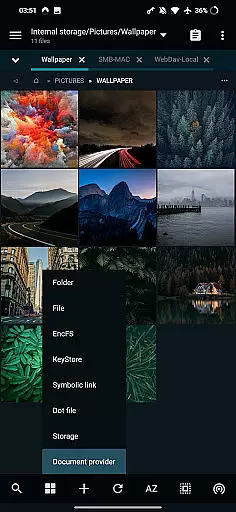
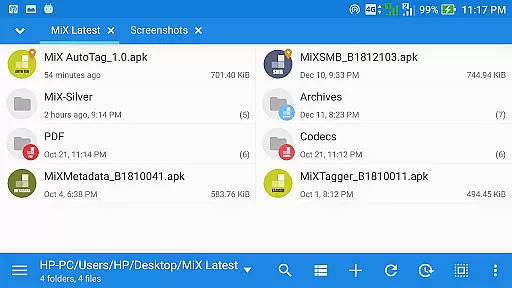
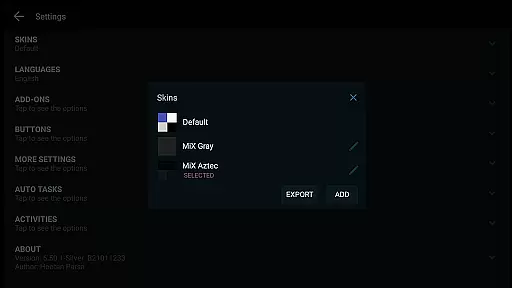
The app stands out with its themable interface, allowing users to customize colors and layout options. It supports unlimited tabbed browsing, dual panels in landscape mode, and drag-and-drop functionality between panels. With integrated cloud storage access and support for numerous archive formats, MiXplorer Silver caters to both basic and advanced file management needs.
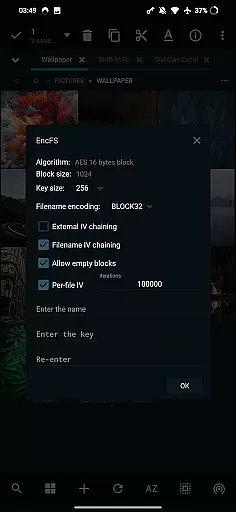
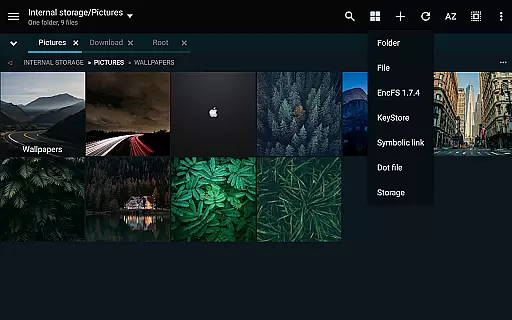
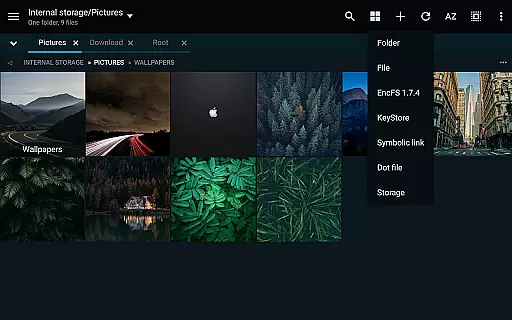
Whether you're managing local files or working with cloud-based documents, MiXplorer Silver provides a seamless experience. Its robust feature set includes root access for advanced operations, EncFS volume support, and built-in servers for FTP, HTTP, and WebDAV protocols.
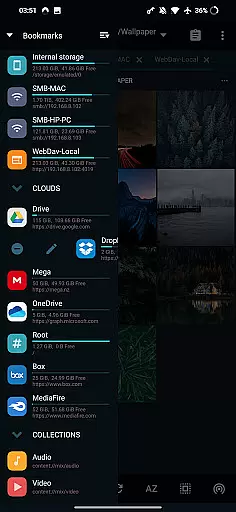
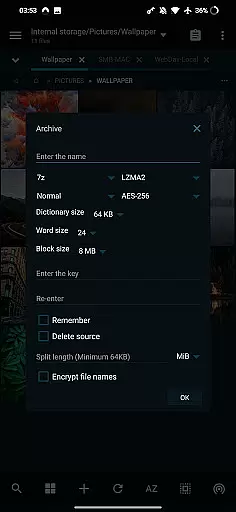
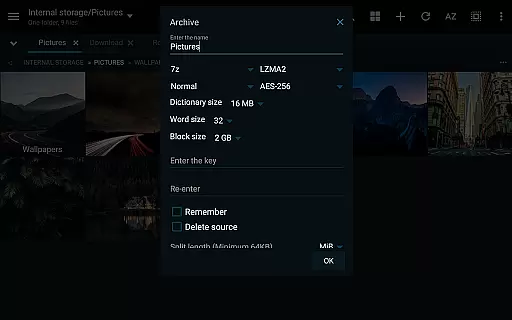
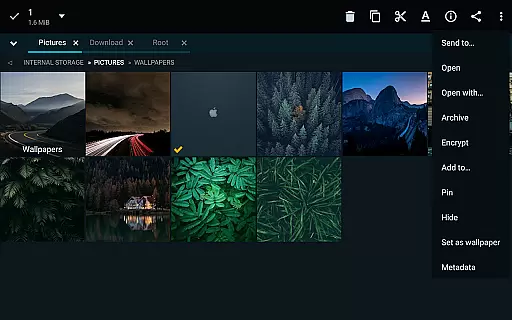
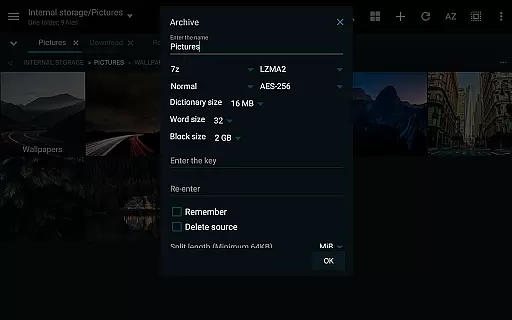
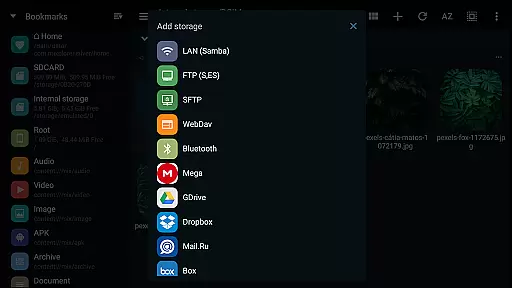
MiXplorer Silver distinguishes itself through its extensive feature set tailored for power users. The application supports over 20 archive formats for packing and unpacking, including 7z, Zip, TAR, and specialized formats like WIM and Zstandard. Its cloud integration capabilities are equally impressive, offering access to major providers like Google Drive, Dropbox, and OneDrive, plus WebDAV-compatible services.
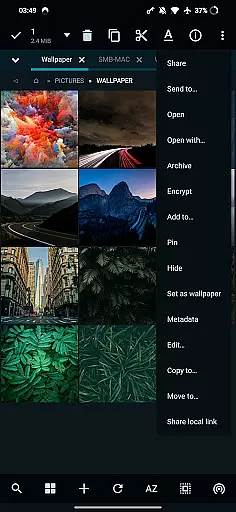
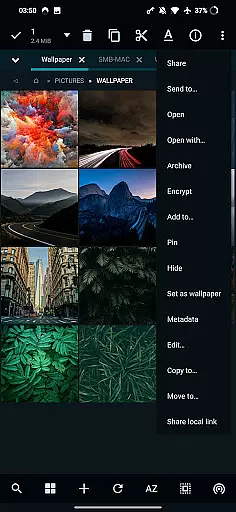
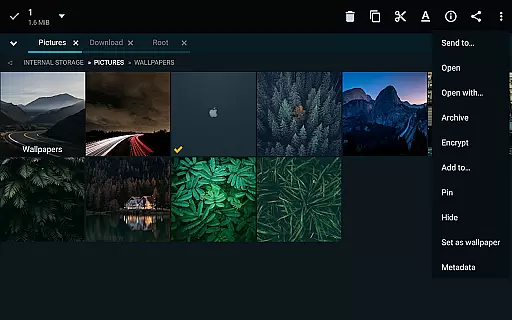
Advanced file operations are made simple with features like APK signing with multiple schemes, Aescrypt file encryption, and comprehensive server/client support for various protocols including SMB, FTP, and SFTP. The app also includes dedicated viewers for EPub, MobiPacket, and PDF files, alongside a versatile media player with extra video codecs.
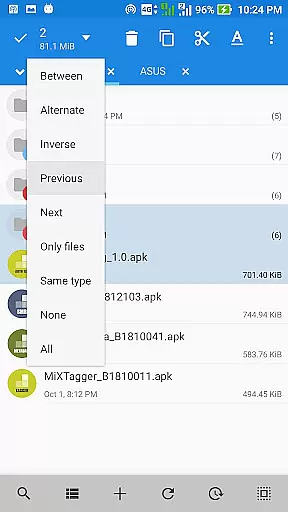
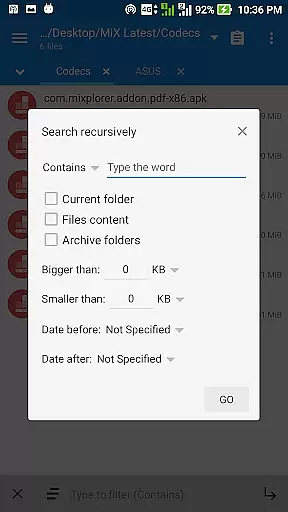
Productivity is enhanced through customizable interface elements, advanced search functions, and specialized tools like font viewer, HTML viewer, and text/code editor. Users can export/import preferences and bookmarks, create multitasking operations through task management, and work with various image formats including RAW and TIFF.
In the realm of productivity, effective task management is crucial for maintaining workflow and achieving goals efficiently. MiXplorer Silver File Manager excels in this area by offering users the ability to create tasks that allow multitasking operations such as copying, moving, and other file manipulations seamlessly.
The app's architecture supports unlimited tabbed browsing and dual panels in landscape mode, which enhances the user's capacity to manage multiple tasks simultaneously. This feature not only streamlines the process but also significantly reduces the time required to perform complex operations across different folders or drives.
Furthermore, MiXplorer Silver provides various view modes and sorting options for each folder, ensuring that users can customize their workspace according to their specific needs. This level of personalization empowers users to optimize their task management strategies, leading to increased productivity and a more organized digital environment.
By integrating advanced search functions and customizable bookmarks, MiXplorer Silver ensures that users can quickly locate and access essential files, thus further enhancing the efficiency of their task management processes.
Cross-device synchronization is a pivotal feature for users who operate in multi-platform environments, ensuring that their data remains consistent and up-to-date across all devices. MiXplorer Silver File Manager addresses this need by providing reliable synchronization capabilities that support real-time updates and seamless data integration.
The application supports a wide array of cloud storage services including Mega.nz, Dropbox, Google Drive, and OneDrive, among others. This extensive support allows users to access their files from any device with internet connectivity, thereby facilitating a smooth and efficient workflow irrespective of the user's location or device preference.
Moreover, MiXplorer Silver's ability to handle various file formats and its comprehensive unpacking and packing functionalities ensure that users can manage their files without compatibility issues. Whether it's 7z, Zip, TAR, or other formats, the app maintains data integrity during transfers, which is critical for cross-device operations.
With features like EncFS volume support and file encryption using Aescrypt format, MiXplorer Silver not only synchronizes data reliably but also secures it against unauthorized access, making it an ideal choice for users seeking both convenience and security in their digital activities.
Highly customizable interface
Extensive format support
Robust cloud integration
Advanced file operations
Comprehensive utility suite
Paid application only
Steep learning curve
Feature overload for casual users
No free version available
Requires technical knowledge

Unlock AutoNotification
 4.00
4.00
Device's storage information in a simple and clear graphical form (infographics)
4.10
Cloud storage, automatic phone backup, and more.
4.10
Activate Two Factor Authentication (2FA or Multi OTP), Password manager and more
4.10
The ultimate file manager for rooted devices. The original and still the best.
4.00
Quickly and easily keep track of your work shifts
4.70
Understand anything with a personalized AI research assistant
4.80
Okta MFA
4.70
Seamlessly read, manage, and organize all your PDF files solution in one place
4.40
Scientific calculator for Android - looks and operates like the real thing!
4.90
Seamlessly integrate data and reports to build your presentation to impress
4.80
Secure, fast, open-source, VNC and SSH Remote Desktop for Windows, Linux and Mac
4.70
The long-awaited modern gallery app for your Nextcloud server
4.70
Stay on top of your to-dos with Google Tasks, part of Google Workspace.
4.60
Functional QR scanner and barcode reader that requires little storage space.
4.60
Subscribe to Webcal & .ics calendars and keep them up-to-date!
4.50
A customizable calendar for your Wear OS watch
4.20
⏰ Finally a timer app which can run multiple timers simultaneously on your watch
3.90
The upgraded version of Name Wheel with AI and the power to add your own wheels.
4.4


User Reviews