
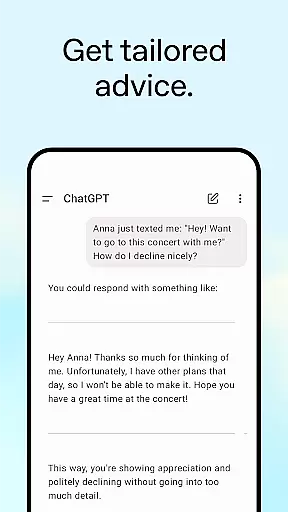
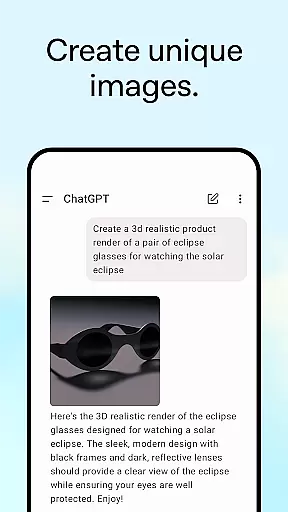
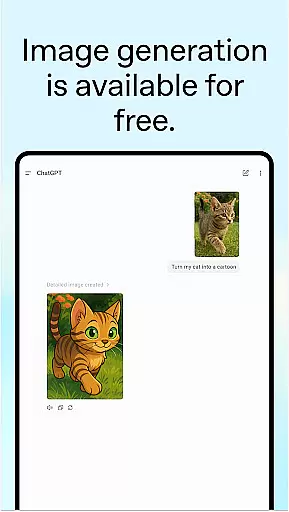
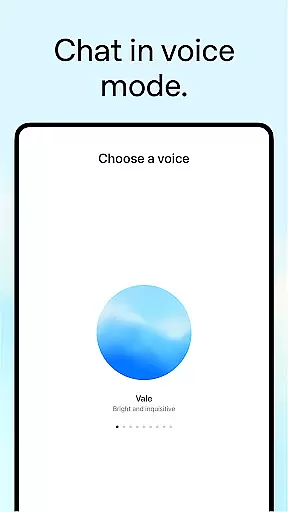
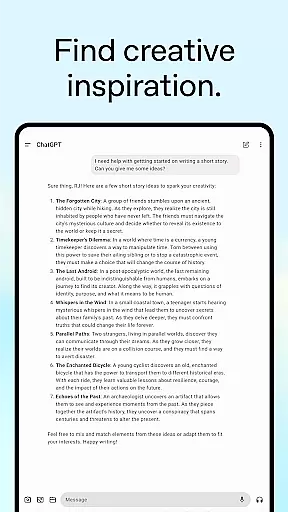
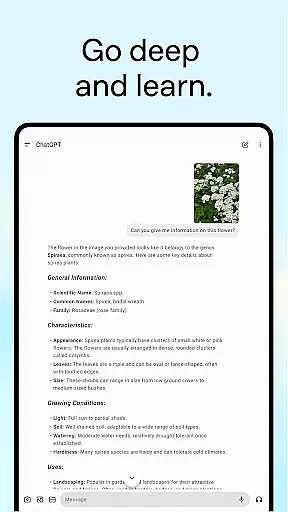
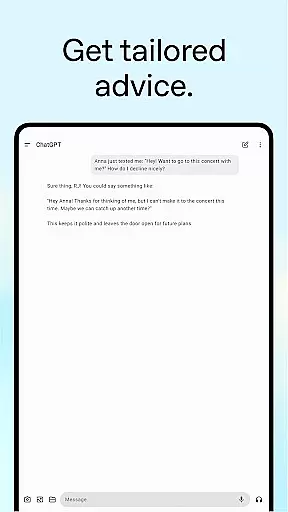
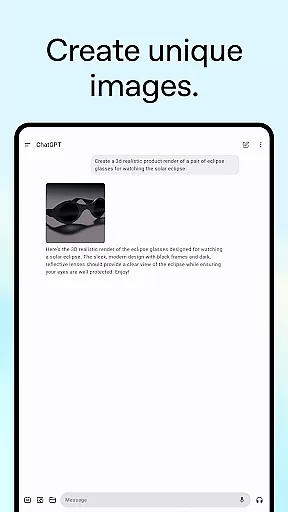
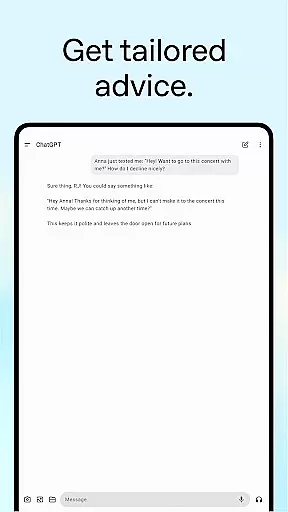
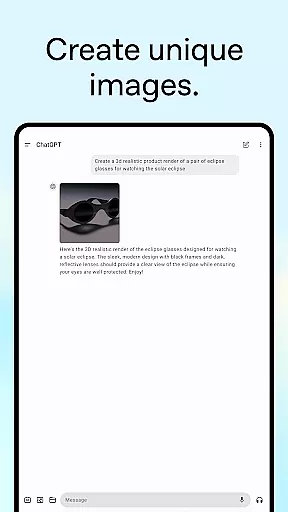
ChatGPT for Android offers a versatile productivity tool that brings OpenAI's advanced language model directly to your mobile device. The app allows users to generate original images, engage in real-time conversations through Advanced Voice Mode, and upload photos for transcription or information retrieval.
With features like creative inspiration for personalized content creation, tailored advice for complex situations, and professional input for business needs, ChatGPT is designed to enhance both personal and professional productivity. Whether you need help crafting detailed travel itineraries or require marketing brainstorming sessions, this app provides instant support.
The application syncs history across devices, ensuring seamless access to your data wherever you go. Its comprehensive capabilities make it an essential tool for anyone seeking intelligent assistance on the go.
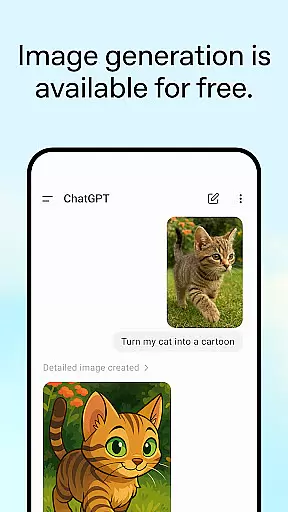
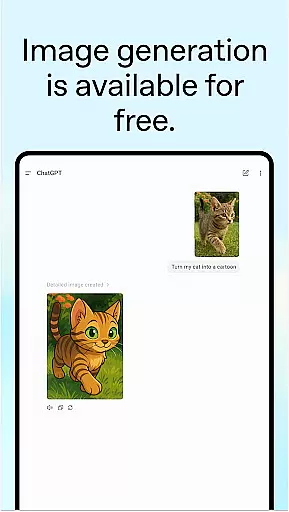
ChatGPT stands out with its diverse set of features tailored to boost productivity. One of its key functionalities is the ability to generate original images from text descriptions or transform existing ones using simple prompts. This feature alone opens up numerous possibilities for creative projects.
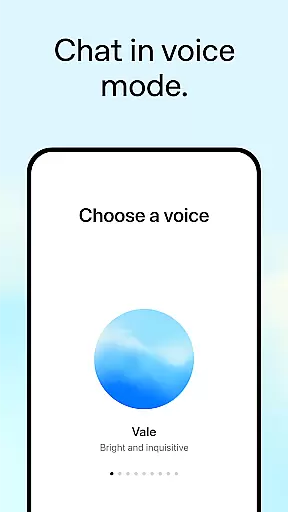
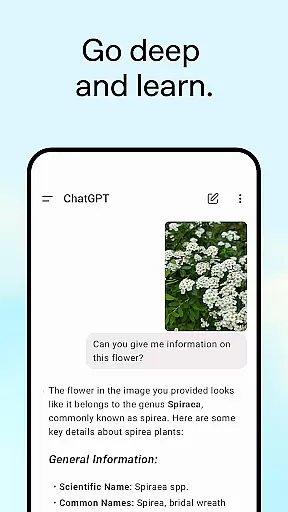
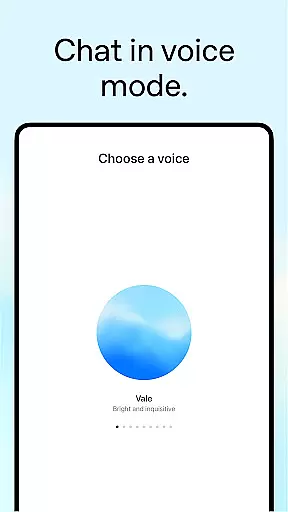
The Advanced Voice Mode enables users to have real-time conversations, making it perfect for settling debates, practicing languages, or getting quick answers. Additionally, the photo upload feature allows users to snap or upload pictures for tasks such as transcribing handwritten notes or identifying landmarks.
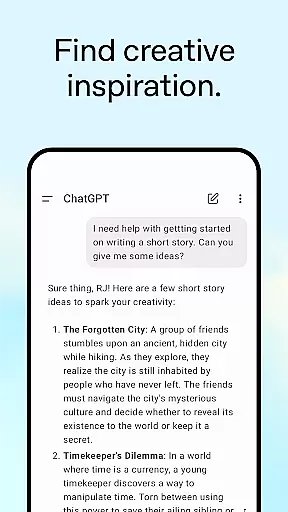
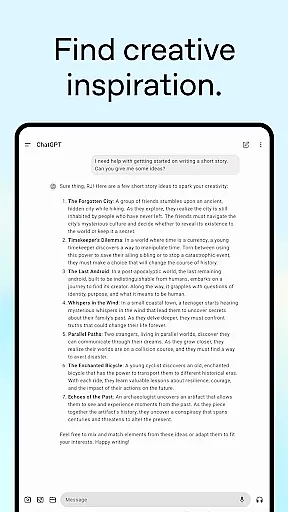
Further enhancing its utility are features like creative inspiration for custom gift ideas, tailored advice for detailed planning, personalized learning experiences, and professional input for business strategies. These robust capabilities ensure that ChatGPT remains a top choice for those looking to maximize their efficiency and creativity.
Task management is a cornerstone of productivity applications, and ChatGPT excels in providing users with tools to organize their work efficiently. The app allows for the creation and tracking of various tasks, from generating original images to settling debates at the dinner table.
ChatGPT's advanced features such as voice mode and photo upload enable users to manage tasks in versatile ways. Whether it's transcribing handwritten notes or getting information about landmarks, the app adapts to the user's needs seamlessly.
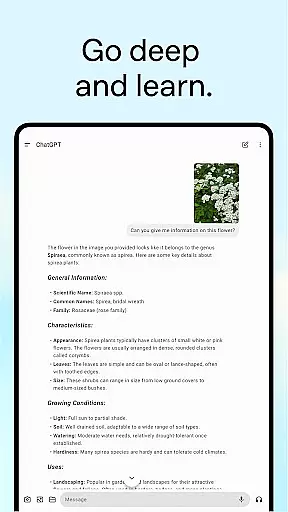
Users benefit from personalized advice and learning opportunities within the app. ChatGPT can assist in crafting detailed travel itineraries or explaining complex topics in an easy-to-understand manner, making every task more approachable and efficient.
The true value of ChatGPT's task management capabilities lies in its integration of AI technology that offers real-time conversations and creative inspiration, ensuring that whether for personal or professional use, users have a tailored experience that enhances productivity.
Cross-device synchronization is vital for users who operate across multiple platforms, ensuring that their data and history are accessible wherever they go. ChatGPT addresses this need by providing reliable sync services that keep user history consistent on every device.
With the official ChatGPT app, users enjoy the advantage of accessing OpenAI's latest advancements, including image generation and voice modes, without losing any progress or history. This seamless transition between devices enhances the overall user experience significantly.
Reliable synchronization means that whether you're brainstorming marketing copy on your desktop or practicing a new language on your mobile, your work is always up-to-date and available. This feature supports both personal creativity and professional input without missing a beat.
Ultimately, ChatGPT's commitment to syncing user history across devices not only simplifies task continuity but also enriches the user's interaction with the app, allowing for uninterrupted productivity and convenience.
User-friendly interface
Advanced AI capabilities
Versatile functionality
Syncs across devices
Free to use
Limited offline functionality
Requires stable internet
Privacy concerns
Occasional inaccuracies
Dependent on API limits

QuickBooks Workforce lets teams view pay info and track time in one place.
 4.70
4.70
Professional calendar app for Google Calendar, MS Outlook & Exchange
4.20
We're working to become the best machining app on the market! www.cncdirt.com
4.80
Customizable calendar widget for seamless event sync, planning & scheduling.
4.00
Stay on top of your to-dos with Google Tasks, part of Google Workspace.
4.60
Simple and reliable communication between inmates, friends and family
3.20
The AI assistant that thinks with you - write, code, and solve complex tasks
4.60
The ultimate file manager for rooted devices. The original and still the best.
4.00
This small app MUST BE INSTALLED after purchase, else license won't work
4.40
App lock - lock apps with fingerprint, password, pin or pattern, protect privacy
4.70
Secure, fast, open-source, Remote Desktop Client for Windows and Linux with SSH
4.60
Lightweight PDF, Word, Excel reader.
4.60
Easily read and manage all your PDF files
4.10
Device's storage information in a simple and clear graphical form (infographics)
4.10
Secure, open-source, SPICE and SSH Remote Desktop for QEMU KVM virtual machines
4.00
⏰ Finally a timer app which can run multiple timers simultaneously on your watch
3.90
Remotely view listen control and record cameras.
3.70
Code on-the-go with VScode for Android. Edit,debug and collaborate from mobile!!
3.10
AI Video AI Image Private LLM AI Browser Llama Gemma Ollama Connect LLM Studio
4.1


User Reviews