
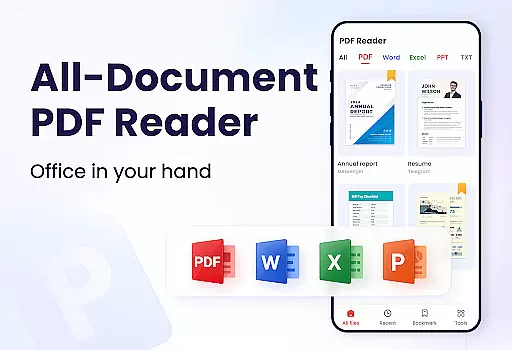
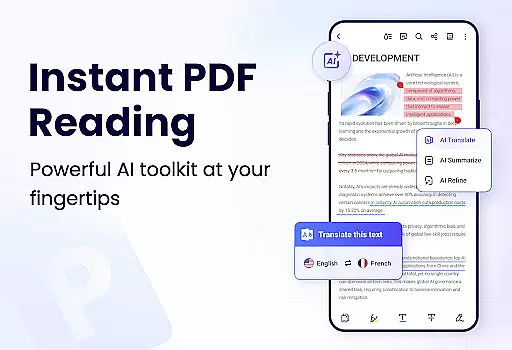
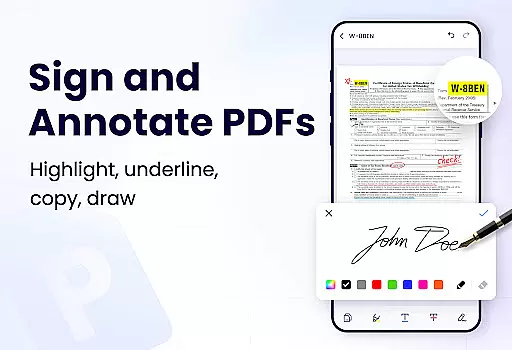
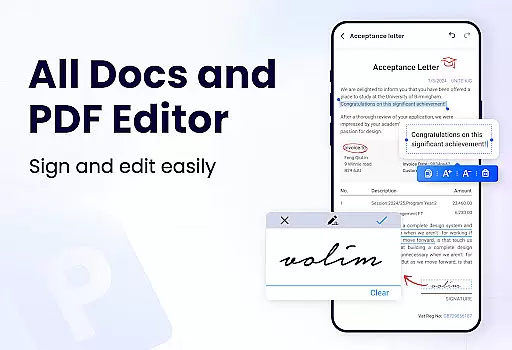
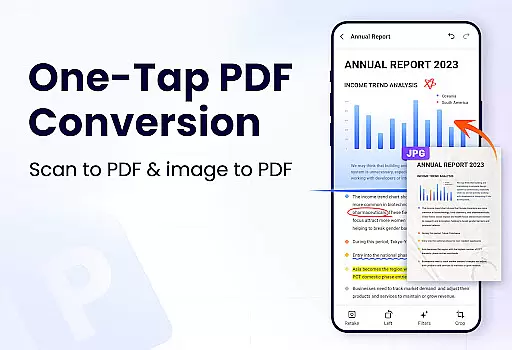
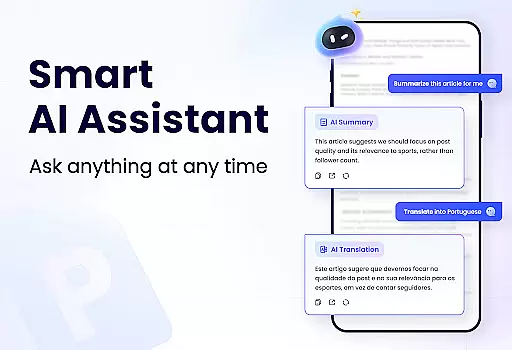
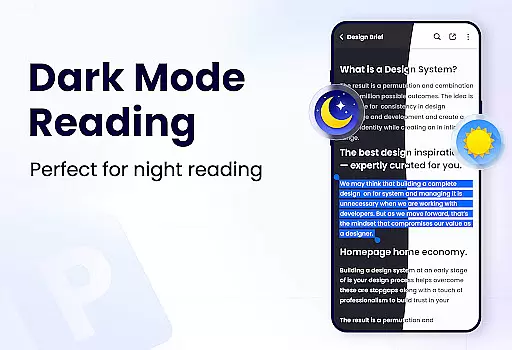
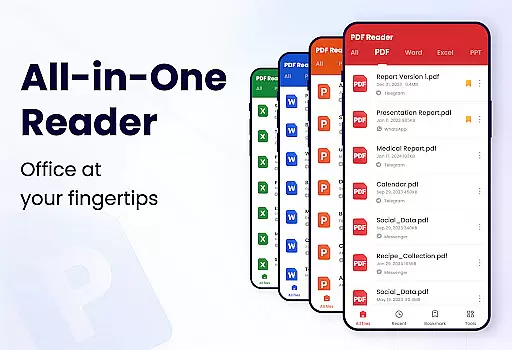
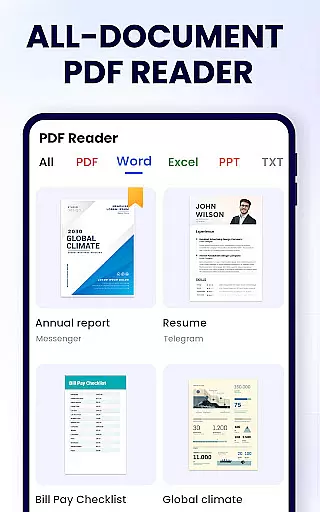
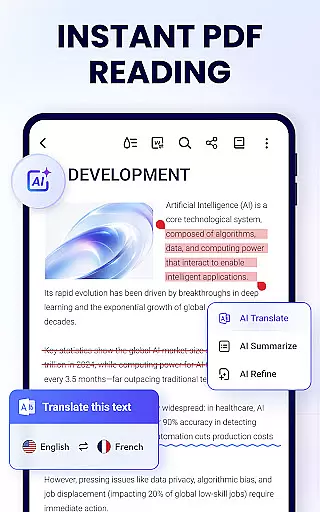
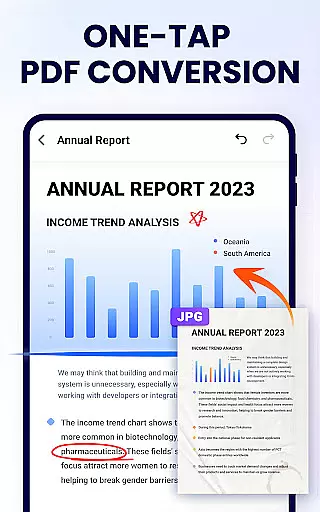
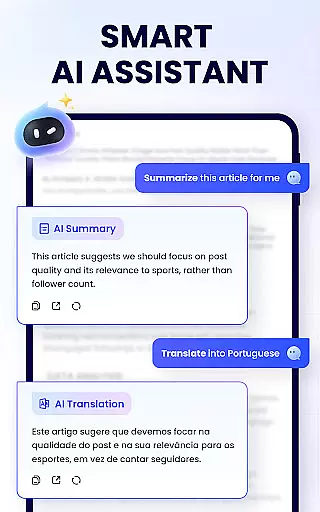
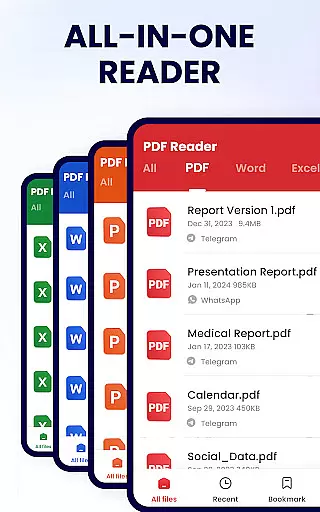
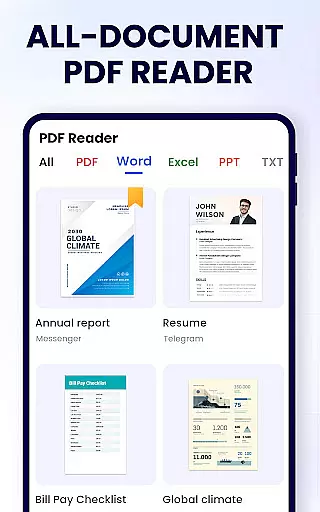
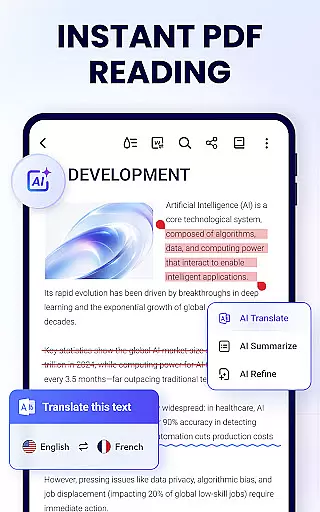
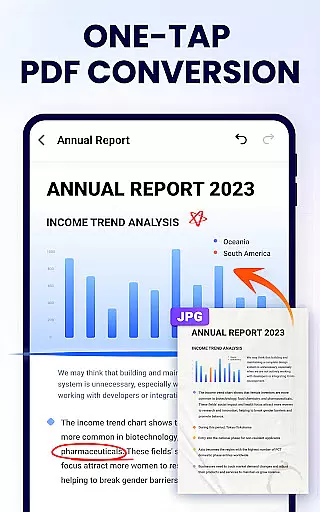
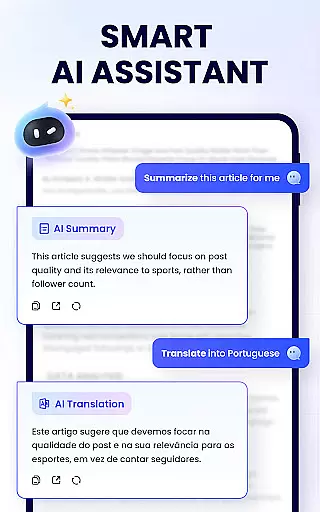
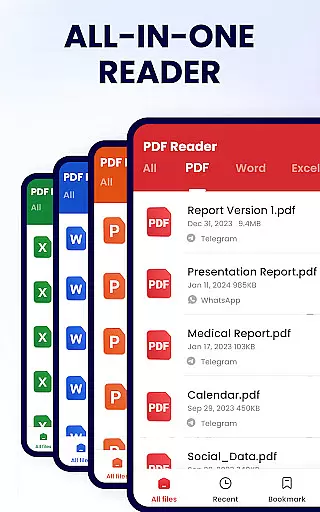
PDF Reader - PDF Viewer is a comprehensive productivity tool designed for Android users who need to manage, edit, and view PDF documents efficiently. This free app, A+ Read, offers an all-in-one solution by combining a powerful PDF viewer with advanced editing and management capabilities. Users can easily read, annotate, merge, split, and secure their PDF files while enjoying convenient sharing options.
The app stands out with its user-friendly interface that supports both horizontal and vertical viewing modes, full-screen reading, and customizable page navigation. Whether you're a student or a professional, this app provides essential features such as bookmarking pages, adding notes, and setting passwords to protect sensitive documents. Its lightweight design ensures smooth performance without compromising functionality.
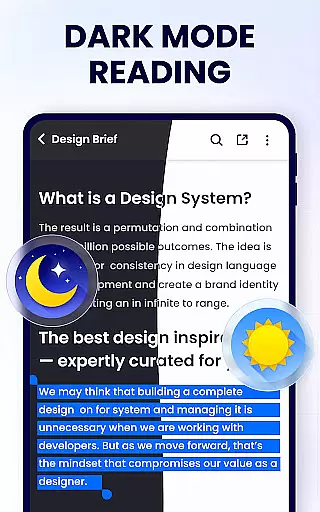
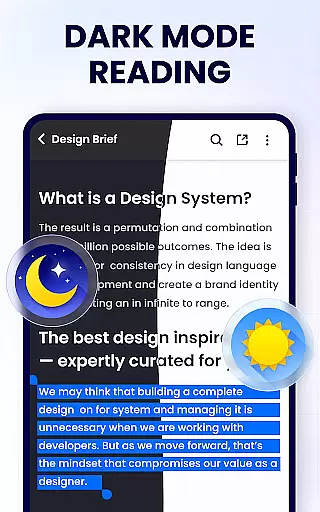
With additional features like dark mode, PDF compression, and file conversion on the roadmap, PDF Reader - PDF Viewer continues to evolve, promising an even more robust experience. The app's ability to auto-search and display PDF files makes it an ideal companion for anyone looking to streamline their document management process on mobile devices.
PDF Reader - PDF Viewer distinguishes itself through a rich set of features tailored for productivity enthusiasts. One of its core strengths is the smart PDF reader functionality, which includes page-by-page and continuous scrolling modes, multiple viewing orientations, and zoom capabilities. These features ensure users can customize their reading experience according to their preferences, whether they need a distraction-free full-screen mode or quick navigation via page numbers.
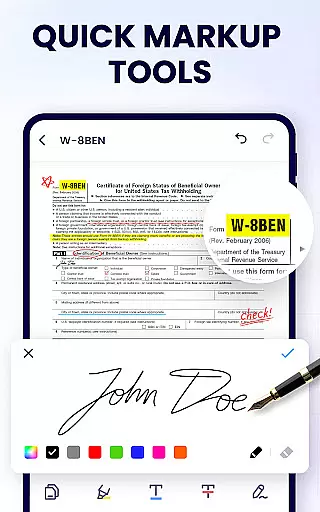
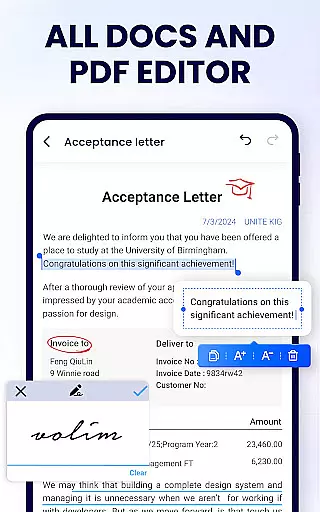
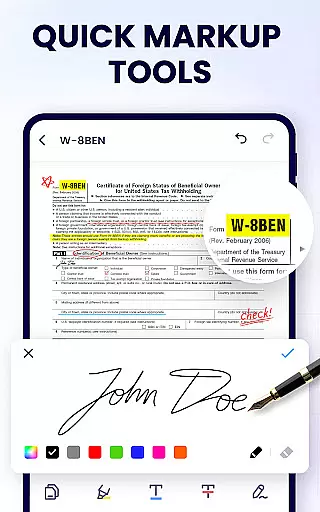
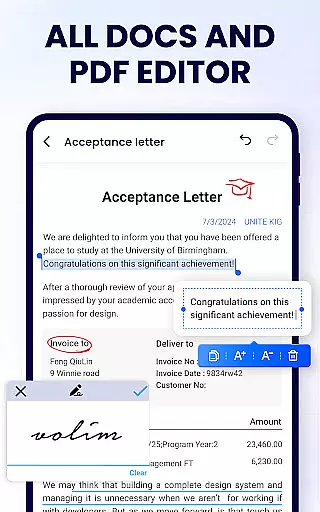
Beyond viewing, the app excels as an efficient PDF editor. Users can annotate documents, highlight text, underline important sections, and even doodle directly on PDFs. The editing suite also allows for easy text search and copy operations, making information retrieval seamless. As a full-featured PDF manager, the app enables merging and splitting of files, password protection, and renaming of documents, alongside effortless sharing via social media platforms.
Additional noteworthy features include a recently opened files list for quick access and support for printing directly from the device. With upcoming enhancements like dark mode, form filling, and e-signature capabilities, PDF Reader - PDF Viewer aims to provide a complete ecosystem for managing PDF documents effectively, catering to both current needs and future demands in productivity.
In the realm of productivity, managing tasks efficiently is paramount. The PDF Reader - PDF Viewer app excels in this area by offering a comprehensive suite of tools designed to streamline your document handling experience.
This application allows users to not only view PDF files but also manage them effectively. With features such as merging and splitting PDFs, setting passwords for document protection, and organizing recently opened files, it ensures that task management within your digital library is both intuitive and efficient.
Moreover, the ability to rename files and print directly from the device adds another layer of convenience. Users can easily search and retrieve documents, add bookmarks for quick access, and even share their files across various platforms effortlessly.
The true value lies in the seamless integration of these features into a single, user-friendly interface. This makes the PDF Reader - PDF Viewer an indispensable tool for anyone looking to enhance their productivity through better document management.
Cross-device synchronization is essential for maintaining workflow continuity across multiple devices. The PDF Reader - PDF Viewer app addresses this need by ensuring reliable and consistent access to your documents, regardless of the device you are using.
While the current feature set does not explicitly mention cloud-based synchronization, the app provides robust options for managing and accessing your PDF files. You can quickly open and read PDFs, add bookmarks, and make edits that are crucial for maintaining document integrity across sessions.
Additionally, the app's efficient file management system supports organizing and securing your documents with ease. Although direct cross-device syncing might not be available, the ability to share files via social media or other sharing methods ensures that your documents are accessible wherever you go.
By focusing on providing a lightweight yet powerful PDF management solution, the app guarantees that your data remains secure and readily available, thus enhancing your overall productivity without being tied to a single device.
User-friendly interface
Advanced editing tools
Secure file protection
Lightweight performance
Versatile sharing options
Limited advanced features
No cloud integration
Ads in free version
Occasional bugs
Basic UI design

Professional calendar app for Google Calendar, MS Outlook & Exchange
 4.20
4.20
Android Wallet Password Manager
4.80
Automates browsing any website and notifies you of important changes or events
4.30
The AI assistant that thinks with you - write, code, and solve complex tasks
4.60
To do list widget with a notebook organizer, checklist, simple shopping list
4.60
Share files & memories safely. Keep your photos and videos secure.
4.40
AI Chatbot and AI writing assistant powered by ChatGPT.
4.60
Seamlessly read, manage, and organize all your PDF files solution in one place
4.40
Put a lock on your cloud: Take the security of your data into your own hands
3.70
QuickBooks Workforce lets teams view pay info and track time in one place.
4.70
Secure, fast, open-source, Remote Desktop Client for Windows and Linux with SSH
4.60
CalenGoo is a very flexible and feature-rich calendar app
4.40
This small app MUST BE INSTALLED after purchase, else license won't work
4.40
Font maker keyboard with your own handwriting
4.10
Secure, open-source, SPICE and SSH Remote Desktop for QEMU KVM virtual machines
4.00
* block pre-roll ads, pop-up and forced redirect ads * Samsung certification app
4.00
Take control of your clipboard with Clipper!
3.90
Smart PDF reader & editor to view, organize and manage PDF documents easily.
3.70
Remotely view listen control and record cameras.
3.70


User Reviews