
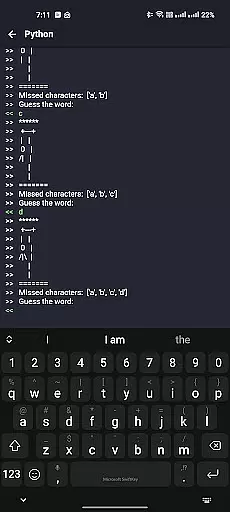
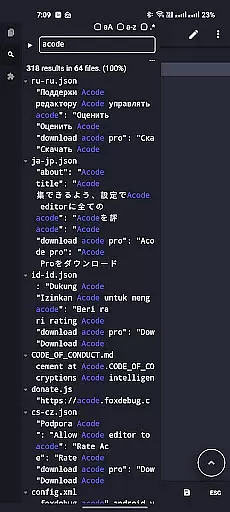
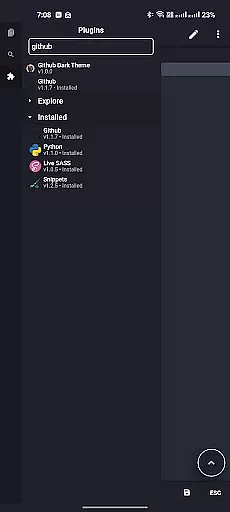
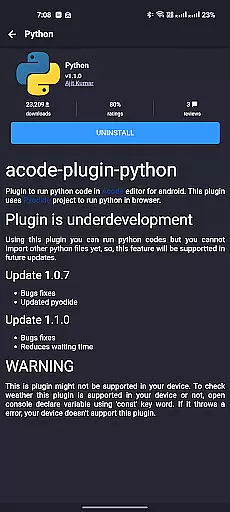
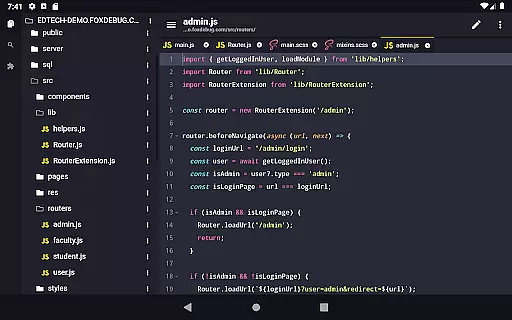
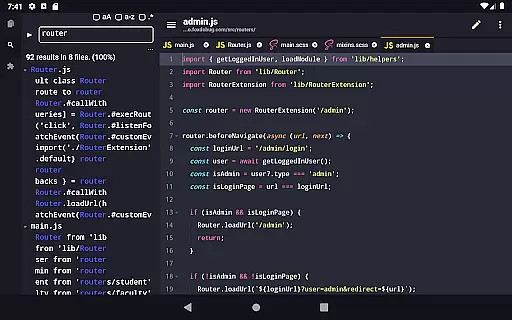
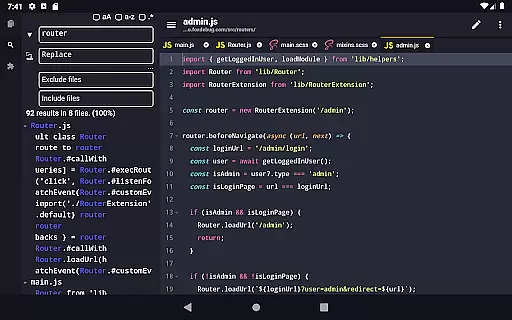
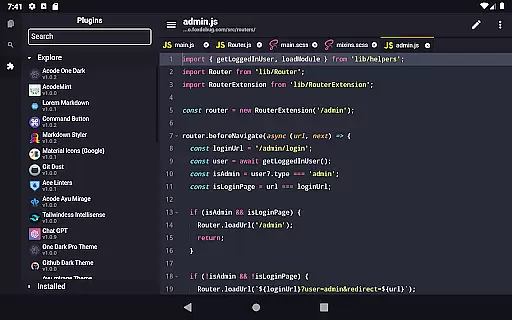
Acode is a powerful, lightweight code editor and web IDE for Android, designed to enhance your coding experience. With its innovative Plugin System, Acode supports over 30 plugins, boosting functionality to meet diverse development needs.
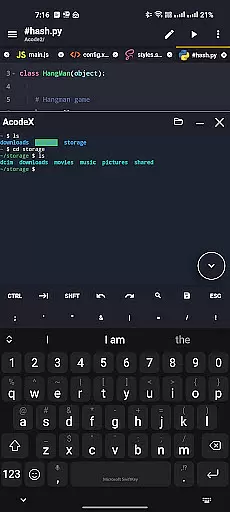
Key features include an enhanced Ace Editor, search in all files, customizable quick tools, and fast file listing. Acode also offers GitHub integration, FTP/SFTP support, extensive syntax highlighting, personalized themes, and an interactive JavaScript console, making it an ideal choice for developers on the go.
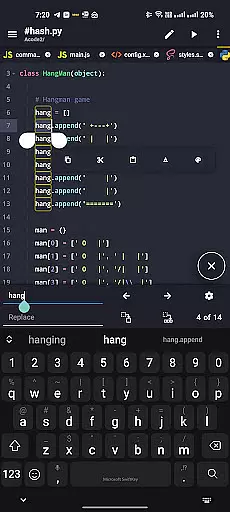
Acode stands out with its cutting-edge features tailored for developers. The Plugin System allows users to extend the editor's capabilities with a wide range of plugins available in the Plugin Store. The updated Ace Editor ensures efficient editing, while the beta feature of searching in all files enhances productivity.
Customizable quick tools and fast file listing improve workflow, and the Ctrl key functionality provides essential keyboard shortcuts. Acode's ad-free experience, GitHub and FTP/SFTP integration, extensive syntax highlighting, and personalized themes create a seamless coding environment that caters to various programming languages and personal styles.
Task management is a cornerstone of productivity applications, and Acode excels in this area by offering developers an efficient way to handle their coding projects. The app provides a robust environment where users can create, edit, and manage multiple files simultaneously, ensuring that multitasking is both seamless and productive.
Acode's file recovery feature ensures that no work is lost during unexpected interruptions. This functionality is crucial for coders who need reliability when working on complex projects. Additionally, the app supports files with over 50,000 lines, which speaks to its high performance and ability to maintain a smooth workflow even with large documents.
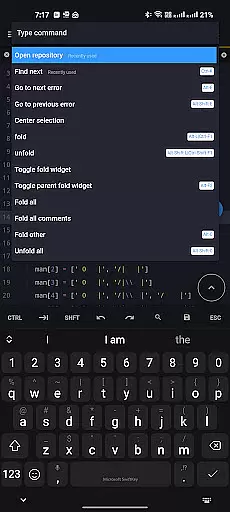
The integration of customizable quick tools and keyboard shortcuts enhances the overall task management experience. Users can personalize their workspace to fit their unique workflow, thus improving efficiency. With these capabilities, Acode empowers developers to focus on their code without being hindered by the limitations of their editing environment.
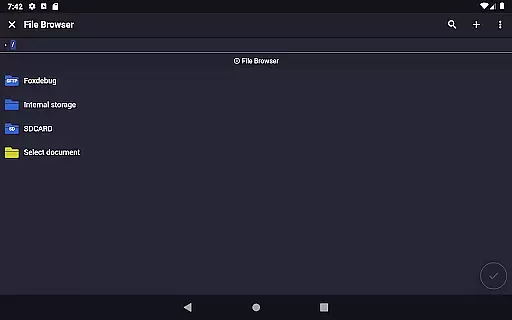
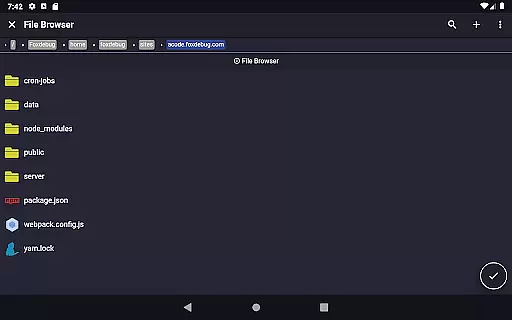
Moreover, Acode's in-app file browser and GitHub integration streamline project organization and synchronization. These features allow users to keep their projects neatly arranged and up-to-date, further simplifying the task management process. By providing such comprehensive tools, Acode becomes an indispensable asset for developers seeking to optimize their productivity.
Cross-device synchronization is vital for users who operate across multiple platforms, and Acode addresses this need with reliable FTP/SFTP support. This feature allows developers to manage their files efficiently, regardless of their location or device. By ensuring that all changes are accurately reflected across devices, Acode facilitates a consistent and dependable coding experience.
The app's ability to sync projects with GitHub further enhances its cross-device capabilities. This integration not only simplifies version control but also enables real-time collaboration among team members. As a result, developers can work together seamlessly, knowing that their contributions will be synchronized without issue.
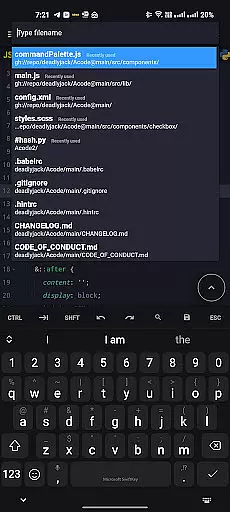
Acode's fast file listing in the 'Find Files' feature (Ctrl + P) demonstrates its commitment to synchronization speed and reliability. By loading and caching files at startup, the app ensures quicker access to project files, which is particularly beneficial when switching between devices. This optimization reduces downtime and keeps developers focused on their tasks.
Finally, Acode's open-source nature and transparent development process contribute to its synchronization reliability. Users can trust that the app is continuously improved by a dedicated community, ensuring that any issues related to cross-device use are promptly addressed. This level of support makes Acode a reliable choice for developers who demand high performance and consistency in their workflows.
Lightweight and powerful
Extensive plugin support
Enhanced editing efficiency
Seamless GitHub integration
Interactive JavaScript console
Limited to Android platform
Some features in beta stage
Requires technical knowledge
No iOS version available
Learning curve for beginners

A customizable calendar for your Wear OS watch
 4.20
4.20
Create study competitions, track your hours, and stay consistent with friends
4.5
Total remote control for your Android device, PC and cloud services (IFTTT)!
4.20
Automates browsing any website and notifies you of important changes or events
4.30
Secure, fast, open-source, Remote Desktop Client for Windows and Linux with SSH
4.60
Enjoy classic gameplay with customizable features and retro-style graphics.
4.30
To do list widget with a notebook organizer, checklist, simple shopping list
4.60
AT&T Internet customers can use this app to personalize their Wi-Fi network.
4.40
Put a lock on your cloud: Take the security of your data into your own hands
3.70
Use powerful, industry-leading AI tools to generate visual charts from any data
4.80
Secure, fast, open-source, VNC and SSH Remote Desktop for Windows, Linux and Mac
4.70
QuickBooks Workforce lets teams view pay info and track time in one place.
4.70
Client for Nextcloud Deck
4.60
Calendar 2023 widget for Android. Appointment scheduler, planner, and reminder
4.60
Fill, sign & send docs, forms, agreements & contracts via electronic signature.
4.50
Tally and goal counter for Wear OS & mobile
4.50
A Pixel Art watchface inspired by other iconic 90s designs for Wear OS devices!
4.40
Device's storage information in a simple and clear graphical form (infographics)
4.10
Mega cloud explorer plugin for Solid Explorer
3.80


User Reviews